

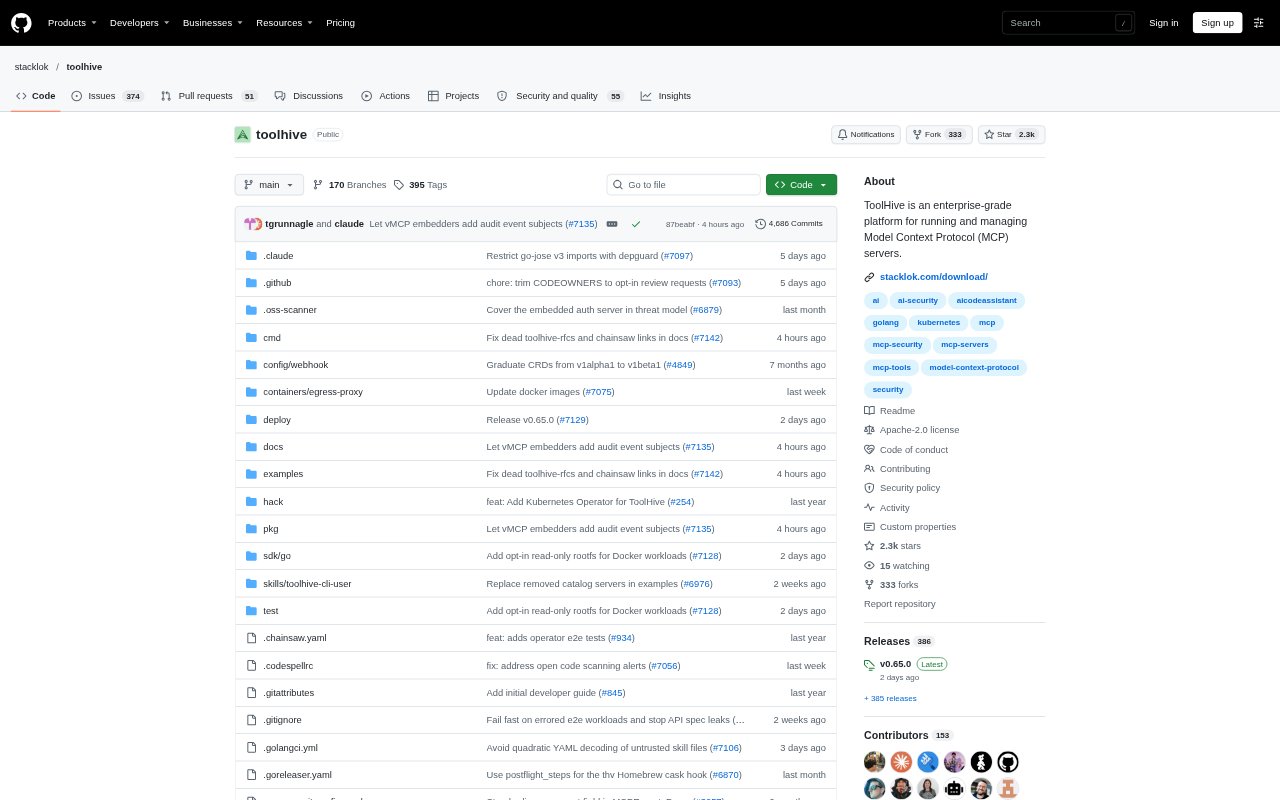
What is ToolHive?
ToolHive is an open-source platform for running and managing Model Context Protocol (MCP) servers. It serves individual developers connecting AI clients to MCP tools, as well as platform and enterprise teams managing deployments across local machines and Kubernetes. A desktop interface and command-line workflow support individual use, while a registry, gateway, and Kubernetes operator provide components for centrally managed environments. The project is licensed under Apache 2.0.
ToolHive Features:
Isolated Server Runtime: ToolHive runs MCP servers in isolated containers locally with Docker or Podman, or in Kubernetes, and can also securely proxy remote servers.
Gateway Policies: The gateway provides shared endpoints for MCP tools and supports access policies, authentication, authorization, auditing, and identity-provider integration.
Semantic Tool Search: The MCP Optimizer uses semantic and keyword search to surface relevant tools on demand instead of sending the full tool list with every request.
Curated Server Registry: Teams can discover vetted official and community MCP servers, add custom servers, group them by role or use case, and set configurations and permissions.
Kubernetes Operator: The operator manages MCP servers and registries through Kubernetes resources, with support for multiple namespaces, service discovery, ingress, metrics, and audit logging.
Desktop and CLI: Users can discover, configure, test, and run MCP servers through a desktop interface or command line, then connect managed servers to compatible AI clients.
ToolHive Benefits:
Keep Data In-House: Self-hosting the registry, gateway, and runtime lets teams keep MCP operations within private cloud, on-premises, or self-managed Kubernetes environments.
Lower Token Overhead: On-demand tool discovery can avoid passing an entire tool manifest to an AI model, reducing unnecessary context in requests.
Reduce Shadow Usage: A shared registry and managed deployment path help platform teams give developers approved MCP servers instead of leaving each person to set them up independently.
Improve Oversight: Central policies, identity enforcement, and audit logs give security and platform teams more visibility into how MCP servers are accessed.
Reuse Team Workflows: Local tools and Kubernetes management let teams apply familiar development and infrastructure workflows to MCP server deployment.
Use Cases:
Developer Tool Setup: A developer can install an MCP server and connect it to a compatible client such as Claude Code, Cursor, or GitHub Copilot.
Kubernetes Deployment: A platform engineering team can use the operator to deploy and manage MCP servers and registries across its Kubernetes environment.
Approved Tool Catalog: An administrator can curate a registry of trusted MCP servers, organize them for different teams, and provide preset permissions.
Access Auditing: A security team can apply identity and access policies to MCP traffic and use audit logs and observability integrations to review activity.
Private MCP Hosting: An enterprise with data residency or private-cloud requirements can self-host its MCP registry, gateway, and server runtime.