
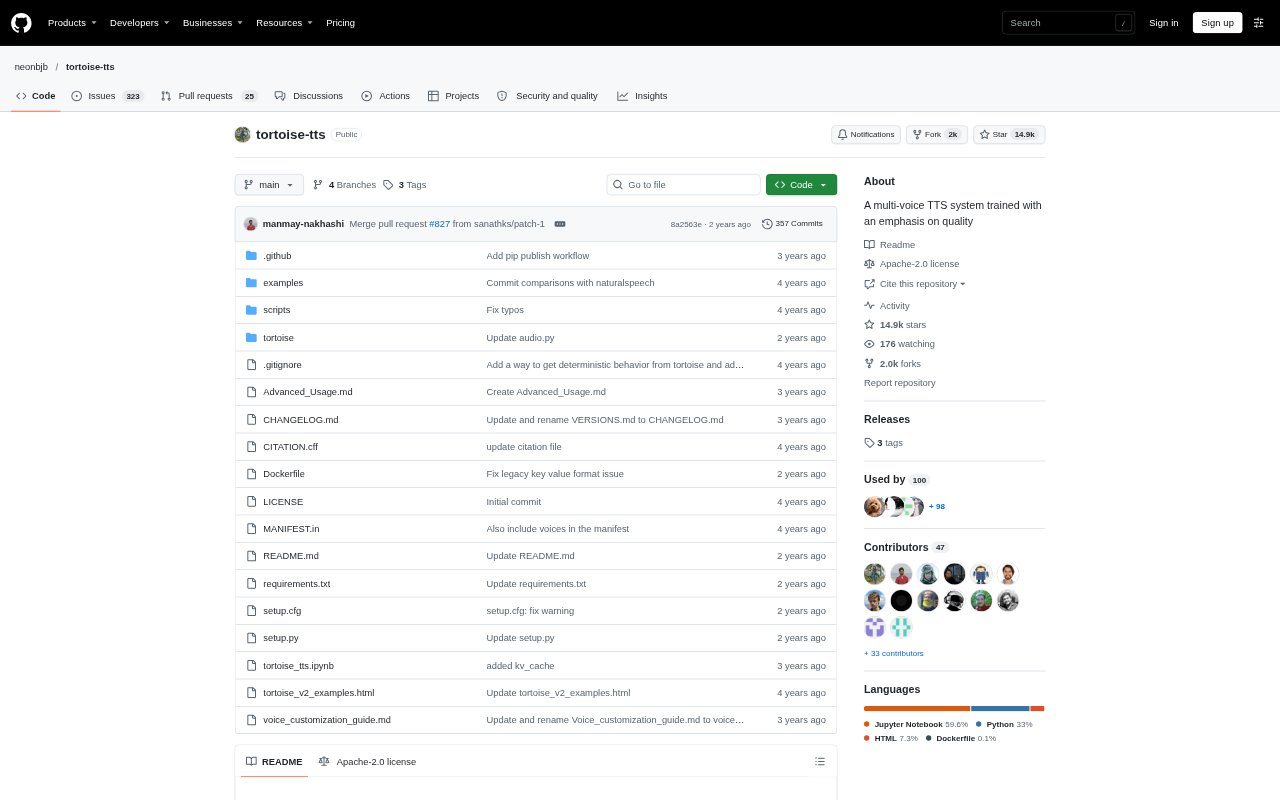
What is Tortoise?
Tortoise is a text-to-speech program that turns written text into spoken audio, with a focus on multi-voice generation and realistic prosody and intonation. It can be run locally or in Docker, used through command-line scripts, or called from Python code. Users can provide reference audio clips as voice samples, choose generation presets, and create speech from a short phrase or a longer text file. It is suited to people who want to generate speech themselves and can work with a local software setup.
Tortoise Features:
Multi-Voice Generation: The single-phrase script can generate speech with one or more voices, including a random voice option.
Voice Samples: The Python API accepts reference audio clips as voice samples when generating speech.
Speech Presets: Generation scripts and API calls can use presets such as fast and ultra_fast.
Long Text Reading: Reading scripts split a text file into sentences, generate spoken clips, and combine the clips into a single file.
Clip Regeneration: The reading workflow can regenerate individual clips that did not come out as intended.
Programmatic Controls: Python users can configure options including DeepSpeed, KV caching, and float16 inference.
Streaming Interface: A socket server provides an interface for streaming speech generation.
Tortoise Benefits:
Voice Variety: The multi-voice options make it possible to produce dialogue or other material that needs more than one speaker without switching to a separate speech tool.
Expressive Delivery: Its emphasis on prosody and intonation can help generated speech sound less uniform when reading written material aloud.
Easier Revision: Regenerating a specific clip lets users fix a problem passage without rebuilding every sentence in a long recording.
Flexible Workflow: Command-line scripts and a Python API give users a choice between running prepared tasks and incorporating speech generation into code.
Long-Form Output: Breaking text into sentence-level clips and joining them gives users a practical path from a document to a combined audio file.
Use Cases:
Narrating Documents: Use a reading script to turn a text file into sentence-by-sentence speech and a combined audio output.
Dialogue Prototypes: Generate a short exchange with multiple voices while drafting a game scene, script, or other dialogue.
Voice-Matched Drafts: Provide reference clips through the API when producing a draft that should use a selected voice sample.
Audio Clip Repair: Regenerate individual sentences in a longer read when a particular spoken clip needs another take.
Coded Speech Output: Call Tortoise from Python when a project needs to generate speech as part of a programmatic workflow.
Streaming Experiments: Run the socket server when testing a workflow that sends speech generation through a streaming interface.