

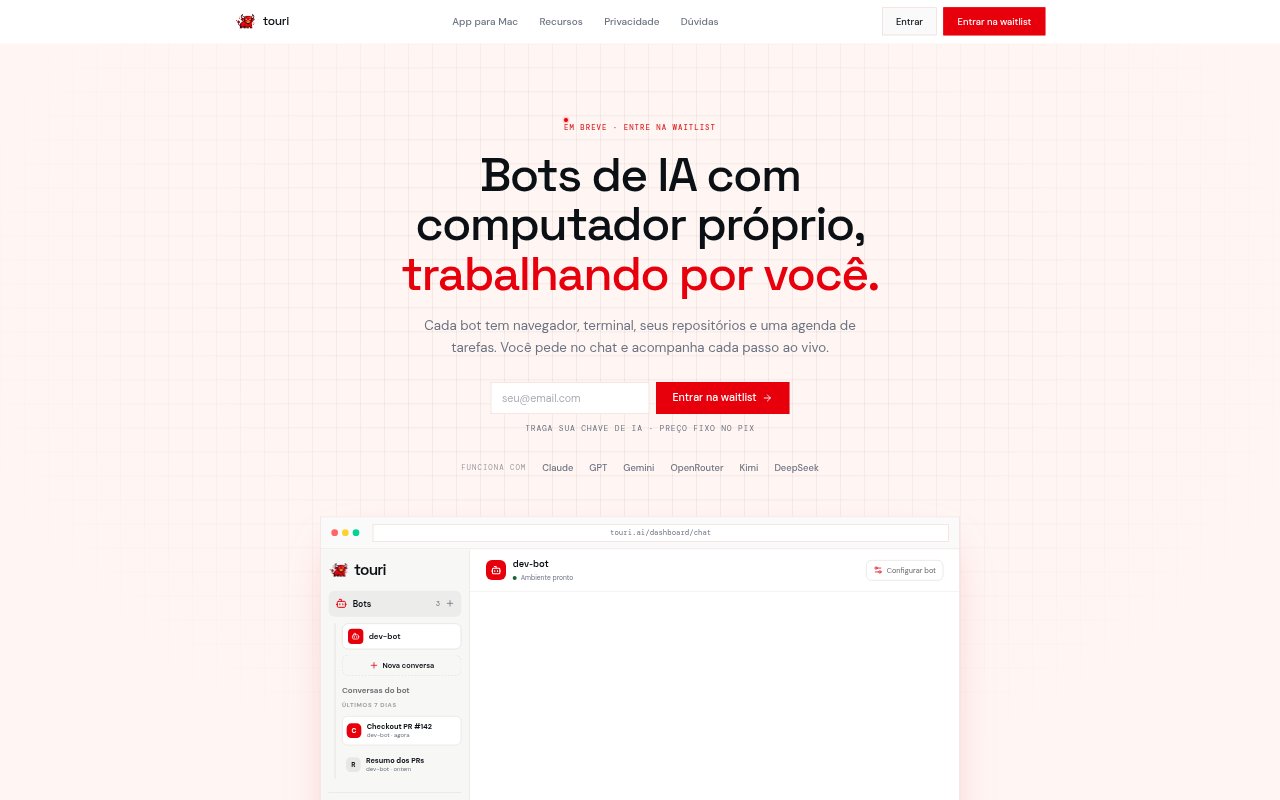
What is touri?
Touri is a Mac app for running AI bots that can work with a browser, terminal, code repositories, and scheduled tasks rather than only returning chat replies. It connects to the user’s existing Codex, Claude Code, or OpenCode access, with the user supplying an AI provider key and paying that provider for usage. Each bot can have an isolated workspace, and users can watch browser activity and approve sensitive actions. Touri is in pre-release for macOS 14 or later on Apple Silicon; bot virtual machines require macOS 26 and Apple’s container support.
touri Features:
Isolated Workspaces: Each bot has a persistent workspace with files, cloned repositories, a terminal, and its own browser, keeping its work separate between conversations.
Browser Sessions: Bots can browse the web and use imported logged-in sessions, while users choose which domains each bot is allowed to access.
Live Previews: Users can watch a bot’s browser in a floating window, receive screenshots and videos in chat, and approve sensitive actions.
Scheduled Routines: Users can schedule recurring work with cron and review the output from each run alongside conversations and terminal activity.
MCP Controls: Claude Code or Cursor can connect through MCP to create bot runs, list tasks, and add comments without opening the Touri panel.
GitHub Activity: A shared panel brings together bot tasks, pull requests, and executions related to the repositories the workspace can access.
Provider Keys: Users connect an AI provider key and use their Codex, Claude Code, or OpenCode access, with model usage billed directly by the provider.
touri Benefits:
Work That Continues: Persistent workspaces let bots pick up files and repository work across conversations instead of starting from an empty setup each time.
Clearer Oversight: Live browser previews and approval prompts give users visibility into actions while a bot is working, rather than leaving progress hidden.
Predictable Billing: Separating the Touri machine charge from provider usage makes it easier to see which costs come from the workspace and which come from AI consumption.
Fewer Context Switches: Chats, scheduled runs, terminal work, and GitHub activity appear in one panel, reducing the need to check separate places for bot progress.
Tighter Access: Workspace ownership, encrypted credentials, and selectable repository and domain access help users limit what a bot can reach.
Use Cases:
Authenticated Web Tasks: Set up a bot to work through a website using an imported logged-in session, then watch its browser activity and review sensitive steps.
Repository Work: Give a bot access to a selected code repository so it can use its workspace terminal and files while the team follows related GitHub activity.
Recurring Checks: Schedule a repeated bot task with cron and review the output from each execution in the same workspace.
Remote Bot Control: Create executions, list tasks, or comment on work from Claude Code or Cursor through MCP when opening the Touri panel is inconvenient.
Bot Team Monitoring: Use the shared panel to follow conversations, routine runs, tasks, pull requests, and executions across a group of bots.