
What is TTS WebUI?
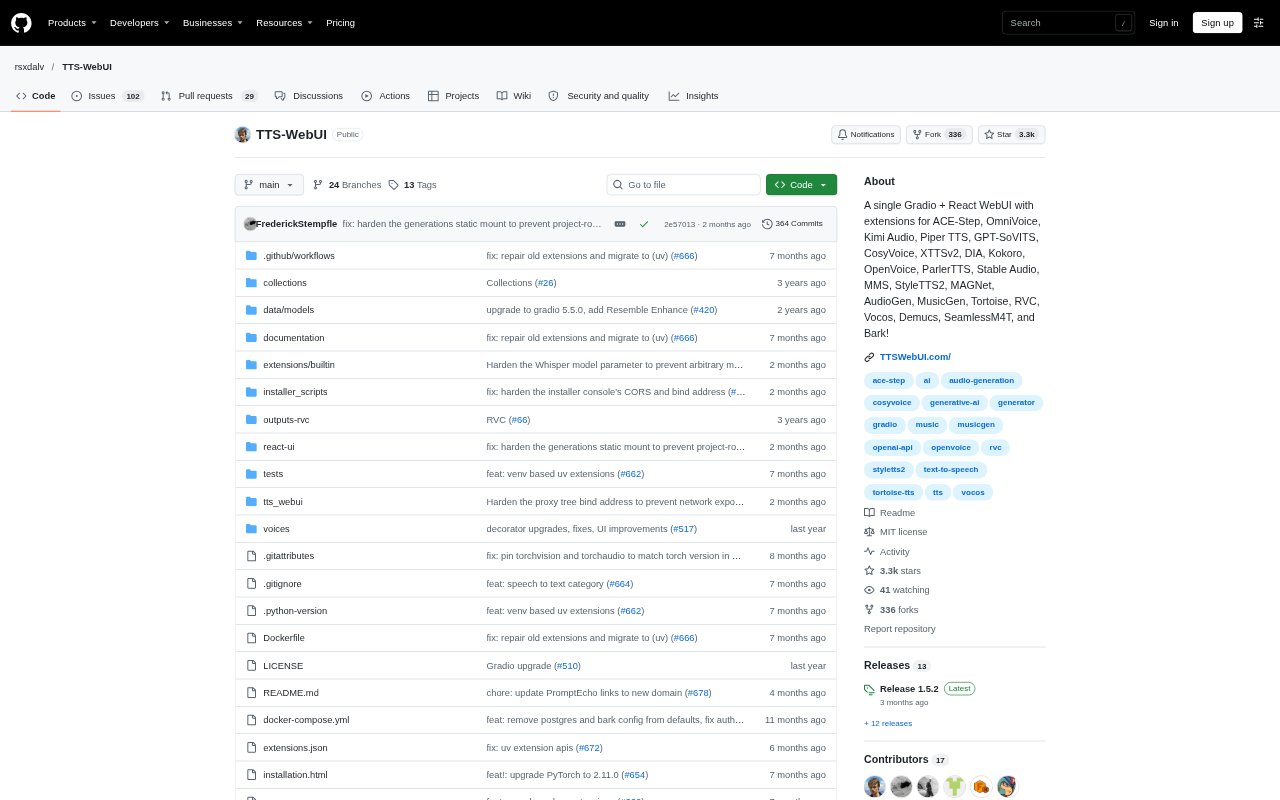
TTS WebUI is a free, Gradio-based interface for generating speech, music, and other audio with a collection of AI models. It brings text-to-speech, audio and music generation, and audio conversion tools into one web interface, with a React UI also available. The tool is aimed at people who want to create or process audio using models such as Bark, MusicGen, Tortoise, RVC, and Whisper, and can be installed locally.
TTS WebUI Features:
Model Library: The interface offers more than 30 AI models, including options for speech synthesis, music generation, audio conversion, and transcription.
Speech Synthesis: Generate speech from text with models such as Bark, Tortoise, StyleTTS2, SeamlessM4T, and other listed text-to-speech options.
Music Generation: Create music or other audio with supported models including MusicGen, MAGNeT, Stable Audio, and AudioCraft.
Audio Tools: Use conversion and processing models such as RVC, Demucs, Vocos, Whisper, and Audio Separator within the interface.
Extension Models: Add optional models through extensions, including options such as XTTSv2, F5-TTS, Kokoro TTS, and ACE-Step.
Installation Options: Set up the tool with an installer or manual installation, with Docker setup instructions and a launcher also available.
TTS WebUI Benefits:
One Audio Workspace: Keeping speech, music, and audio-processing tools in one interface can reduce the need to move between separate model projects.
Model Comparison: Having multiple models available makes it easier to try different approaches when one voice or audio result does not fit.
Flexible Setup: Installer and manual setup paths let users choose an installation approach that suits their technical preferences.
More Creative Options: Access to speech, music, and audio tools in the same product gives creators more ways to develop sound for a project.
Local Control: Running the web interface on a local machine gives users a way to work with the tool outside a hosted audio service.
Use Cases:
Video Voiceovers: Generate spoken narration from a script for explainer videos, tutorials, or other productions that need a voice track.
Podcast Drafts: Turn written material into generated speech when preparing an audio draft or testing narration before recording.
Music Ideation: Generate musical or audio material with models such as MusicGen or Stable Audio while developing ideas for a project.
Voice Conversion: Use RVC to convert audio during creative production or when experimenting with a different vocal sound.
Audio Cleanup: Apply tools such as Demucs or Audio Separator when preparing recordings that need audio separation or processing.