
What is Tutor?
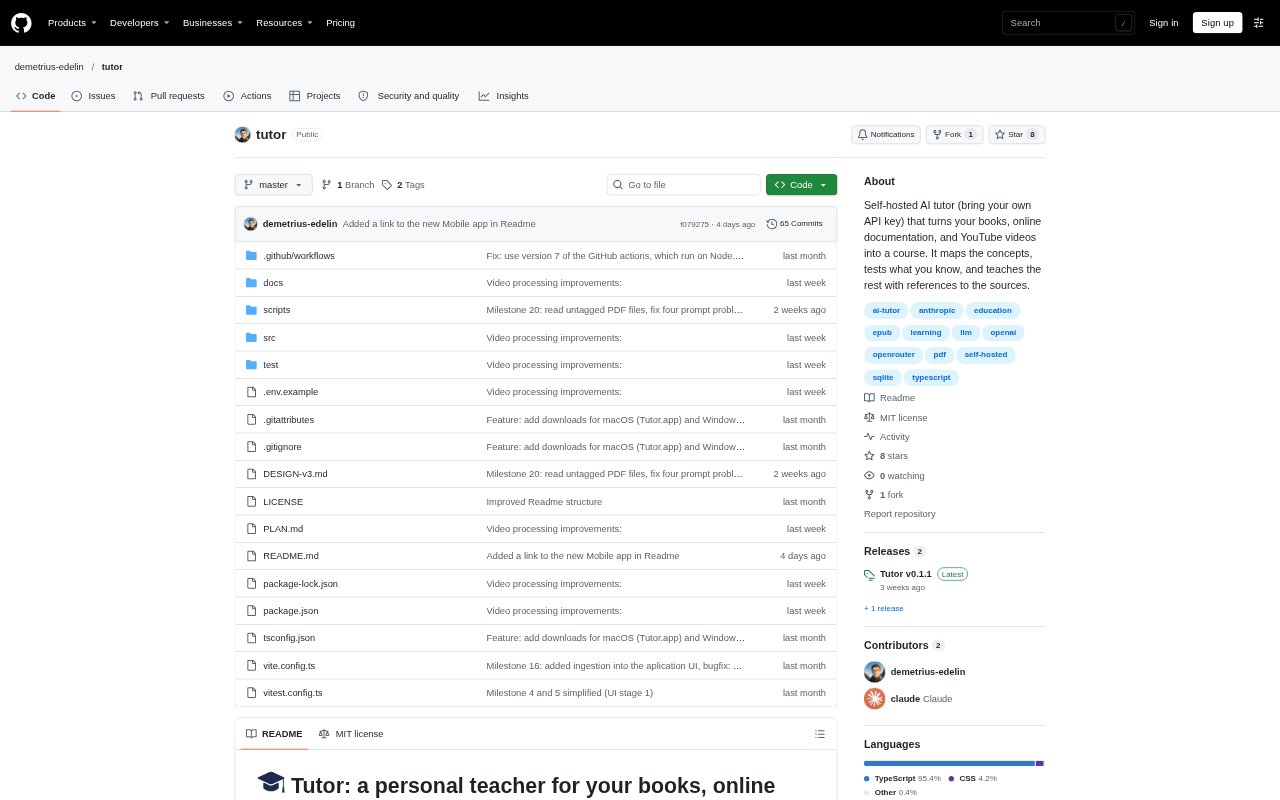
Tutor turns books, online documentation, and YouTube videos into a guided course for a subject you want to learn. It identifies concepts in the material, checks what you already know, and teaches the remaining concepts through lessons and tests. Designed to run on your computer, it is for self-directed learners who want to study from their own sources rather than rely on an open-ended chat. You choose an AI model and provide its API key.
Tutor Features:
Study Material: Add EPUB or PDF files, online books and documentation, or YouTube videos and playlists to a subject.
Concept Map: Tutor finds concepts across a subject’s books and brings them together in one map, organized around the source material.
Knowledge Diagnosis: Choose concepts for a test, answer one or two questions about each, and use the results to track what you know.
Referenced Lessons: Study one concept at a time with an explanation that includes references to the books, an example, and common mistakes.
Study Controls: Select concepts to test, learn, or skip, and change the order of the study queue; Tutor makes suggestions, not decisions.
Model Settings: Choose a model from Anthropic, OpenAI, OpenRouter, or Google, and configure a Gemini model for YouTube videos.
Tutor Benefits:
Structured Learning: A concept-by-concept course gives your study a clear next step instead of leaving you to decide what to ask a chatbot.
Fewer Gaps: Coverage of concepts across chapters helps you notice material you might otherwise overlook while studying a book or course.
Less Repetition: Combining sources around shared concepts can help prevent you from studying the same idea twice.
Visible Progress: Statuses for concepts make it easier to see what is known, still being learned, or mastered.
Source-Grounded Study: References in lessons make it easier to return to the original material and check how an explanation connects to it.
Use Cases:
Learn a Programming Language: Make a subject from a programming book and its online documentation, then study concepts such as those in a language guide.
Study Technical Books: Turn selected chapters from an EPUB or PDF into lessons and tests without needing to work through the entire book at once.
Follow Video Courses: Add a YouTube tutorial or playlist to a subject and study its concepts alongside related books or documentation.
Check Existing Knowledge: Test selected concepts before studying to identify which topics you already know and which need attention.
Build a Personal Course: Bring together books, documentation, and videos about one subject and work through the material in a chosen order.