

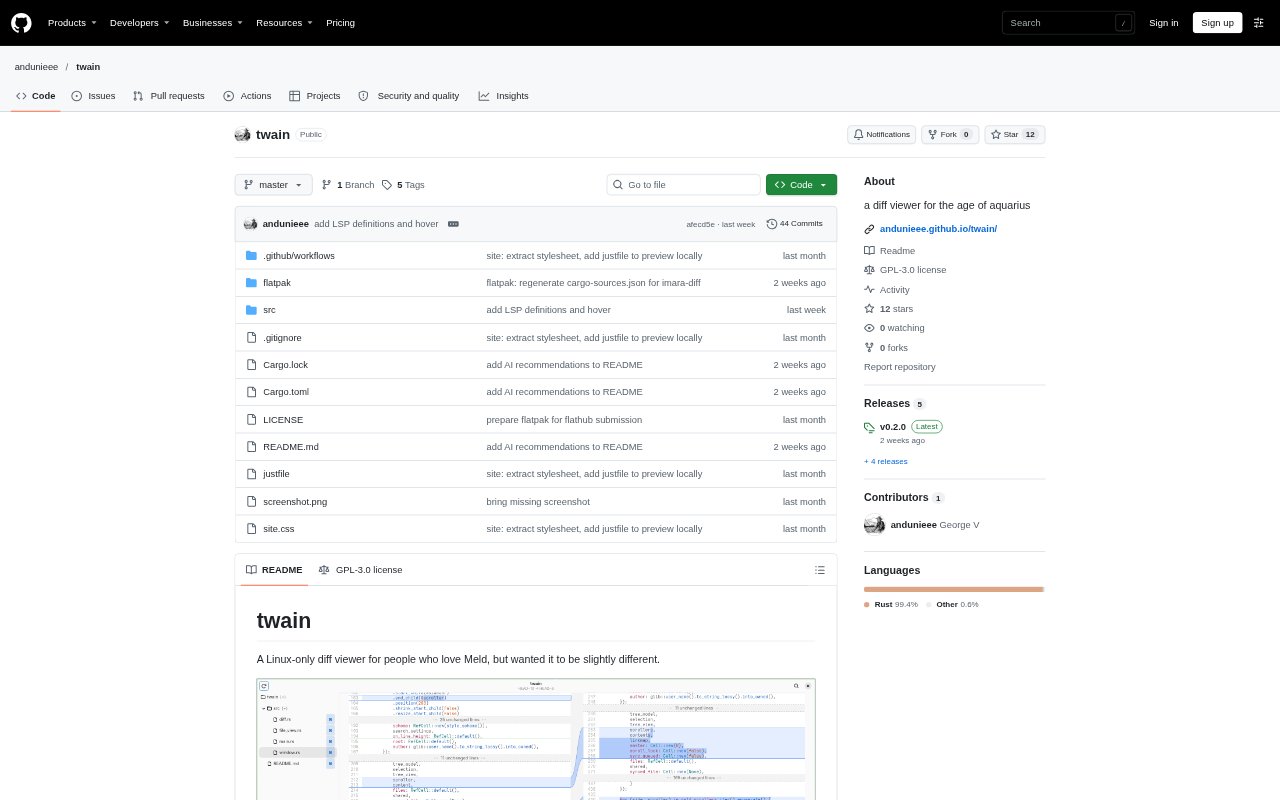
What is Twain?
Twain is a Linux-only desktop diff viewer for developers reviewing changes in Git projects. It brings modified files into a sequential view, with a file tree for navigation and options to inspect whole files or focus on changed sections. You can use it to review uncommitted work or compare Git revisions, and it can also serve as a Git difftool. Line comments support review discussions with other people or AI agents.
Twain Features:
Combined Diff View: View files from a Git diff sequentially in one window instead of opening each changed file separately.
Change Navigation: Use scrolling minimaps and a side file tree to locate changed areas and move between modified files.
Focused File View: Choose between displaying complete files and showing only changed sections, with controls to reveal unchanged content gradually.
Syntax Highlighting: Read code with syntax highlighting based on tree-sitter.
Git Comparisons: Review uncommitted changes or compare revisions and selected files using arguments similar to git diff.
Line Comments: Attach comments to selected lines or groups of changes, then list, reply to, and resolve comment threads through the command line.
Whole Diff Search: Search across the set of modified files rather than checking each file individually.
Twain Benefits:
Faster Review: Keeping changes together reduces the effort of switching between files while following a larger diff.
Clearer Context: Gradually revealing unchanged code lets reviewers see surrounding context without losing focus on the edits.
Less Navigation: The file tree and minimaps make it easier to find a particular file or changed region in a review.
Contextual Discussion: Comments remain attached to the relevant lines, making review notes easier to revisit than discussion separated from the code.
Quicker Code Search: Searching all modified files in one place can reduce the time spent locating a symbol or text in a change set.
Use Cases:
Local Change Review: Inspect uncommitted edits in a project before staging or committing them.
Commit Inspection: Review the changes introduced by a particular commit by comparing it with an earlier revision.
Branch Comparison: Examine the differences between two Git revisions, such as a release tag and a working branch.
Focused File Review: Limit a comparison to selected files while keeping the rest of the changed-file list available in the sidebar.
Agent Code Review: Leave line-specific feedback for an AI agent to address, or have an agent add comments about decisions and tradeoffs in its changes.