

What is Twine?
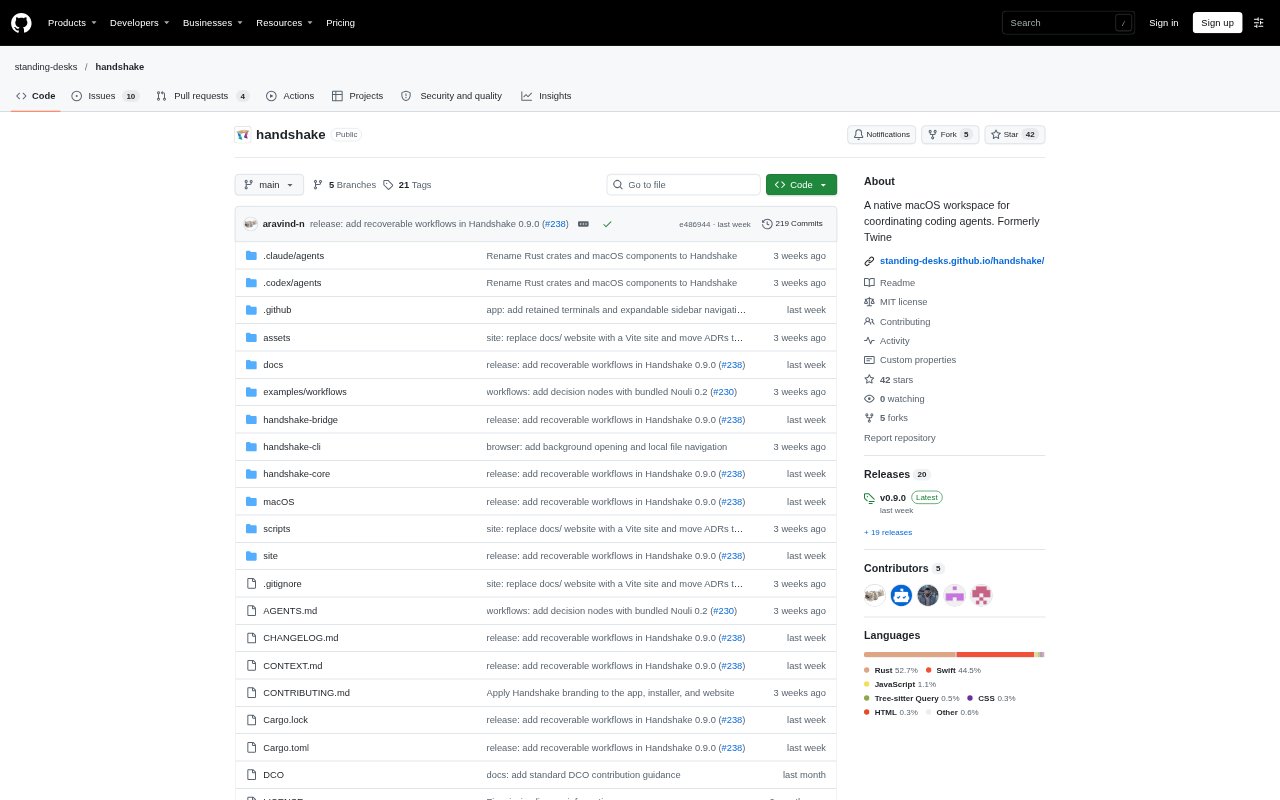
Twine, now named Handshake, is a native workspace for macOS that brings coding agents and terminal work into project-based sessions. It coordinates agents through built-in or custom workflows, records activity in traces, and organizes work by folder and task. It is for developers who want to run coding agents, direct work between them, and inspect their activity from one Mac app; agent workflows require a separately installed and signed-in supported harness.
Twine Features:
Built-In Workflows: Choose a terminal, single-agent, adversarial, or coordinator workflow to run shell commands, assign work, or pass results between agents.
Custom Workflows: Build agent graphs with event links, including parallel runs, streamed results, review steps, and comparisons of agent completion times.
Agent Review: In an adversarial workflow, an implementer submits work to a reviewer, who can approve it or request changes.
Activity Traces: Inspect recorded workflow steps and, when supplied by the harness, model usage, responses, prompts, and tool details.
Project Workspace: Organize sessions by project folder, split terminals into as many as four panes, and browse or edit files with syntax highlighting.
Browser Control: The optional beta lets agents control an embedded browser for tasks such as opening pages, inspecting snapshots, and checking console output.
Twine Benefits:
Clearer Handoffs: Defined workflow steps make it easier to see who is responsible for implementation, review, or coordination as a task progresses.
Focused Investigation: Recorded traces give developers a place to examine agent activity and available model or tool details when investigating results.
Organized Project Work: Keeping sessions, terminals, and files together by project reduces the need to piece together work from separate task contexts.
Flexible Coordination: Custom graphs let developers shape agent collaboration around a task instead of relying only on one fixed sequence of steps.
More Direct Review: An implementer-reviewer cycle gives teams a defined way to request changes before treating an agent's work as complete.
Use Cases:
Agent Code Review: Have one coding agent implement a change and a second agent review the submitted work, approve it, or ask for revisions.
Parallel Tasks: Use a coordinator workflow to send a shared plan to two workers and check their results before wrapping up the task.
Terminal Work: Open a project folder and run shell commands in a terminal workflow when a task does not need an agent harness.
Agent Debugging: Inspect saved traces for a linked workflow step when you need to understand an agent's recorded prompts, tool activity, or response.
Browser-Based Checks: Enable browser control for an agent task that involves opening a page, inspecting its contents, or checking browser console output.