

What is Twombly?
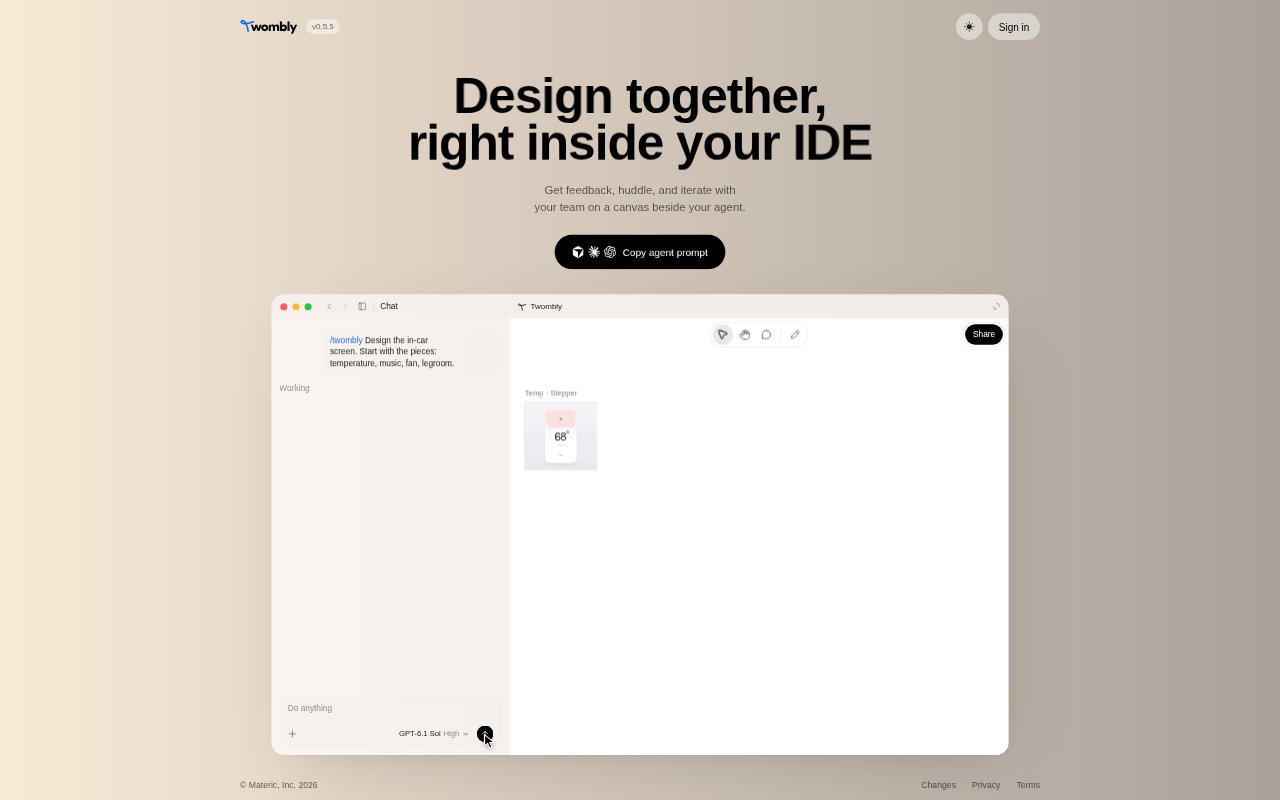
Twombly is a shared canvas for design explorations created by coding agents. It lets teams place versions of a project’s screens side by side as live frames, then review and iterate on them together. A frame can contain a real build, a component with mock data, a capture of a running page, or an image. Twombly works with Claude Code, Codex, Cursor, and other agents that can run a command, across frameworks and repositories.
Twombly Features:
Exploration Canvas: A coding agent can put each design exploration on one canvas as a live frame for the team to review.
Frame Formats: Frames can show a real build, a component with mock data, a capture of a running page, or an image.
Agent Compatibility: Twombly works with Claude Code, Codex, Cursor, and any other agent that can run a command.
Private Canvases: Canvases start online and private, and the Share option lets teammates open them.
Live Collaboration: Shared canvases include live cursors, the ability to follow another participant, comments on frames, and voice huddles.
Agent Feedback Loop: The agent can read the frame being viewed and comments left by the team, then update the frames.
Twombly Benefits:
Side-by-Side Review: Keeping explorations on one canvas makes it easier for a team to inspect alternatives without switching between separate review spaces.
Contextual Feedback: Frame-level comments help keep discussion connected to the specific design being reviewed.
Team Alignment: Live cursors and following help participants keep track of what others are looking at during a shared review.
Private Preparation: Teams can work on a canvas before sharing it with others, rather than making every exploration immediately available.
Faster Iteration: Because the agent can use comments and the current view to update frames, feedback can feed directly into another design pass.
Use Cases:
Screen Comparisons: Place a project’s main screens side by side to review different design explorations with teammates.
Agent Design Review: Share agent-created frames with a team and collect comments on the specific options under consideration.
Running Page Feedback: Capture a running page as a frame so collaborators can discuss it alongside other project explorations.
Collaborative Huddles: Use voice huddles, live cursors, and following to discuss a shared canvas while reviewing frames together.
Comment-Driven Iteration: Leave feedback on frames and have the coding agent use those comments to update the design explorations.