

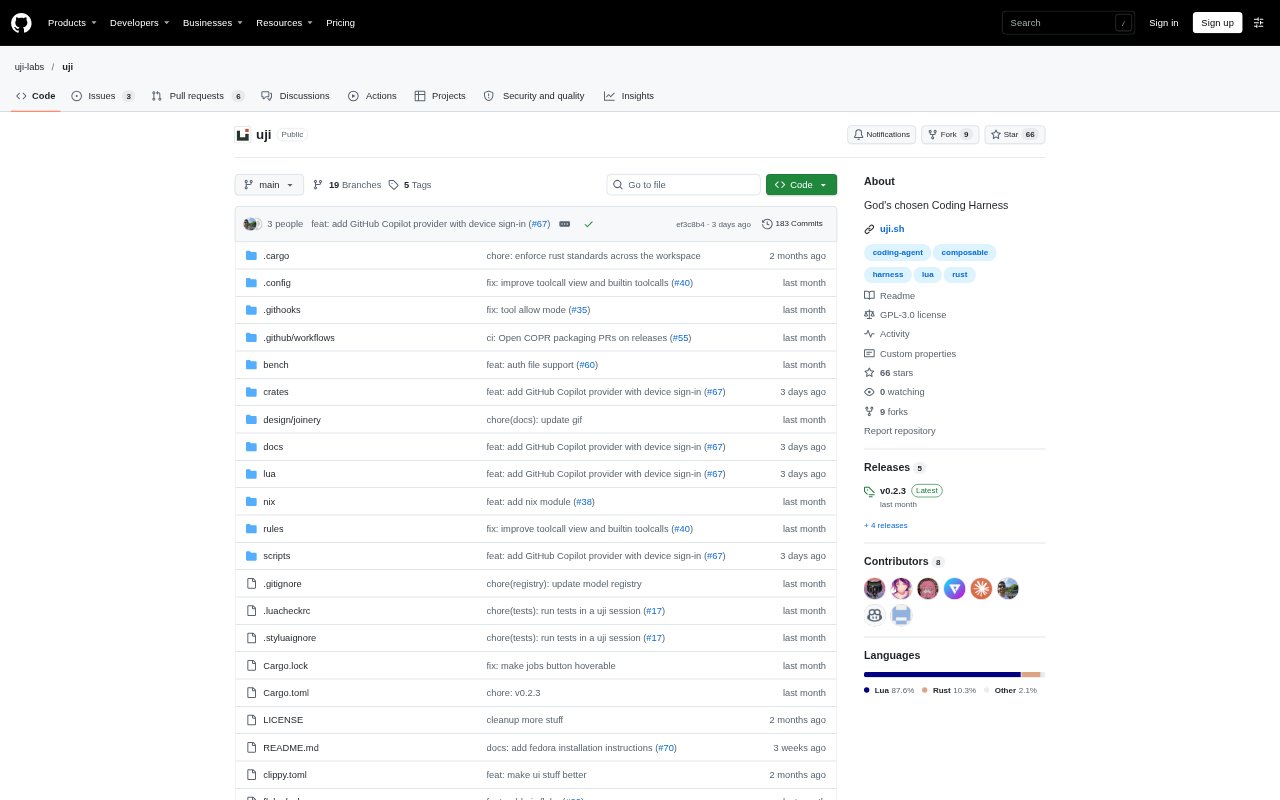
What is uji?
uji is a lightweight, modular coding agent for developers who want to shape how an AI coding workflow behaves. Its components, including the core, can be swapped at runtime, and Lua configuration provides a way to customize themes, plugins, and views. It starts with a small setup and can be extended as needed. Available for macOS and Linux, uji can assist with code changes, show diffs, and answer questions from the web.
uji Features:
Runtime Modules: The agent is built from modules that can be exchanged while it runs, including its core, so its behavior can be reshaped without treating it as a fixed package.
Lua Configuration: Lua configuration lets users define themes and plugins and alter how the agent is assembled.
Custom Views: Each view is written in Lua, giving users direct control over the screens and their presentation.
Incremental Plugins: uji starts with a small setup, and users can add plugins as their requirements grow.
Code Editing: uji can edit project files and present a diff of its changes for inspection.
Web Questions: It can respond to questions from the web, bringing online information into a coding session.
uji Benefits:
Workflow Control: Developers can shape the agent around their preferred way of working instead of relying on a fixed set of components and screens.
Gradual Adoption: A small starting setup lets users begin with the essentials and add capabilities only when they need them.
Reviewable Changes: Seeing a diff alongside code edits makes it easier to understand and check what the agent changed.
Tailored Interface: Rewriting views and adjusting themes lets users make the coding environment fit their preferences.
Flexible Agent: Replacing modules at runtime gives developers a way to adapt the agent without committing to its original component choices.
Use Cases:
Code Maintenance: Use uji to make changes to a project file and inspect the resulting diff while working through a maintenance task.
Web Research: Ask a question that requires information from the web while working on a coding problem.
Custom Workflows: Configure themes, plugins, and modules for a development workflow that differs from the default setup.
Interface Changes: Rewrite Lua-based views to change how the agent's screens appear during day-to-day coding.
Plugin Experimentation: Start with the small core setup, then add plugins as specific needs emerge during development.