

What is Umbra?
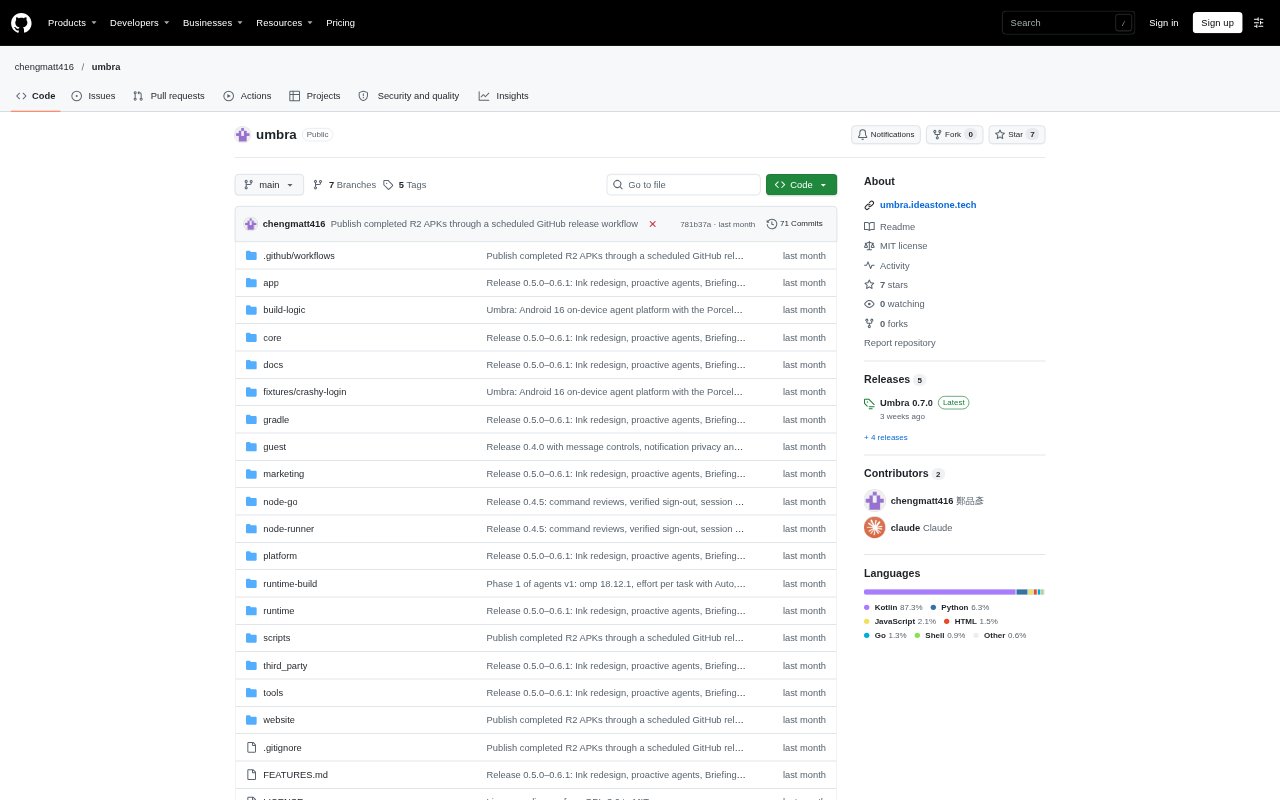
Umbra is an autonomous agent for Android that carries out tasks in phone apps and can write and build code in a Debian Linux environment on the same device. It is aimed at people who want an AI agent to act on their phone as well as work with files and software projects. It requires Android 16 and an API key for a supported model provider; the app is distributed by sideload rather than through the Play Store.
Umbra Features:
Phone App Control: Umbra reads app screens, taps, types, scrolls, opens apps, checks notifications and logs, and verifies that actions had the intended result.
Debian Environment: A Debian environment on the phone includes bash, git, Python and Bun, with additional toolchains available for building and testing software.
Persistent Sessions: Tasks can be paused, resumed, stopped or continued with follow-up requests, while terminal sessions persist through app interruptions.
Approval Controls: Umbra asks for approval before actions such as payments, sending messages, deleting data, changing security settings or installing apps.
Personal Assistants: Users can configure assistants with separate prompts, memory, timers, inboxes and tools, and delegate implementation work to coding sessions.
Computer Nodes: A paired computer running macOS or Linux can execute phone-requested jobs, with trust controls and access limited to files listed for each job.
Umbra Benefits:
Continued Phone Use: Background operation lets people keep using their phone while a task runs, rather than waiting for each app action to finish.
Recoverable Work: Persistent sessions make it easier to return to interrupted tasks without having to recreate the work from the beginning.
Fewer Unchecked Actions: Approval gates and action verification give users a chance to catch risky or unsuccessful steps before they lead to unwanted changes.
One Device Workflow: Phone tasks and software work can share device files and workspaces, reducing the need to move material between separate environments.
Controlled Delegation: Trust settings and job-specific file access help users delegate computer work while limiting what a paired node can reach.
Use Cases:
Routine App Tasks: Ask Umbra to navigate an Android app, enter information or scroll through a screen while you continue using the device.
Mobile Coding: Use the Debian environment to edit, build or test software on the phone with tools such as git, Python and Bun.
Interrupted Projects: Pause a longer task when needed, then resume it or send a follow-up request in the same persistent session.
Assistant Delegation: Set up a personal assistant with its own memory and tools, then delegate implementation work to a separate coding session.
Remote Job Execution: Pair a computer you own to run a phone-requested job when the work is better suited to a macOS or Linux machine.