
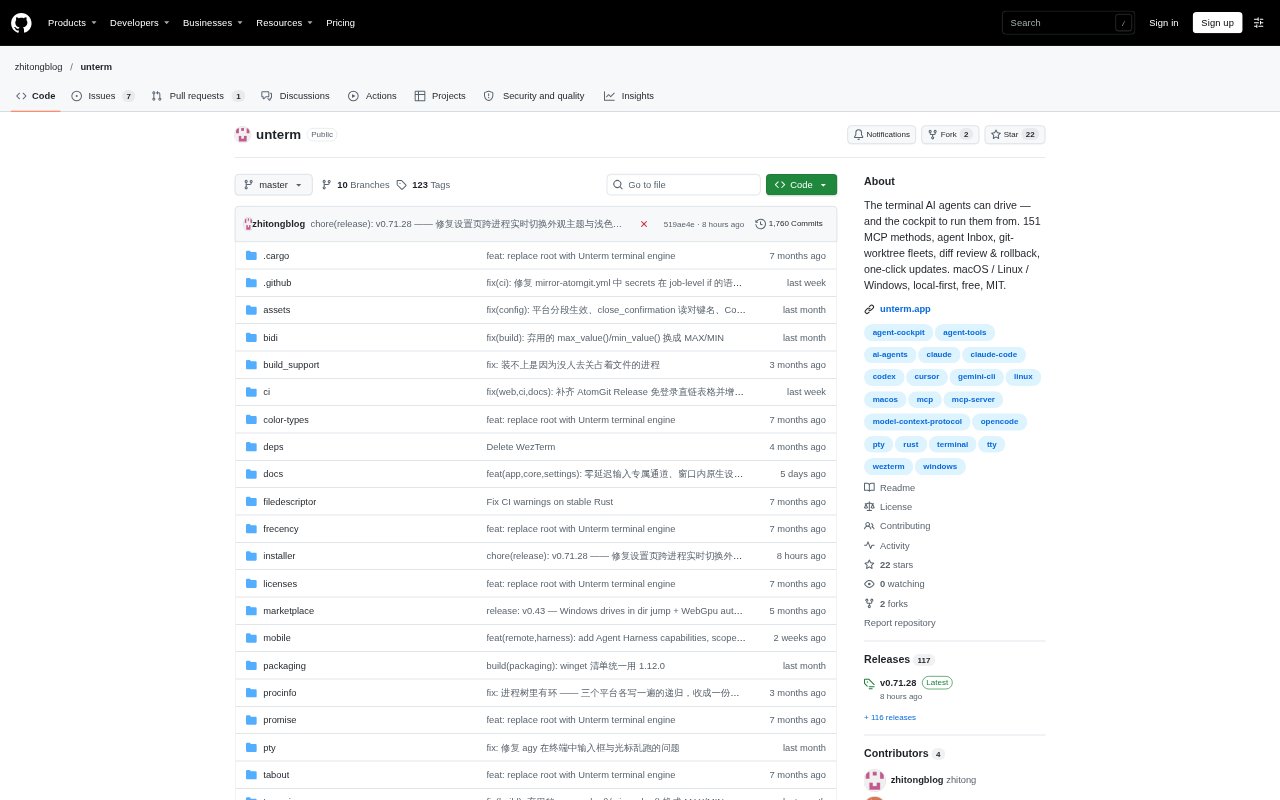
What is Unterm?
Unterm is a cross-platform terminal for running AI coding agents such as Claude Code, Codex, Gemini CLI, and Aider. It lets agents control terminal sessions through MCP and CLI, while its Agent Cockpit helps people track agents, respond to requests, and compare their work. Developers can use it to run agents side by side on macOS, Linux, or Windows, with terminal control and settings kept on the local machine.
Unterm Features:
Agent Status: Unterm shows each pane’s agent and whether it is working, waiting for input, idle, or done.
Agent Inbox: A waiting-first inbox brings agents that need a response to the top and jumps to the relevant pane.
Terminal Control: Agents can open tabs, run commands, read pane output and history, and wait for command results through MCP or CLI.
Git Worktree Fleets: Run one task with several agents, each in its own git worktree, branch, and terminal tab.
Diff Review: A review page compares fleet members’ changes and supports verification, squash-merge, discard, and rollback.
Local Operation: MCP and Web Settings servers bind to 127.0.0.1, and session recordings are stored in the project.
Unterm Benefits:
Fewer Context Switches: See which agents are active or blocked without cycling through terminal tabs to inspect each session.
Safer Parallel Work: Separate worktrees help prevent agents from overwriting one another’s changes or disrupting your working copy.
Clearer Comparisons: Reviewing competing changes side by side makes it easier to choose a result before it reaches your repository.
Human Approval: Command proposals require confirmation, and fleet changes can be reviewed before you decide what to stage or commit.
Local Control: Keeping control surfaces on your machine avoids cloud round trips and gives you a locally stored record of sessions.
Use Cases:
Agent Triage: Use the inbox to find the coding agent blocked on a confirmation, answer its prompt, and return to other work.
Implementation Bake-Off: Give Claude Code and Codex the same feature task in separate worktrees, then compare their diffs and test results.
Test Iteration: Have an external agent run a project’s tests, read the terminal output, and continue working from the results.
Fleet Verification: Run validation for each agent’s changes, inspect the outcomes, and select a verified result for staging.
Terminal Automation: Script recurring terminal tasks or let an MCP-connected agent open project tabs and run commands.