
What is VectorArt.ai?
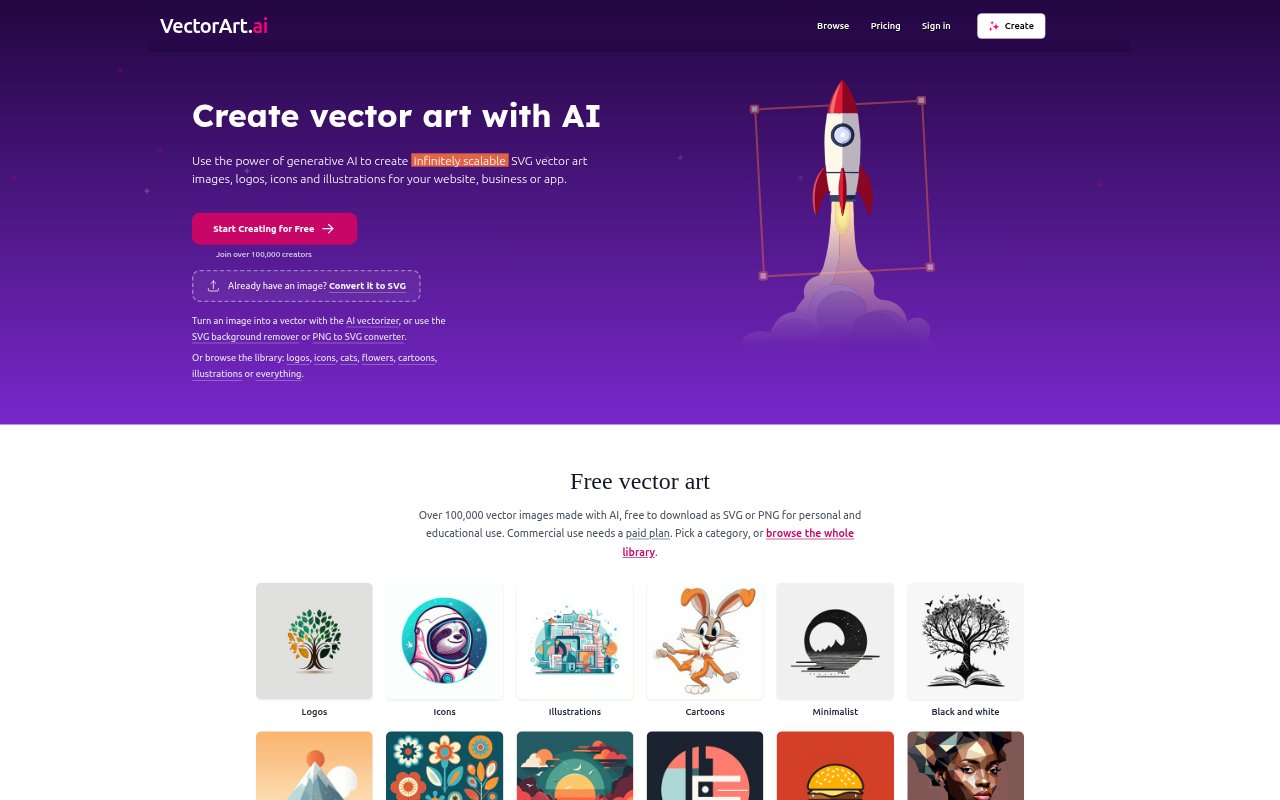
VectorArt.ai is an AI vector-art generator for founders, marketers, creators, and businesses that need logos, icons, or illustrations in scalable formats. Users can describe an image, start from a sketch, vectorize an existing picture, or browse a library of AI-made assets. Downloads are available as SVG or PNG, and SVG paths can be edited in the browser or in vector software. Personal and educational use has a limited free tier; paid plans start at $29 per month and include commercial use.
VectorArt.ai Features:
Prompt-Based SVG Creation: Describe a logo, icon, or illustration, and the AI generates vector artwork that can be downloaded as an SVG.
Sketch-Based Image Creation: Use a sketch as the starting point for generating vector artwork, alongside the option to describe an image in text.
Image Vectorization: Upload an existing picture and convert it into vector art, rather than starting with a new AI-generated image.
SVG Background Removal: Remove a background from an SVG using the site's background-removal tool.
PNG Conversion: Convert PNG images to SVG, and download generated or library artwork in either SVG or PNG format.
Free Asset Library: Browse more than 100,000 AI-generated vector images across categories such as logos, icons, illustrations, and cartoons.
VectorArt.ai Benefits:
Sharp At Any Size: SVG artwork stays crisp when resized, making the same graphic usable in contexts that call for different dimensions.
Editable Artwork: Separate SVG paths can be recolored, moved, or deleted, so users can adjust a graphic instead of accepting it unchanged.
Faster Asset Sourcing: A searchable collection of ready-made images gives users another route to a usable visual without generating one from scratch.
Commercial Permission: Paid-plan commercial use lets subscribers apply downloaded or created images to business websites, social media, marketing, and advertising.
Format Flexibility: Having both SVG and PNG downloads makes it easier to choose a vector or regular image file for the intended destination.
Use Cases:
Business Logo Drafts: Generate logo concepts from a written description for a business, website, or app, then edit the SVG paths as needed.
Website Illustrations: Find or create illustrations and icons for a website, choosing SVG when the artwork needs to remain sharp at different sizes.
Existing Image Cleanup: Convert a picture into vector art or remove an SVG background when preparing an existing graphic for another use.
Social Media Graphics: Create or browse graphics for social posts and download them as SVG or PNG, with commercial use available on paid plans.
Classroom Materials: Use the free library or generated artwork for personal or educational projects within the free tier's download limits.