
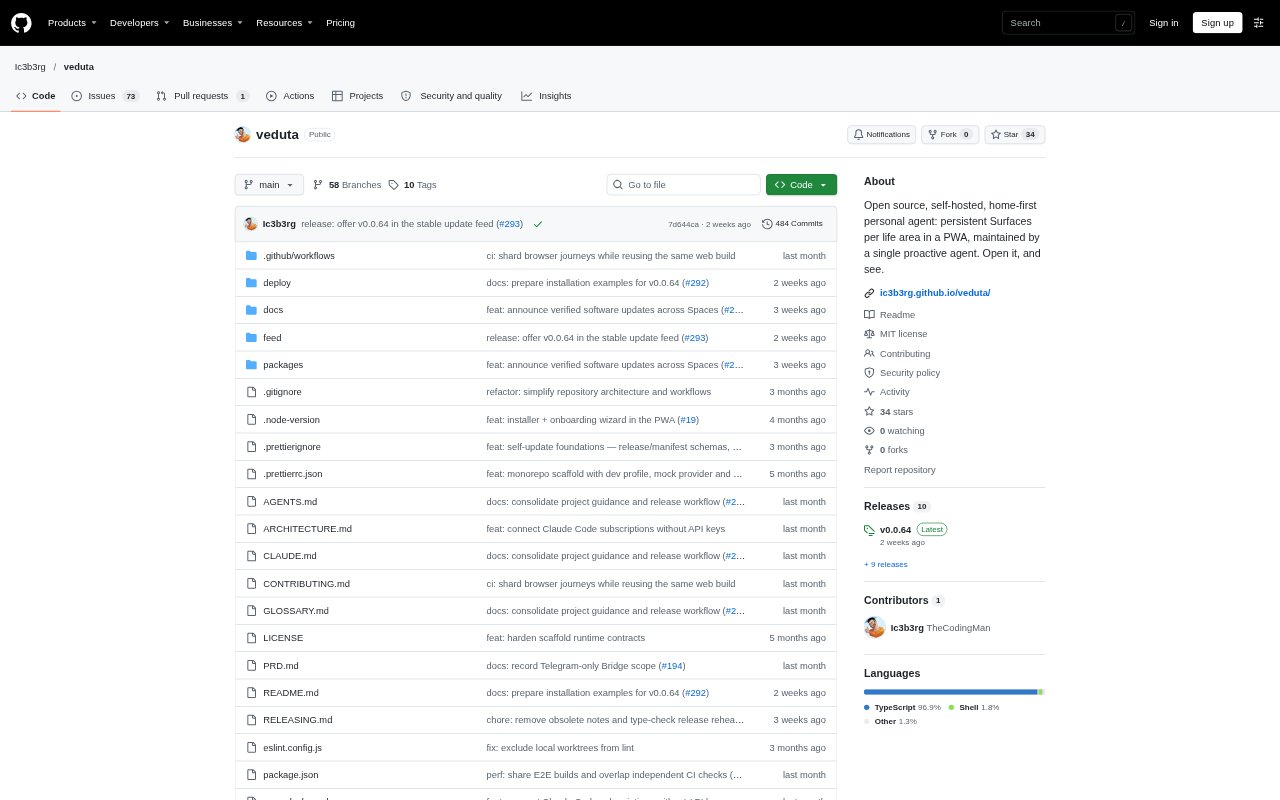
What is Veduta?
Veduta is an open-source, self-hosted personal AI agent for people who want an ongoing workspace for different parts of life. It organizes work, health, home, reading, and other areas into Spaces, where conversations create persistent visual Surfaces such as plans, trackers, and lists. A single Agent can update those Surfaces through chat, and saved items and Chat timelines remain available when you return. The project is in early alpha, and using real models requires your own hosting and model costs.
Veduta Features:
Visual Surfaces: Create plans, trackers, lists, and other ongoing work as visual items that can be revisited and edited.
Separate Spaces: Organize different parts of life in Spaces, such as Work, Health, Home, and Reading, with one Agent serving across them.
Chat Updates: Ask the Agent to create a Surface, then use a follow-up message to change that same item instead of starting over.
Saved History: Keep Surfaces and their Chat timelines saved so you can reopen a Space after refreshing or restarting the Gateway.
Model Connections: Connect models through Anthropic, OpenAI, or OpenRouter with your own API access, or use supported Claude Code and managed Codex sign-in.
Automations: Configure recurring Automations and Website monitors; core flows are implemented, though some capabilities remain in acceptance work.
Veduta Benefits:
Resume Work: Saved plans and conversation history make it easier to continue an ongoing task without rebuilding its context each time.
Keep Context Separate: Distinct Spaces help you keep personal plans and work priorities organized without treating them as unrelated agent accounts.
Adapt Plans: You can revise a living plan as priorities or circumstances change, rather than maintaining a separate static copy.
Choose Your Setup: Self-hosting and model choices give you control over deployment, while the MIT license means there is no Veduta subscription fee.
Manage Data Access: Personal state stays on your installation, and service access requires configuration and explicit Space grants.
Use Cases:
Weekly Work Planning: Create a weekly plan with priorities, then move an interview to a different day and adjust what takes precedence.
Health Tracking: Keep a weight tracker or movement plan in a Health Space and add measurements or revise the plan through chat.
Home Planning: Maintain a grocery list and weekend plan, updating what you need as household plans change.
Reading Lists: Track books to read and keep notes or observations alongside the next title on your list.