

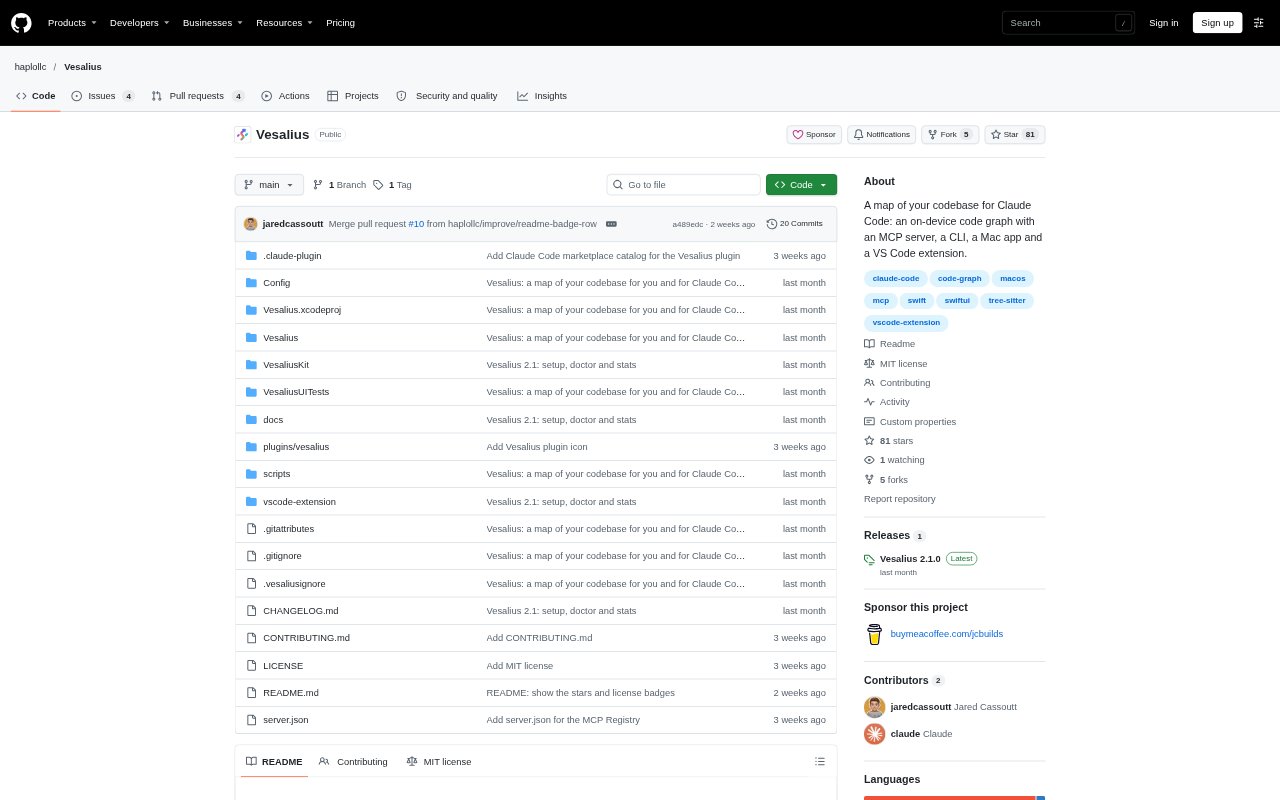
What is Vesalius?
Vesalius builds a local map of a code repository for Claude Code and other MCP clients, helping coding assistants answer questions about how a project is organized and how its code connects. It indexes the repository on a Mac and returns answers with file and line references. Developers can also explore code themselves through its Mac app, VS Code extension, and command-line interface. Vesalius requires Apple silicon and macOS 15 or later, and does not upload code.
Vesalius Features:
Code Usage: Finds callers and other uses of a symbol or file, including references resolved through type inference, with a completeness check.
Change Impact: For rename, signature, or removal changes, returns an edit list and suggested tests to run.
Feature Map: Groups core types and functions by role, with relevant code lines, framework and I/O calls, configuration links, and call sites.
File Outline: Shows declarations, signatures, line ranges, introductory documentation, and calls in a file, type, or function.
Project Architecture: Maps targets, packages, folders, dependency direction, cycles, and links between project targets.
Cycle Detection: Lists dependency cycles with the import line for each connection, uses of imported names, and the scanned scope.
Vesalius Benefits:
Fewer Agent Searches: Claude Code can reach code evidence in fewer search and file-reading turns, reducing the tokens spent answering project questions.
Evidence to Check: File and line references make it easier to verify an answer against the relevant code rather than rely on a summary alone.
Private Indexing: Keeping indexing on the Mac lets teams use repository mapping without Vesalius uploading their code.
Quicker Orientation: A mapped view of project structure and code relationships helps developers get their bearings before opening files one by one.
Focused Context: Concise outlines and role-based maps can give an assistant useful code context without requiring it to read entire files.
Use Cases:
Assess a Rename: Before renaming a symbol, ask which files use it and what edits and tests the change may involve.
Trace a Feature: When locating where purchases, persistence, or another behavior is handled, use the feature map to find relevant code.
Explore an Unfamiliar Project: Map the architecture and key code areas before working in a repository you did not build or have not opened recently.
Check Dependency Cycles: Review circular imports and the code evidence behind each cycle when investigating project dependencies.
Understand a File: Use an outline to inspect a file, type, or function before deciding which sections need a closer read.