

What is VestLens?
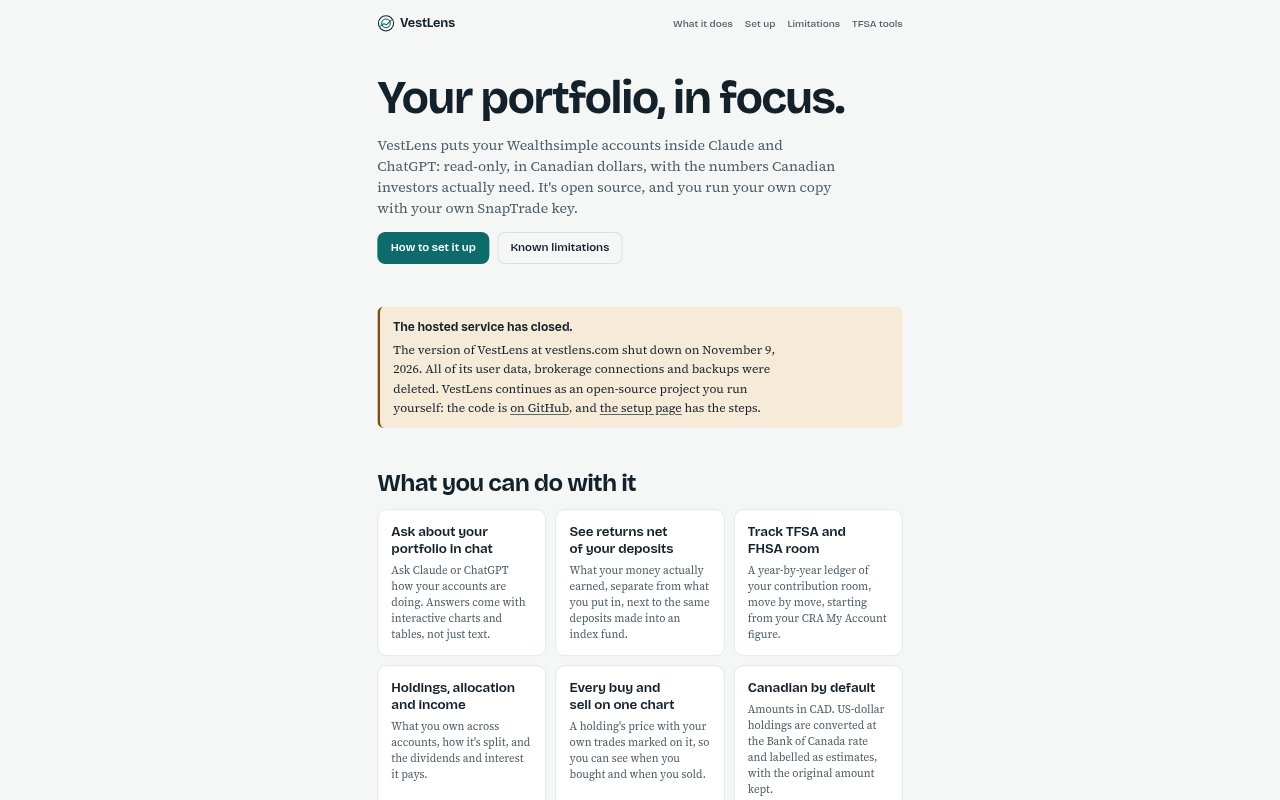
VestLens is an open-source, read-only portfolio app for Canadians that brings Wealthsimple account data into Claude or ChatGPT, where users can ask questions and view interactive charts and tables. It helps users review holdings, returns, registered-account contribution room and investment income in a Canadian-dollar context. The hosted VestLens service closed on November 9, 2026, so using it now means running a copy with Docker, a SnapTrade Personal key and a public HTTPS address for chat connectors. It is intended for people comfortable with terminal and server setup.
VestLens Features:
Portfolio Chat: Connect a self-hosted copy to Claude or ChatGPT and ask questions about Wealthsimple accounts, with answers shown alongside interactive charts and tables.
Deposit-Adjusted Returns: See what the portfolio earned separately from money deposited, alongside a comparison with the same deposits made into an index fund.
TFSA and FHSA Room: Review a year-by-year contribution-room ledger that starts with the figure from CRA My Account and records room changes.
Holdings and Income: View holdings across connected accounts, their allocation, and the dividends and interest they generate.
Trade-Marked Charts: See a holding's price history with personal buy and sell transactions marked on the chart.
Canadian Currency: View amounts in Canadian dollars, with US-dollar holdings converted at Bank of Canada rates as estimates and original amounts retained.
Read-Only Access: Read account data through SnapTrade without using its trading, order or transfer functions, and connect only the accounts on your own key.
VestLens Benefits:
Clearer Performance: Separating investment returns from deposits makes it easier to judge how the portfolio performed without mistaking new contributions for growth.
Faster Account Reviews: A single chat-based view of account information can reduce the need to check holdings and activity account by account.
Room Awareness: A year-by-year record gives users a clearer basis for reviewing TFSA and FHSA contribution room over time.
Investment Context: Seeing allocation, income and transaction timing together can help users understand how their portfolio has changed.
Personal Data Control: Running the app on a computer or server they control keeps portfolio data in their own copy rather than in the hosted VestLens service.
Use Cases:
Portfolio Check-In: Ask Claude or ChatGPT about Wealthsimple accounts when reviewing overall performance, holdings or account balances.
Return Comparison: Compare portfolio earnings with an index-fund scenario that uses the same deposits to separate investment results from contributions.
Registered Account Review: Check a TFSA or FHSA contribution-room history against the starting figure from CRA My Account.
Income and Allocation Review: Look across connected accounts to understand how holdings are allocated and what dividends or interest they pay.
Trade History Review: Examine a holding's price chart alongside personal buy and sell dates when reviewing past investment decisions.
US Holding Valuation: Review US-dollar holdings in a Canadian portfolio while seeing both estimated CAD conversions and the original amounts.