

What is Vibe?
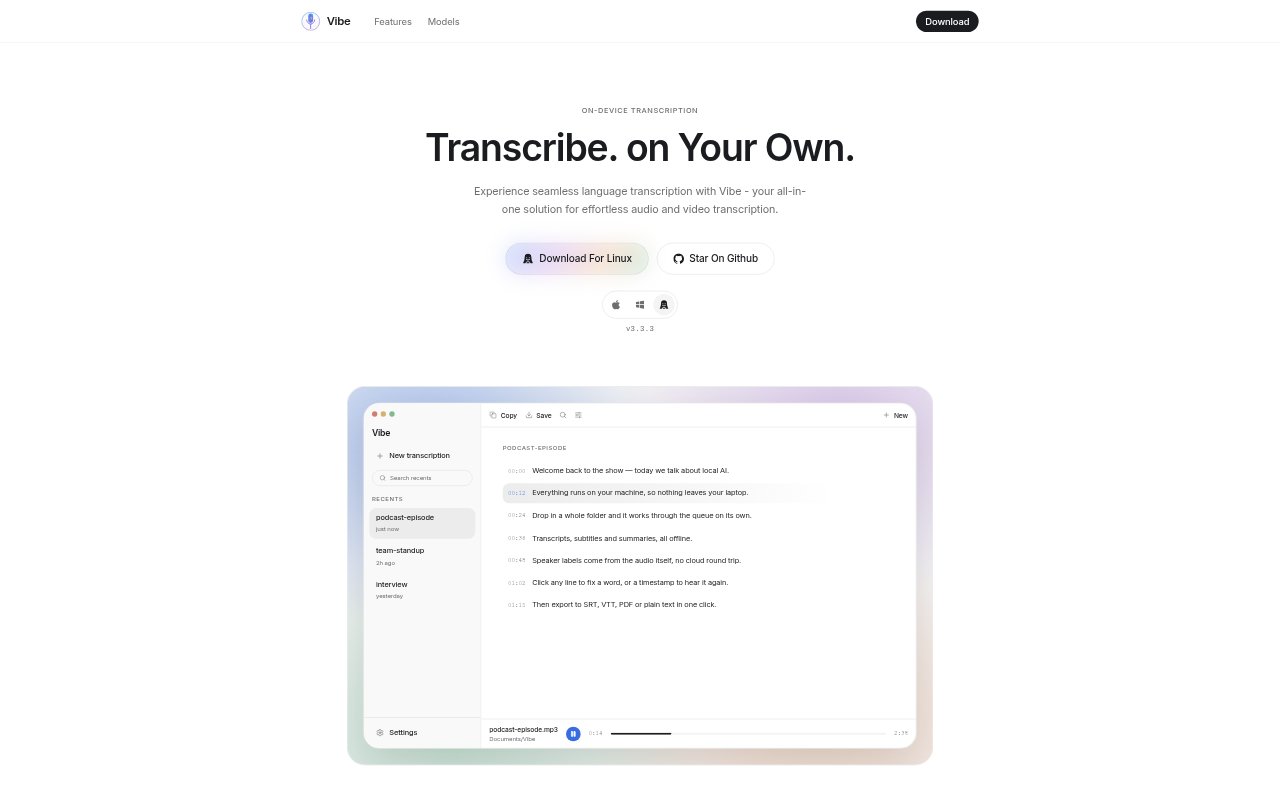
Vibe is a local-first app for transcribing audio and video, with support for files, URLs, and recordings. It also creates AI summaries and supports multiple languages. The tool is for people who need text versions or summaries of spoken content, including creators, teams, and individuals working with different kinds of media. Its privacy-focused approach makes it an option for users who want transcription handled locally rather than relying on a service described as cloud-based.
Vibe Features:
Audio Transcription: Vibe turns audio into text, making spoken material available as a written transcript.
Video Transcription: The app transcribes video as well as audio, so users can work with recordings in either format.
File Transcription: Users can submit files for transcription, providing a way to process media already saved on their device.
URL Transcription: Vibe can transcribe content provided through a URL, alongside locally available media files.
Recording Transcription: Recordings are another supported input, covering spoken material captured for later transcription.
AI Summaries: The app generates AI summaries in addition to transcripts, offering a shorter account of the source material.
Multilingual Support: Vibe supports multiple languages for transcription, rather than limiting the workflow to a single language.
Vibe Benefits:
Easier Review: Written transcripts let users revisit spoken material by reading, instead of replaying an entire recording to find what was said.
Faster Orientation: An AI summary gives users a concise starting point for understanding a recording before deciding which details need closer attention.
Flexible Inputs: Support for files, URLs, and recordings lets users choose an available source instead of first converting everything into one input type.
Privacy Focus: Local-first, privacy-focused processing can suit users who prefer a transcription workflow designed around keeping processing local.
Language Flexibility: Multilingual support makes the app relevant when spoken material is not limited to one language.
Use Cases:
Meeting Follow-Up: Use a meeting recording as the source, then refer to its transcript and summary when reviewing what was discussed.
Interview Review: Transcribe an audio or video interview to revisit the conversation in written form while preparing notes or a recap.
Video Content: Create a text version of a video file when you need to review its spoken content without replaying the footage.
Linked Media: Submit media through a URL for transcription when the material is available online rather than as a file or recording.