

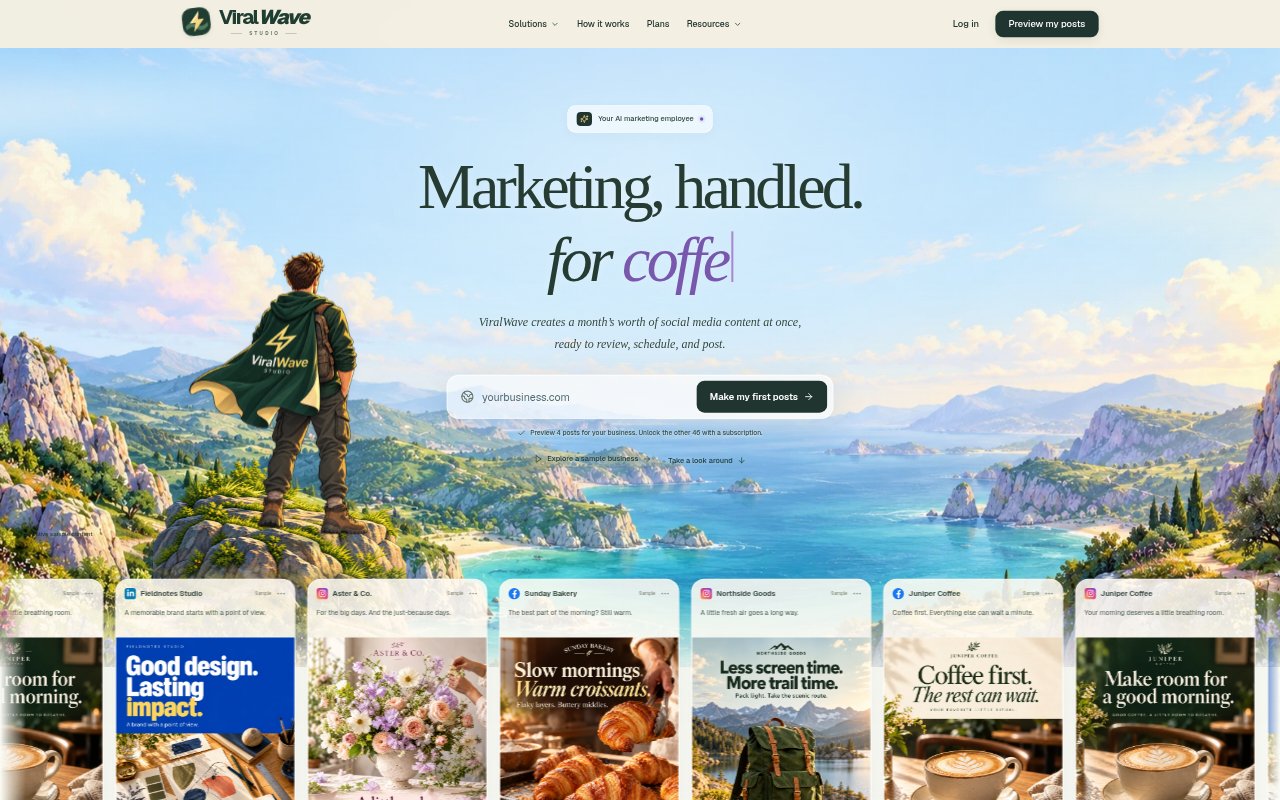
What is ViralWave Studio?
ViralWave Studio is a social media content planning and publishing tool for small businesses that want to keep their channels active without creating every post from scratch. It starts with a business website and uses the company’s story, services, and personality to shape a month of content. Owners can review and adjust posts before approving them for scheduling to connected social accounts. Plans include monthly post allowances with images, brand voice setup, AI caption editing, and smart scheduling.
ViralWave Studio Features:
Website-Based Content: Uses a business website as the starting point for a month of social content based on the company’s services and identity.
Brand Voice: Builds a content direction around a business’s audience, tone, and the ideas it wants to be known for.
Monthly Post Sets: Offers plans with 15, 50, or 100 posts with images per month, with optional replacements included at each plan level.
AI Caption Editing: Lets users describe a change and have AI prepare a caption edit for review.
Review Workflow: Presents the month’s ideas, creative, and captions for review, so users can keep, adjust, or replace content.
Smart Scheduling: Allows approved posts to be scheduled for publishing to connected social accounts.
ViralWave Studio Benefits:
Less Daily Planning: Having a month of content to review at once can reduce the recurring effort of deciding what to post each day.
More Consistent Voice: Content shaped around a business’s personality can help its social presence feel less generic and more recognizable.
Fewer Publishing Tasks: Keeping content and scheduling together can cut down on the work of juggling separate planning and publishing steps.
Owner Oversight: Review and approval steps let business owners check that posts fit their standards before they go out.
Lower Marketing Overhead: A set monthly plan can give smaller businesses a way to handle everyday social content without hiring an agency or in-house marketer.
Use Cases:
Local Business Updates: Plan Facebook posts about opening hours, seasonal arrivals, events, and service updates for customers in the neighborhood.
Team Introductions: Create posts introducing staff or sharing behind-the-scenes moments that help customers get to know a shop or service business.
Professional Expertise: Prepare LinkedIn posts that explain a project decision, answer a buyer question, or share a practical industry tip.
Product Stories: Build a month of posts around a seasonal product, a service detail, or the thinking behind a business’s work.
Conversation Starters: Draft social posts that ask a relevant question or invite customers to share a useful local recommendation or experience.