
What is vne?
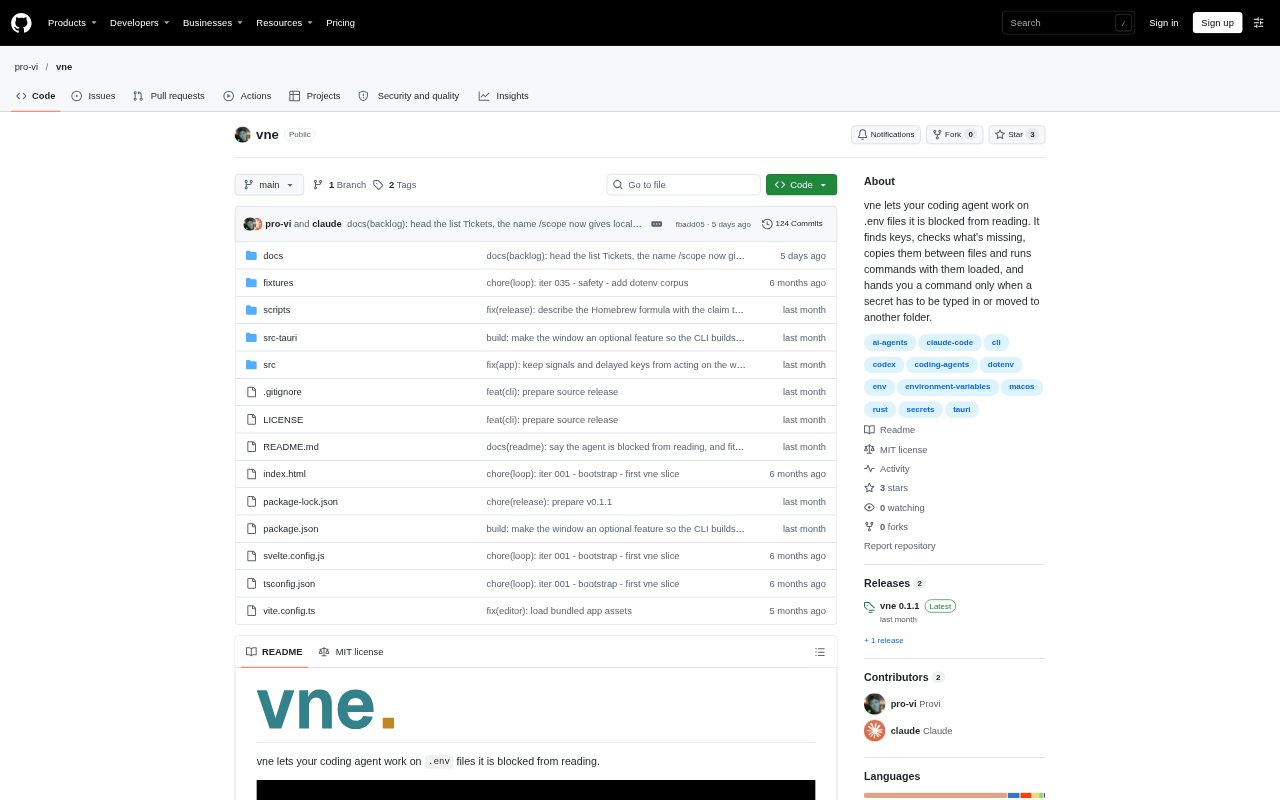
vne is a command-line tool for managing environment files while keeping their stored values out of a coding agent’s output. It lets an agent find keys, check which ones are missing, make approved file changes, and start named commands with environment values loaded. When a secret needs to be entered or moved from another folder, vne gives the owner a command to run. A small interface for viewing and editing values is available on macOS.
vne Features:
Key Lookup: Finds named keys in specified files or folders and reports their paths, line numbers, and whether values are set, empty, or placeholders.
Project Checks: Compares an environment file with an example, while project inspection reports keys, overrides between files, and Git tracking status.
File Editing: Creates environment files and supports adding, setting, renaming, removing, and copying keys, as well as updating example files.
Command Runs: Starts a named command with values from one or more files in its environment, without passing those values into the calling shell.
Secret Prompts: Prompts the owner to enter a new or replacement value without displaying what they type, or provides a command to copy a secret from another folder.
macOS Window: The macOS interface masks values, lets the owner reveal a selected value while holding a key, and supports editing empty entries.
Controlled Access: Agent permissions can be limited to looking up and checking keys, editing files, or running specifically named commands.
vne Benefits:
Less Manual Work: Developers can delegate routine environment-file checks and edits instead of searching files, copying entries, or setting up each command themselves.
Fewer Accidental Leaks: Withheld values in default output reduce the chance that an agent will expose a secret while checking or changing environment files.
Narrower Exposure: Loading values for a specific child command avoids putting them into the calling shell and every later process launched from it.
Safer File Changes: Preserving comments, ordering, quoting, and surrounding syntax helps avoid unrelated edits when environment keys change.
Owner Control: Separating routine agent tasks from secret entry and cross-folder copying leaves sensitive handoffs with the person who owns the values.
Use Cases:
Prepare Test Runs: Have a coding agent check required keys and run a test command with values loaded from a project’s environment file.
Review Missing Keys: Compare a local environment file with its example before development or testing to identify missing, extra, or duplicated entries.
Update Project Settings: Ask an agent to add a non-secret setting, rename an outdated key, or remove a stale entry without opening the file directly.
Move Project Secrets: When a key needs to move between project folders, let the agent prepare a command for the owner to run in a terminal.
Fill Local Values: Use the macOS window to inspect a project’s environment file and enter missing values without handing them to a coding agent.