

What is vork?
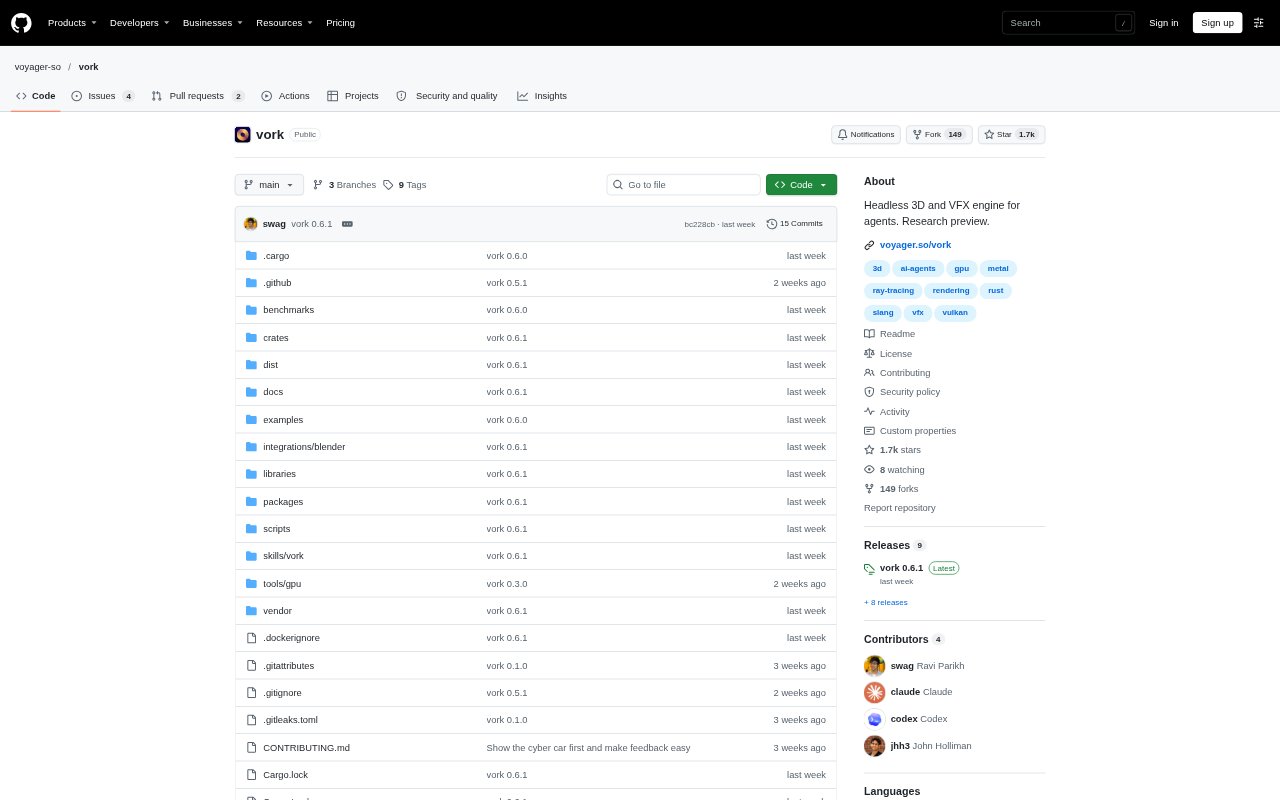
vork is a headless 3D and visual effects engine designed for AI agents: an agent writes a scene as code, renders it on the GPU, inspects the result and revises the scene. Materials, cameras, lighting, simulation and compositing can be defined in scene programs, with Python and TypeScript SDKs or JSON available for authoring. It is a source-available research preview, with no editor to operate; rendering requires supported GPU hardware or Voyager cloud GPUs.
vork Features:
Scene Programs: Define materials, cameras, lighting, simulation and compositing in code instead of relying on a large set of fixed controls.
Custom GPU Programs: Use Slang compute programs and public programming hooks to create effects such as flocking, liquid simulation or custom light propagation.
GPU Rendering: Render with raster visibility and hardware ray-traced lighting, or choose the available path tracer.
Scene Iteration: Render a scene, inspect the image and revise the scene code, with separate profiles for previews and final output.
SDK Authoring: Create scene data with Python or TypeScript SDKs, or write JSON directly using the scene schema.
Footage Compositing: Combine rendered 3D with tracked footage using external camera and matte tools plus authored proxy geometry.
vork Benefits:
Flexible Visuals: Code-defined scenes let creators pursue unusual visual directions that would be difficult to express through fixed settings.
Faster Revisions: Changing scene code and rendering again gives an agent a direct way to refine a camera, lighting choice or effect.
Compact Guidance: A small core API and built-in help make the engine’s basic concepts easier for an agent to work through.
Hardware Options: Local rendering or Voyager cloud GPUs give users a way to work with vork when a suitable local GPU is unavailable.
Rendered Composites: Combining real footage with rendered elements supports visual effects work without relying on generative video.
Use Cases:
Procedural Flocks: Build a moving flock in which simulated birds follow paths, with scene code controlling the simulation and camera.
Tracked Footage VFX: Add a rendered object to a filmed scene, using a tracked camera and proxy geometry to place it in the shot.
Custom Light Effects: Create a black-hole scene by writing a light-propagation program that bends paths around the object.
GPU Liquid Shots: Make a water simulation with Slang compute programs and render the resulting motion as a 3D scene.
Asset-Based Scenes: Stage scanned or imported 3D assets with a moving camera, depth of field and authored lighting.