
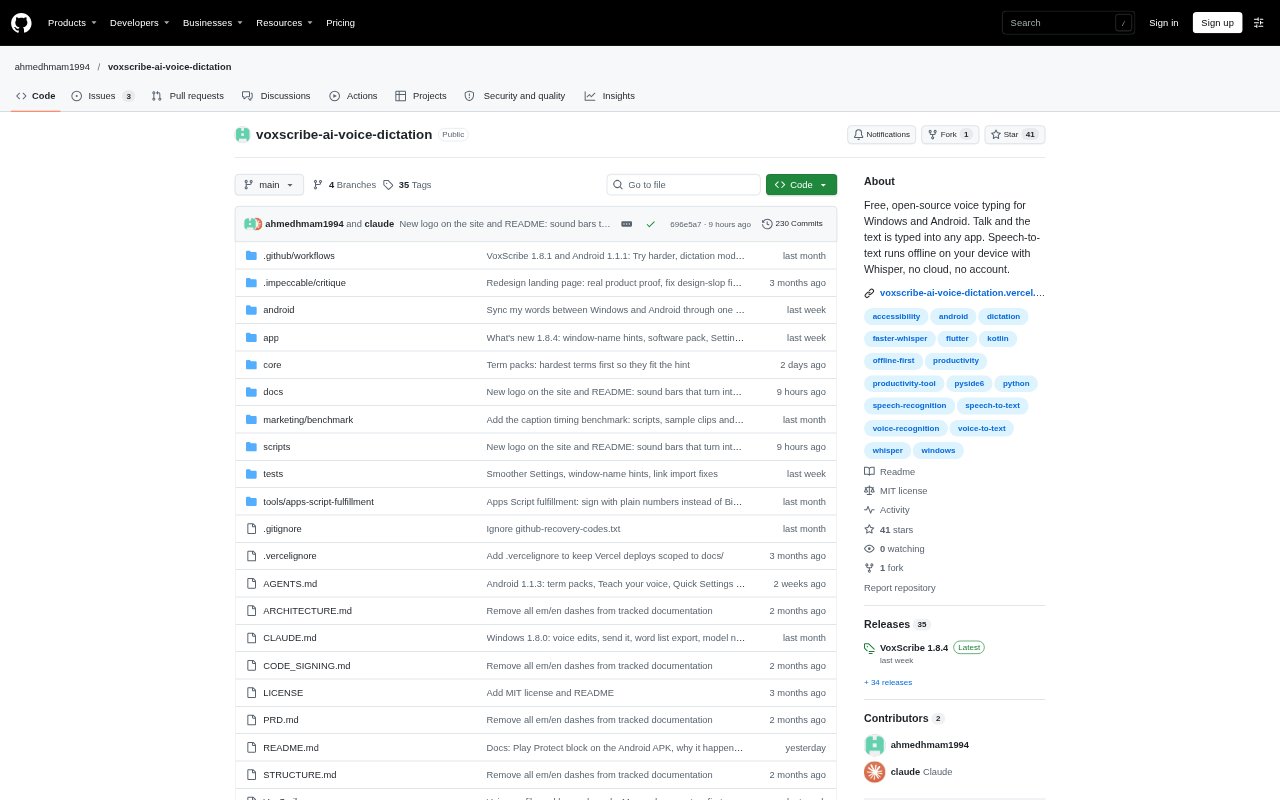
What is VoxScribe?
VoxScribe is an offline voice-typing app for Windows and Android that turns speech into text directly in the app or field you are using. Windows users dictate by holding a hotkey, while Android users use a floating button. Transcription runs on the device, and the Windows app also handles audio and video transcription, meeting notes, and voice-based text editing. It is free and open source under the MIT license, with optional Pro features on Windows.
VoxScribe Features:
Hold-to-Talk Dictation: On Windows, hold F9 by default, speak, and release to type into the focused field; on Android, dictate with a floating button in any app.
Local Speech Models: Speech transcription runs on the device, works offline after the model download, and supports multiple speech models, including Whisper and options for Arabic.
Text Cleanup and Commands: Rule-based cleanup removes filler words, while spoken commands can add punctuation, change capitalization, replace text, or undo recently typed words.
Specialized Vocabulary: Medical, legal, business, and software term packs help with jargon, and users can import vocabulary lists or save their own spelling corrections.
Audio and Video Captions: The Windows app transcribes files or folders and creates timed SRT captions, with a report showing saved, skipped, or failed files.
Meeting Notes: Meeting recording captures the microphone and PC audio, reduces echo, and creates a Markdown note with the transcript, decisions, questions, and action items.
VoxScribe Benefits:
Private Dictation: Keeping speech processing on the device helps users work with dictated material without uploading their voice to a transcription service.
Less Re-Typing: Removing filler words and correcting familiar terminology can leave users with cleaner drafts and fewer repeated edits.
Keep Clipboard Intact: Typing into the focused field instead of pasting means copied text stays available while users dictate.
Lower-Cost Access: Free, open-source dictation with no account or subscription gives individuals a way to try voice typing without a recurring fee.
Easier Content Review: Timed captions and searchable dictation history make it easier to revisit recorded material and find a passage later.
Use Cases:
Drafting Across Apps: Dictate an email, document, or message in its existing Windows or Android app instead of switching to a separate transcription window.
Medical Documentation: Use the medical term pack when dictating notes that include names such as metformin or other specialized clinical vocabulary.
Captioning Media: Transcribe a video or a folder of episodes into SRT files for caption workflows, with existing caption files left untouched.
Recording Meeting Notes: Capture a meeting's microphone and computer audio, then review its transcript, decisions, questions, and action items in a Markdown note.
Filling Forms: On Windows, dictate labeled details such as a name, phone number, and email address into matching form fields.