
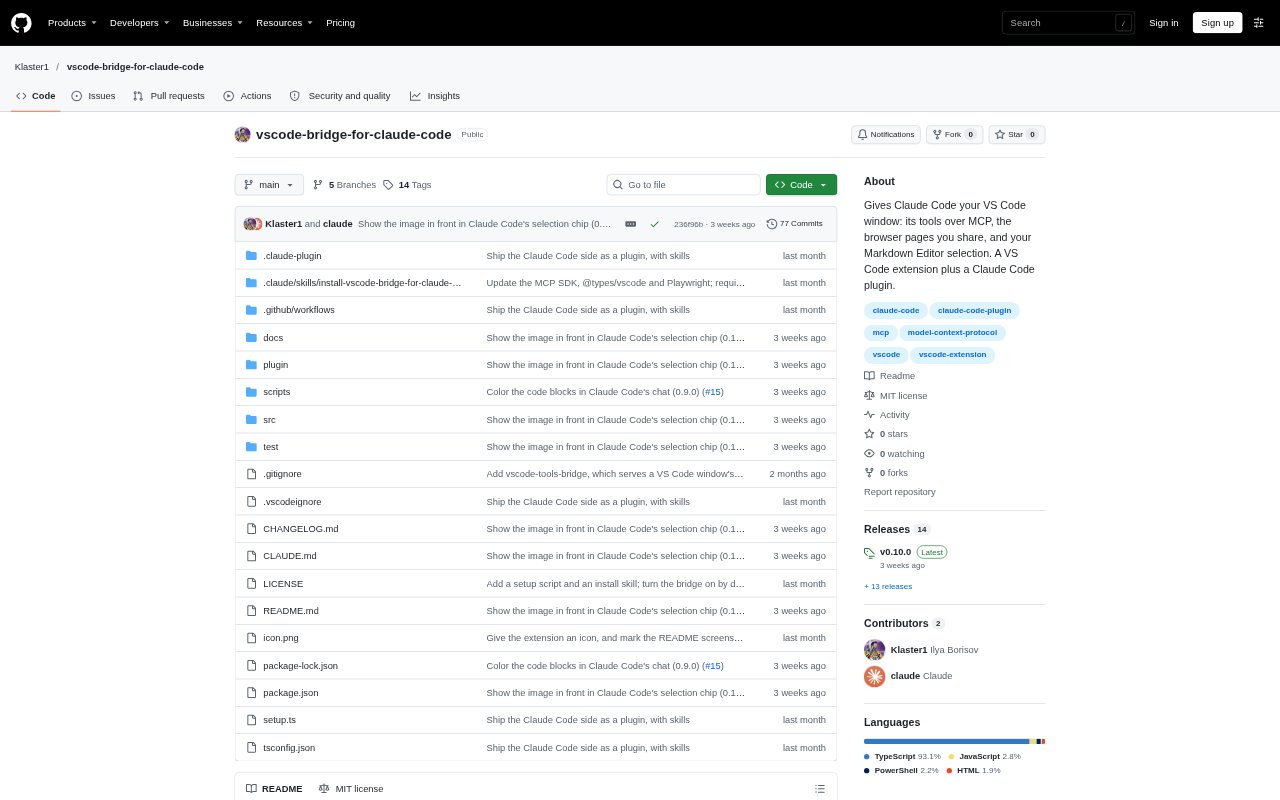
What is VS Code Bridge for Claude Code?
VS Code Bridge for Claude Code connects Claude Code to the VS Code window you are working in, so Claude can use editor tools and receive selected context from supported editors and browser pages. It combines a VS Code extension with a Claude Code plugin, and can also connect through the Claude Code CLI using /ide. It requires VS Code 1.142 or later, Node 22.18 or later, and Claude Code; installation involves setting up both parts of the bridge.
VS Code Bridge for Claude Code Features:
VS Code Tools: Claude can use an MCP server to inspect workspace diagnostics, rename symbols, open files, list commands and run VS Code commands.
Browser Page Sharing: Share a page in VS Code's integrated browser so Claude can read it, take screenshots and interact with page elements.
Editor Context: Send selected text from the Markdown Editor or SemanticDiff, along with the image currently open in an editor group, with your prompt.
Browser Automation: Browser tools can open, read and screenshot pages, click, hover, drag and type, and run Playwright code.
Chat File Links: File links in Claude Code's chat open in the VS Code editor assigned to that file type.
Chat Code Colors: Language-tagged code blocks in Claude Code's chat use the colors from your VS Code theme and the grammars of installed extensions.
VS Code Bridge for Claude Code Benefits:
Less Context Switching: You can keep investigations in the VS Code window instead of describing editor state or moving information between separate tools.
More Direct Debugging: Claude can work from existing type errors and lint findings, helping you focus a request on the files or problems that need attention.
Clearer Review Context: Sharing a selection or page gives Claude the specific material you are discussing, reducing the need to explain which text or view you mean.
Familiar Code Reading: Coloring code blocks with your editor's theme and language grammars makes code in chat easier to scan alongside code in the editor.
Fewer Link Detours: Opening chat file links in the editor you chose keeps Markdown and other file types in their intended viewing experience.
Use Cases:
Triage Type Errors: Ask Claude to check a file or workspace for type errors and lint findings reported in VS Code's Problems panel.
Rename A Symbol: Request a workspace-wide symbol rename that also updates its imports and references, then saves the affected files.
Review A Diff: Select lines in a SemanticDiff diff and ask Claude to explain or assess that specific portion of the change.
Inspect A Web Page: Share a page open in the integrated browser and ask Claude to read, screenshot or interact with it.
Continue From Chat: Open a file linked in Claude Code's chat in its assigned editor, such as a Markdown Editor for a configured Markdown file.