
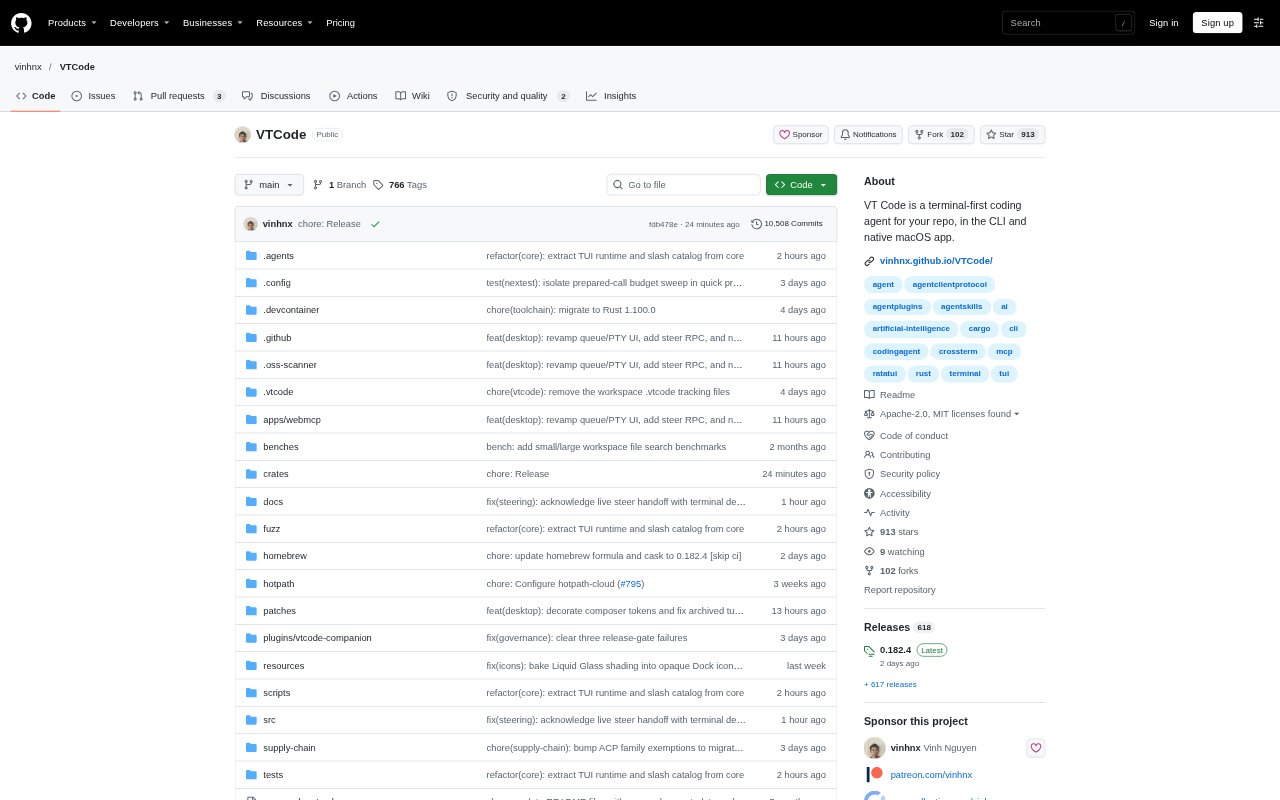
What is VT Code?
VT Code is an open-source coding agent for working in a software project from the terminal or a native macOS app. It can explore a repository, plan work, edit files, and verify changes through an agent loop. Developers choose hosted or local model providers, and can use the interactive terminal interface or run tasks headlessly. The project is suited to people who want an AI coding workflow they can inspect, resume, and configure around their own repository.
VT Code Features:
Agentic Coding Loop: The agent can explore a repository, plan a task, edit code, and verify its work in a single workflow.
Read-Only Planning: Start with a read-only plan and inspect turn diffs before proceeding with changes.
Model Providers: Choose hosted or local model providers and configure providers for different tasks.
Safety Controls: An auditable command policy, workspace trust settings, allow and deny lists, and sandboxing govern execution.
Headless Runs: Run tasks without the interactive interface, then resume a headless run or continue a saved session.
Snapshots and Scheduling: Create recurring tasks, inspect snapshots, and revert to an earlier snapshot when needed.
Extension Options: Extend the workflow with MCP, skills, plugins, subagents, and editor bridges.
VT Code Benefits:
More Deliberate Changes: Reviewing a plan and its diff before proceeding helps catch unwanted edits while the task is still in progress.
Recoverable Work: Resuming sessions and reverting snapshots make it easier to pick up interrupted work or back out of a change.
Controlled Execution: Workspace trust and command rules give teams a way to limit what the agent can run in a project.
Flexible Setup: Choosing among hosted and local providers lets developers fit the workflow to their preferred model environment.
Less Repeated Work: Scheduling recurring tasks can reduce the need to manually start the same kind of repository work each time.
Use Cases:
Code Changes: Ask the agent to refactor a file or implement a focused change in an existing repository.
Codebase Questions: Use the tool-free ask command to get an explanation of a programming concept without running the agent's tools.
Change Review: Inspect uncommitted changes with review mode before committing work.
Long-Running Tasks: Run a repository task headlessly when it does not need interactive input, then resume the run later.
Recurring Maintenance: Schedule repository work that needs to run repeatedly, such as a regular task on an hourly interval.