
What is Vynyo?
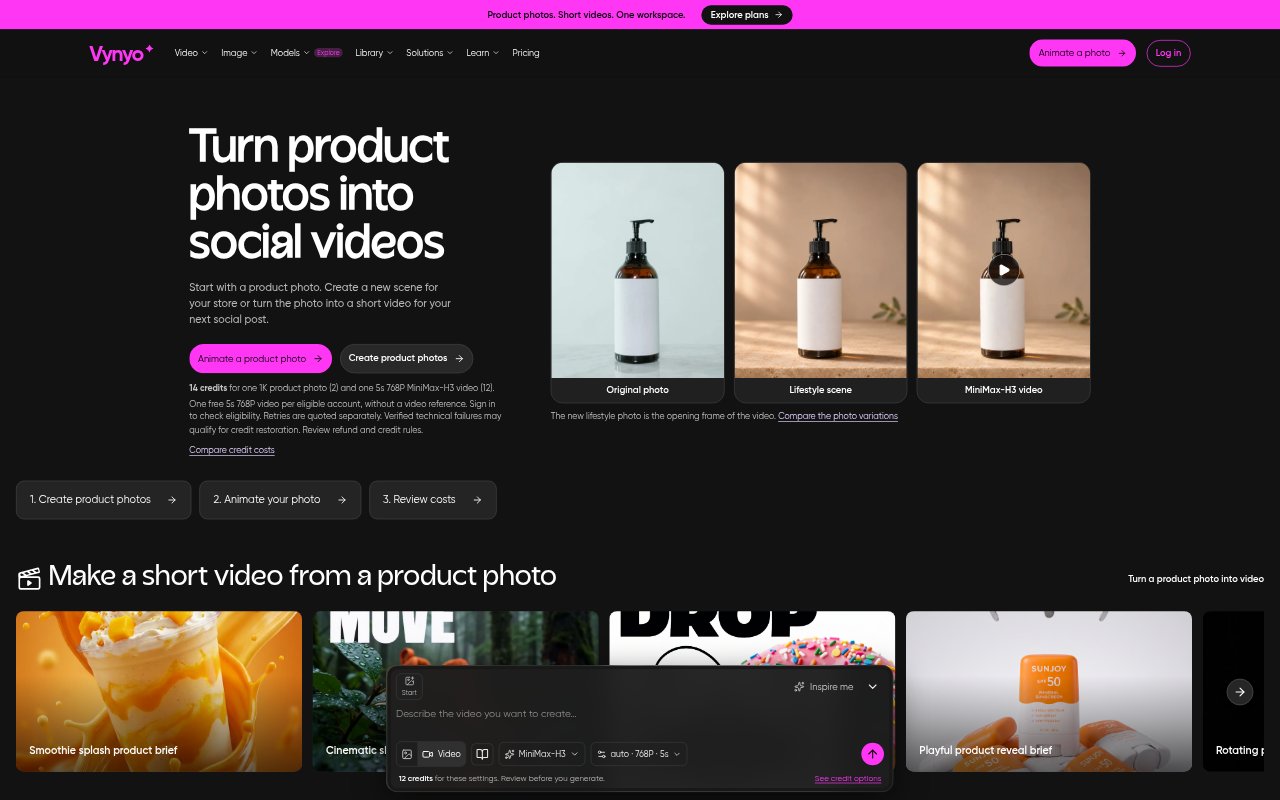
Vynyo is a creative workspace for making product images and short videos with AI. Creators and small businesses can start with a product photo or a written idea, create or edit images, and animate a still into a video for a store, ad, or social channel. It offers a choice of available image and video models, with tools for exploring a visual direction and keeping project materials together.
Vynyo Features:
Photo To Video: Animate a product photo, portrait, or created scene, and describe the motion, mood, framing, or camera direction you want.
Product Scenes: Create a new setting for a product, change its background, or make details stand out in a listing, lifestyle, or ad image.
Image Generation: Generate images from an idea using a choice of available AI models, then use an image as the starting frame for a video.
Image Editing: Retouch and enhance photos, customize creative settings, and explore different backgrounds or visual styles for product content.
Model Settings: Choose from available image and video models, review supported sizes and formats, and see the credit cost before generating.
Project History: Save prompts, references, and creative direction in a project, then find generated results in saved assets and review tasks in history.
Vynyo Benefits:
More Reusable Content: A product photo can become the starting point for listing images, lifestyle scenes, ads, and short videos, helping extend the use of existing assets.
Faster Creative Starts: Templates, prompts, and visual references give users a starting direction when a campaign or social post is still only an idea.
Clearer Cost Choices: Seeing the credit quote before generation helps users compare settings and decide how to spend their allowance before starting a task.
Easier Follow-Through: Keeping creative direction and generated work in one workspace makes it easier to return to a project and continue developing its content.
Flexible Output Planning: Monthly credits and one-time credit packs give users options for ongoing production or occasional projects without requiring a subscription for pack purchases.
Use Cases:
Store Product Listing: Create a polished product setting from a clear product photo, then make a short video to give shoppers another way to view the item.
Social Media Post: Turn a product image or written concept into a short, shareable video for a social post, using a chosen scene and motion.
Product Advertising: Develop product visuals and short video variations for an ad, exploring different backgrounds and framing from an existing product image.
Campaign Briefing: Collect a written brief, visual references, and prompts in a project while exploring a consistent direction for a product campaign.
Still Image Story: Animate a portrait, product photo, or created scene when a creator wants to add movement to an image for a story or post.