

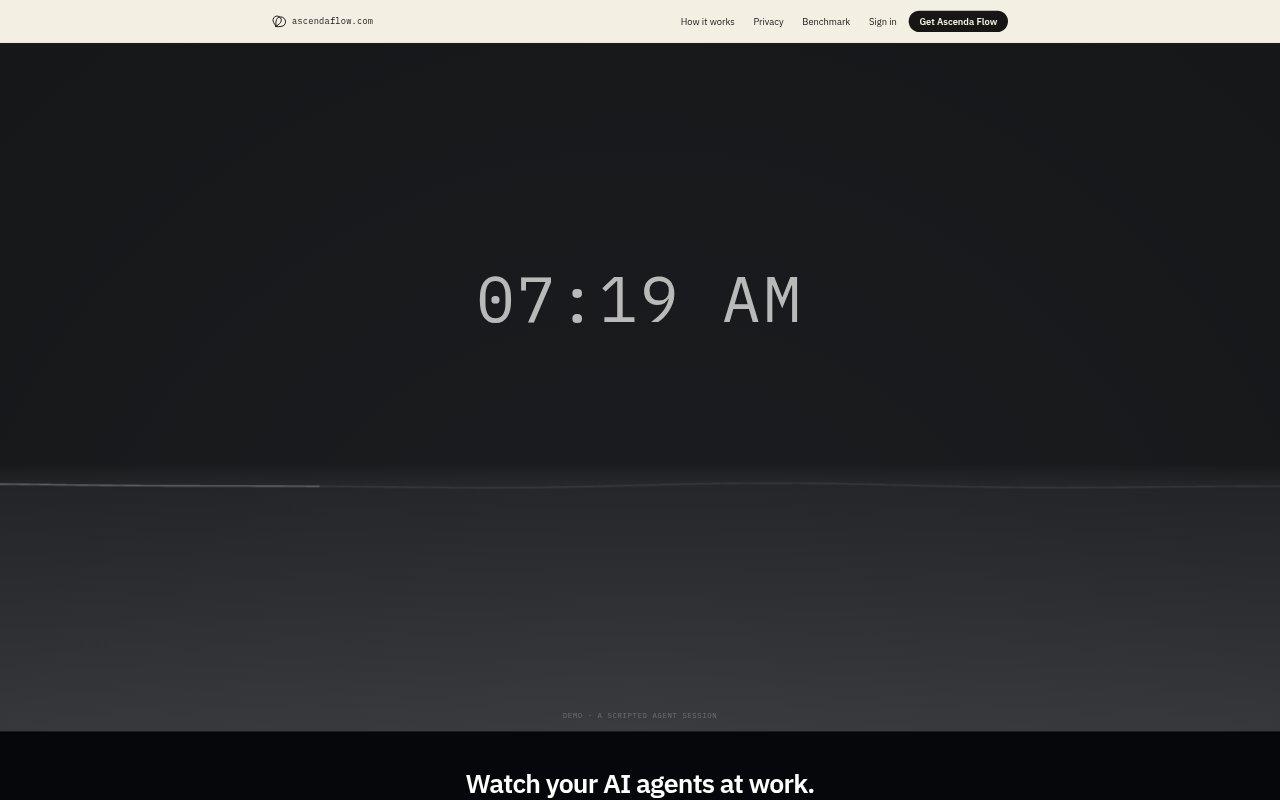
What is Waterline?
Waterline is a free macOS screen saver that turns activity from Claude Code, Codex and Cursor into a changing water scene. As agents work, the water rises, and certain events create ripples. Lightweight collectors send activity to the saver locally, so it can show whether your agents are still working without requiring an account or a network connection. It runs on Macs with Apple silicon, from M1 onward.
Waterline Features:
Supported Agents: Waterline can receive activity from Claude Code, Codex and Cursor, with a separate collector installed for each agent you want to track.
Rising Water: The water level rises as supported agents work, giving the screen saver a visual representation of their activity.
Event Ripples: Failures and context compactions send ripples across the water, while session endings and other real events can also appear as movement.
Activity Scaling: Waterline scales its display to your typical agent activity over the previous seven days.
Local Operation: The screen saver reads activity on your Mac through a local Unix socket and opens no network connections.
Screen Saver Setup: The installer places Waterline in the system Screen Savers folder, after which you select it in macOS System Settings.
Waterline Benefits:
At-A-Glance Status: You can check whether agents are active from across the room instead of repeatedly opening a coding tool to look.
Clearer Interruptions: Visible ripples help distinguish a quiet stretch from activity that included a failure or context compaction.
Less Guesswork: A changing water level makes agent activity easier to notice during work that involves several supported tools.
Private Activity View: Because the saver runs locally and has no network code, you can use its visual status display without sending its data online.
No Subscription Needed: The free screen saver and the lack of an account requirement let you try the display without signing up for a service.
Use Cases:
Agent Work Sessions: Run Waterline as your screen saver while Claude Code, Codex or Cursor works, and watch for the water level to change.
Desk-Side Monitoring: Use the saver on a Mac display you can see from across the room to check whether agent work is still underway.
Failure Awareness: Keep the display visible during an agent run when you want a visual cue if a tool failure or context compaction occurs.
Multiple Tool Activity: Install collectors for the supported coding agents you use and view their activity through a single screen saver.
Quiet Screen Display: Choose Waterline for a screen saver that shows a clock and still water when collectors are not installed or no tracked activity is available.