

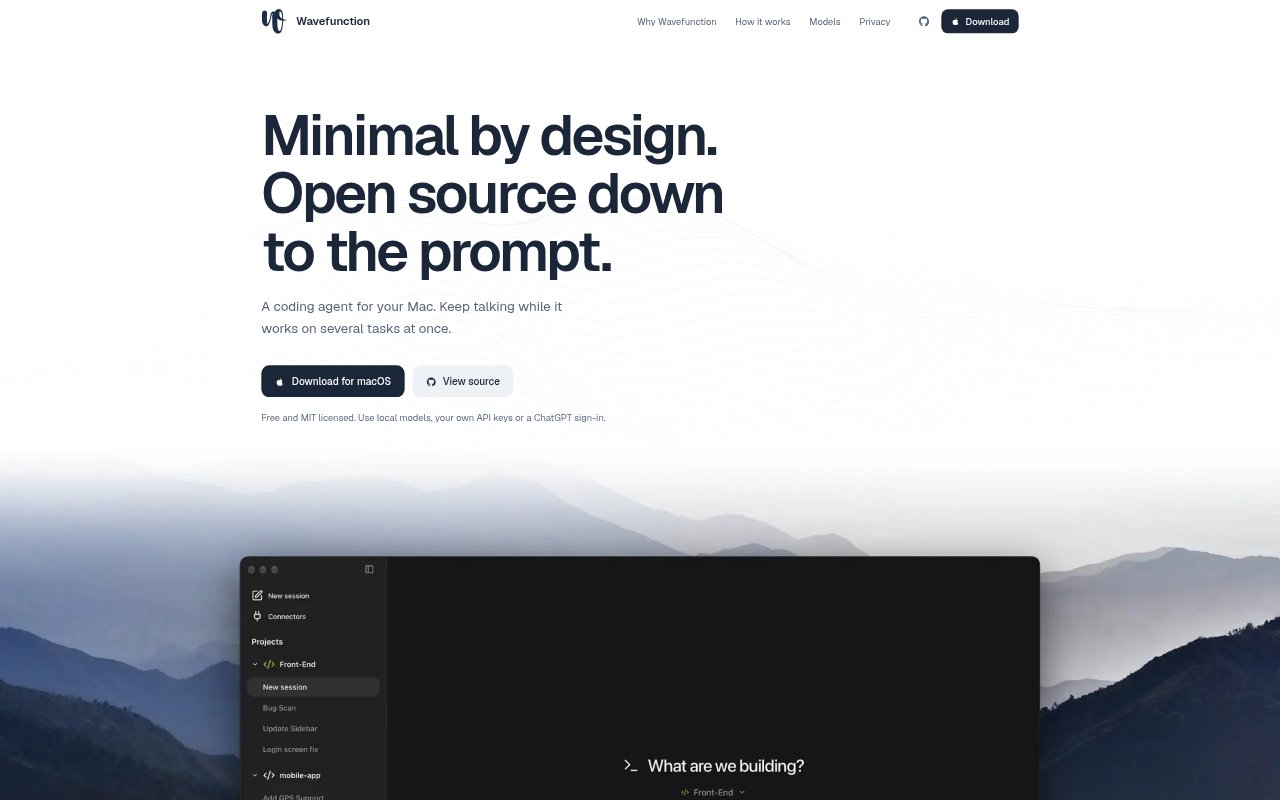
What is Wavefunction?
Wavefunction is a free, open-source coding agent for macOS, built for people who want an AI coding workflow in a desktop app. Give it coding tasks in a conversation, then keep sending instructions while it works on tasks in parallel. It supports local models, provider accounts, and ChatGPT sign-in, with conversations and settings stored on your computer. Its interface keeps the conversation central rather than adding a broad set of built-in apps.
Wavefunction Features:
Parallel Subagents: Wavefunction can split independent work into subagents, run them at the same time, and bring their results together.
Separate Worktrees: Chats run on their own branches, and subagents that may edit the same files receive separate worktrees to avoid collisions.
In-Progress Steering: Send follow-up instructions while a task is running so the subagent can adjust its work without starting over.
Model Choice: Choose a model for each chat through ChatGPT, provider API keys, Ollama, LM Studio, or another OpenAI-compatible server.
Container Desktop: When computer use is needed, the agent works in a local Docker container with its own browser and files.
Usage Tracking: Review token use, cache use, and provider-reported costs, including how usage and spending change over time.
MCP Connectors: Use more than 70 ready-made connectors, add an MCP server, and load project instructions and skills from supported folders.
Wavefunction Benefits:
Less Waiting: Independent tasks can make progress together, giving developers a way to move several parts of a project forward in one session.
Fewer Conflicts: Separate branches and worktrees help keep concurrent edits apart, reducing the need to untangle overlapping changes by hand.
Adaptable Setup: Choosing among local models and provider accounts lets teams work with the model access and data-handling approach they prefer.
Focused Workspace: A minimal interface centered on the conversation leaves less room for unrelated panels and built-in apps to distract from coding.
Mac Stays Available: Because computer use happens in a separate container, people can keep using their Mac without the agent moving their pointer or typing.
Use Cases:
Split Feature Work: Ask separate subagents to handle an API change, a dashboard interface, and integration tests while keeping their work in distinct worktrees.
Iterative Coding: Start an implementation task, review its direction as it runs, and send a correction in the same conversation when requirements change.
Local Model Coding: Work on code with a model running through Ollama or another supported local server when you want inference to stay local.
Browser-Based Tasks: Let the agent use its container desktop for a task that needs a browser, while keeping your own screen and input devices free.
Project-Guided Changes: Use existing AGENTS.md instructions and supported SKILL.md files to guide coding work according to a project's established setup.