
What is Weatherdeck?
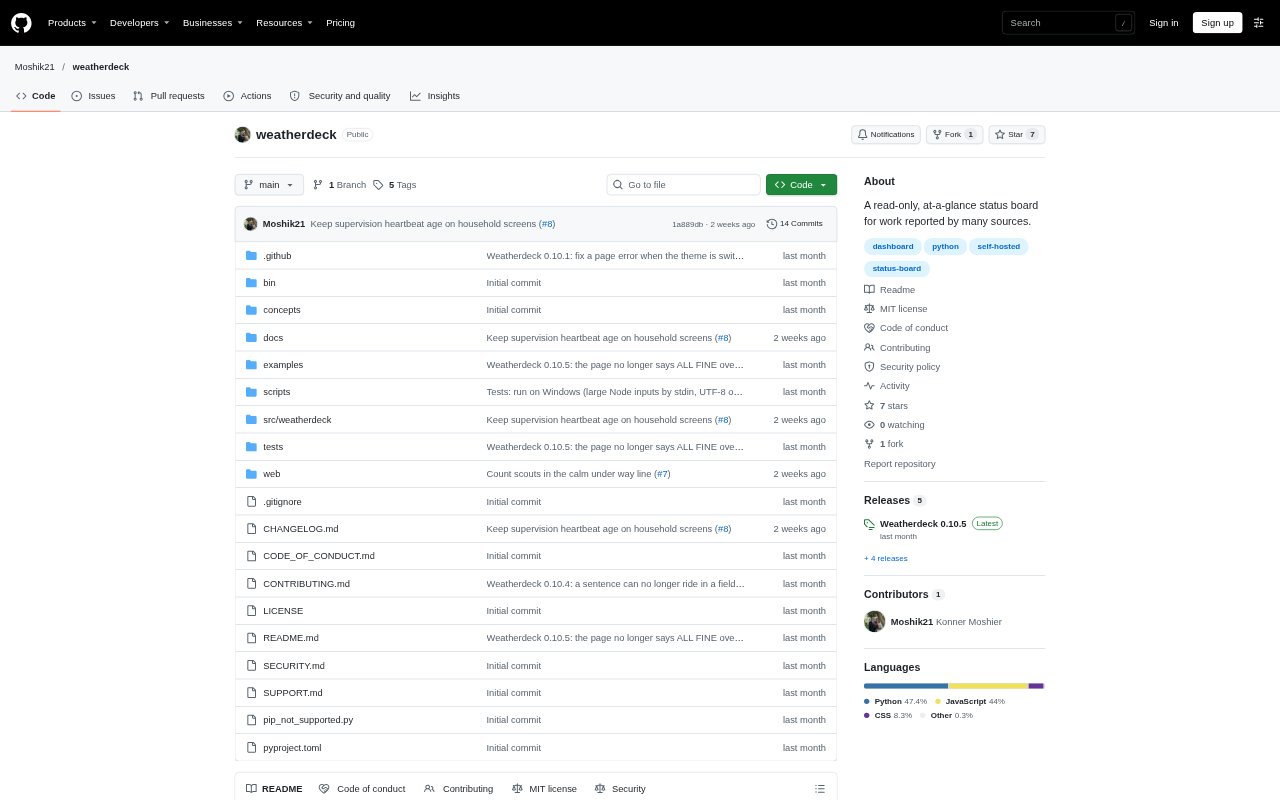
Weatherdeck is a self-hosted status board for work and machines, designed for a shared TV display or a phone. Tools send it status updates, which it presents as a live view of what is moving, waiting on a person, completed, or next. It is suited to teams and individuals who want one at-a-glance view across multiple sources. It is read-only and does not provide monitoring or alerts, so it shows only what its sources report.
Weatherdeck Features:
HTTP Feeds: Sources send a JSON document over HTTP, and Weatherdeck discovers them without requiring each source to be configured on the board.
Drop-In Cards: A small JSON file in a designated drop directory can add a status tile, allowing tools to contribute a card.
TV and Phone Views: The same page adapts to a wide TV screen or a single-column phone layout, with the board available in a browser.
Work Status: The board shows items needing a person, work in progress, completed items, upcoming work, and progress ranges when a source provides them.
Source Health: It keeps a source visible when it stops reporting, marks it silent, and identifies information it cannot read rather than presenting it as healthy.
Received Log: A host records each received push in a line-by-line log, and a command can show what sources sent and what changed on the board.
Weatherdeck Benefits:
Shared Awareness: A common board gives people at a desk, workstation, or phone a quick view of current work without checking each source separately.
Clear Ownership: Separating calls that need you from deferred or teammate-owned items helps people distinguish an immediate responsibility from work set aside.
Fewer False Signals: Visible gaps and uncertain progress make it easier to judge what the board can actually confirm instead of assuming missing data is good news.
Traceable Changes: The received log helps operators investigate what arrived and understand why the displayed status changed.
Local Control: Running the board on chosen machines keeps it self-hosted and avoids relying on a hosted service for the status view.
Use Cases:
Build Status Board: Send a build tool's updates to a shared screen so a team can see whether a job is running or has finished.
Team Work Queue: Collect work items from several sources and use the board to see which calls need attention and which belong to someone else.
Workshop Overview: Keep a TV page open in a workspace to see reported activity and whether each connected machine is still sending updates.
Personal Work View: Open the phone layout to check your waiting items and current work without navigating through each contributing tool.
Multi-Host Status: Run hosts on more than one machine and give sources a place to send updates for a locally managed status board.