
What is Web Potions?
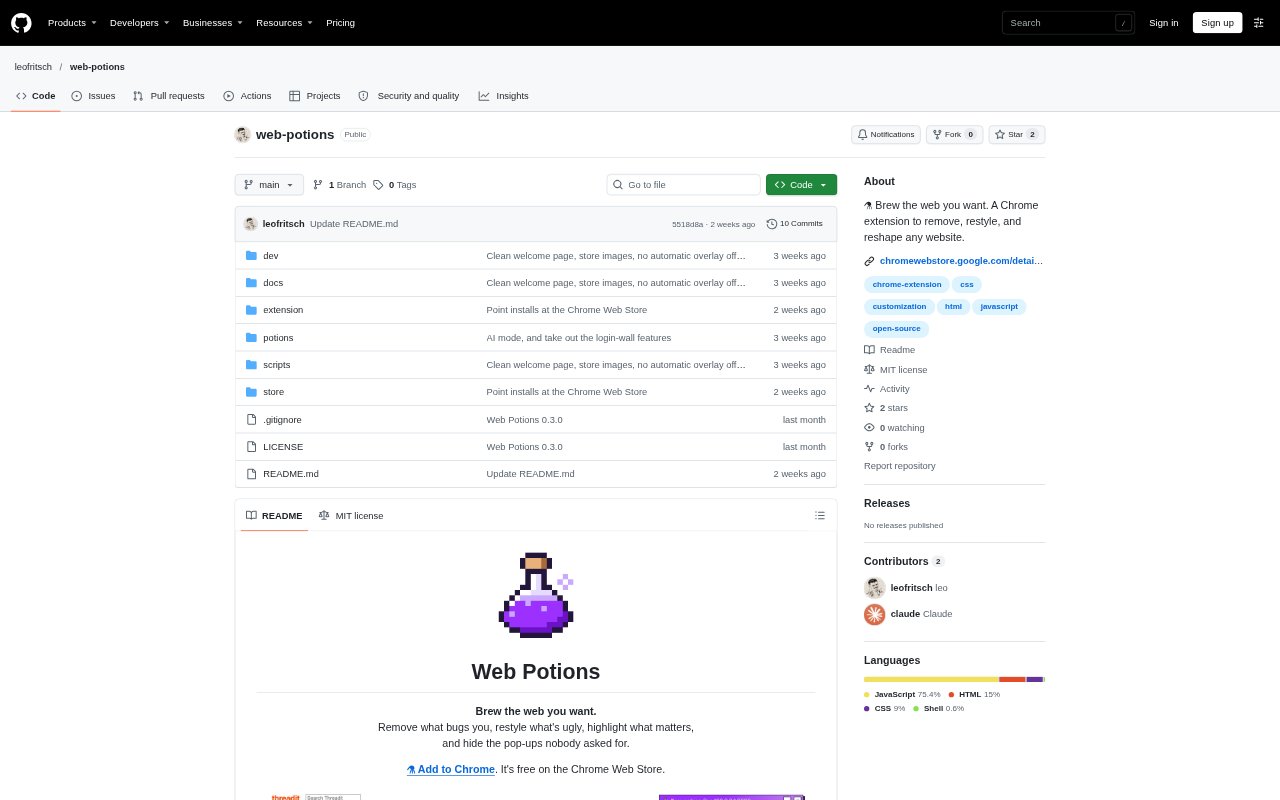
Web Potions is a Chrome extension for people who want to change how websites look and behave while browsing. It lets you build reusable “potions” from visual tweaks, element removals, custom CSS or JavaScript, then choose the sites where each one runs automatically. The extension also includes ready-made potions for tasks such as hiding YouTube recommendations or switching a page to night mode. It is free, open source, requires no account, and stores saved potions in Chrome.
Web Potions Features:
Element Editing: Pick an element on a page to remove, blur or restyle it, with the change saved as CSS that persists when the page rerenders.
Keyword Highlighting: Choose words to highlight wherever they appear on a page, including inside iframes, and change the highlight color by selecting the words again.
Image Controls: Blur or blank images until you hover over them, or use a ready-made potion to hide images across a site.
Custom Scripts: Add your own CSS or JavaScript, and set scripts to run once, on a loop, or after a delay.
Site Rules: Set which websites or page patterns trigger each potion, or run a potion manually on a page without changing its automatic site rules.
Potion Sharing: Share individual potions as JSON files, or export and import your full collection through the extension’s settings.
AI Mode: With AI mode enabled, a browser-driving AI can try a page fix, check it after reloading, and save the working change as a potion.
Web Potions Benefits:
Fewer Distractions: Removing selected banners, pop-ups, sidebars or recommendations can make frequently visited pages less cluttered and easier to focus on.
Consistent Preferences: Saved changes can run automatically on chosen sites, so you do not have to repeat the same page adjustments each visit.
Personal Browsing: Custom styling and image controls let you shape pages around your reading preferences instead of accepting each site’s default presentation.
Reusable Fixes: Keeping multiple changes together in a potion makes it easier to manage a set of page adjustments as one item.
Local Control: Potions stay in Chrome’s local storage, and the extension uses no account, servers or analytics, keeping the collection under your control.
Use Cases:
Calmer YouTube: Hide the home feed, Up next suggestions, end-screen recommendations or Shorts while keeping search and subscriptions available.
Focused Reading: Remove distracting page elements, highlight terms you want to notice, or apply gray mode to make a busy page less vivid.
Reduced Imagery: Hide images while reading or browsing, then hover over a blanked image when you want to see it.
Personal Page Style: Apply a preferred stylesheet, such as changing a page’s font, or use night mode to invert page colors while leaving photos and videos normal.
Repeat Site Fixes: Create a saved adjustment for a stuck banner, chat pop-up or scrolling issue so it is applied again on the sites you choose.