

What is Weeny.Cloud?
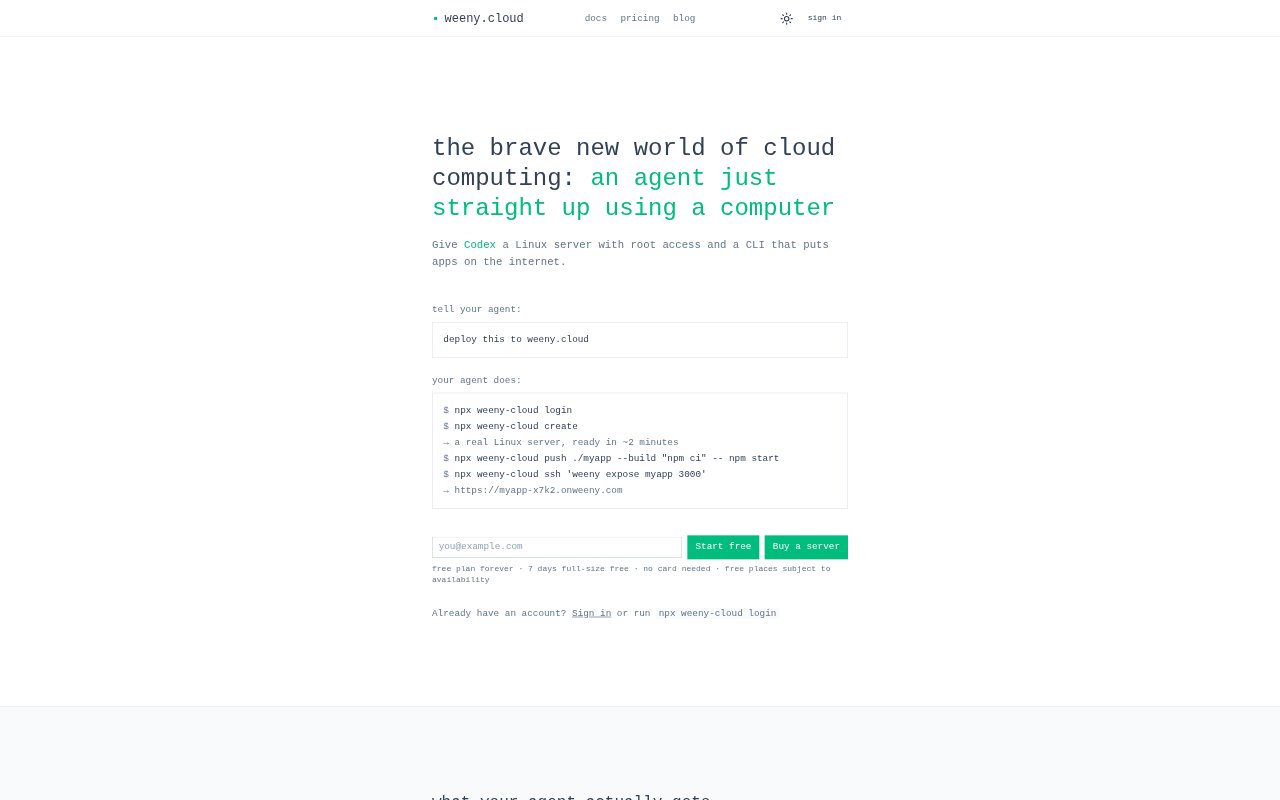
Weeny.Cloud provides persistent Linux servers for developers and coding agents, with root access, SSH and a command-line tool for creating servers and deploying apps. Apps can be exposed on HTTPS URLs, run alongside other apps on the same server, and use software installed through apt. The service handles setup such as HTTPS and off-machine backups, so an agent or developer can work with a Linux machine rather than a platform-specific set of managed services.
Weeny.Cloud Features:
Server Creation: Create a Linux server with the weeny-cloud CLI, which the service says is ready in about two minutes.
CLI Deployment: Push an app directory with build and start commands, then use the CLI to run the app and collect its logs.
HTTPS Exposure: Expose an app port at a public HTTPS URL, with custom domains available on paid plans.
Private Sharing: Expose an app privately behind a login screen or share it through private links.
Linux Root Access: Use root access, SSH and apt to install software and services directly on the server.
Backups and Logs: Apps and data are backed up off-machine with encryption, and app logs can be collected from the server.
Flat Plans: Plans have a flat monthly price with unlimited apps, and the service does not charge per app or per gigabyte of transfer.
Weeny.Cloud Benefits:
Less Setup Work: Built-in deployment, HTTPS and backups reduce the amount of infrastructure work needed before an app can be shared.
Familiar Troubleshooting: A real Linux environment lets developers and agents use standard tools such as SSH and journalctl to inspect problems.
Predictable Billing: Flat pricing and no per-app or per-gigabyte charges make hosting costs easier to anticipate as more apps are added.
Room for Projects: Running multiple apps on one server can avoid managing a separate hosting bill for each small project.
Protected Access: Private exposure and encrypted off-machine backups help keep shared apps and stored data less exposed.
Use Cases:
Agent-Built Apps: Give a coding agent a Linux server to build and deploy an app using its existing command-line and Linux knowledge.
Prototype Publishing: Put a working prototype on a public HTTPS URL so teammates or prospective users can try it.
Internal Tools: Run a business or team utility on a persistent server and share it privately behind a login screen.
Linux-Based Services: Install packages with apt when an app depends on software or services that need a Linux environment.
Multiple Small Apps: Host several apps on one server when they fit within its available CPU, memory and disk.
Always-On Hosting: Choose a paid plan for apps that need to stay awake instead of using the free server's sleep-and-wake behavior.