

What is Wenlan?
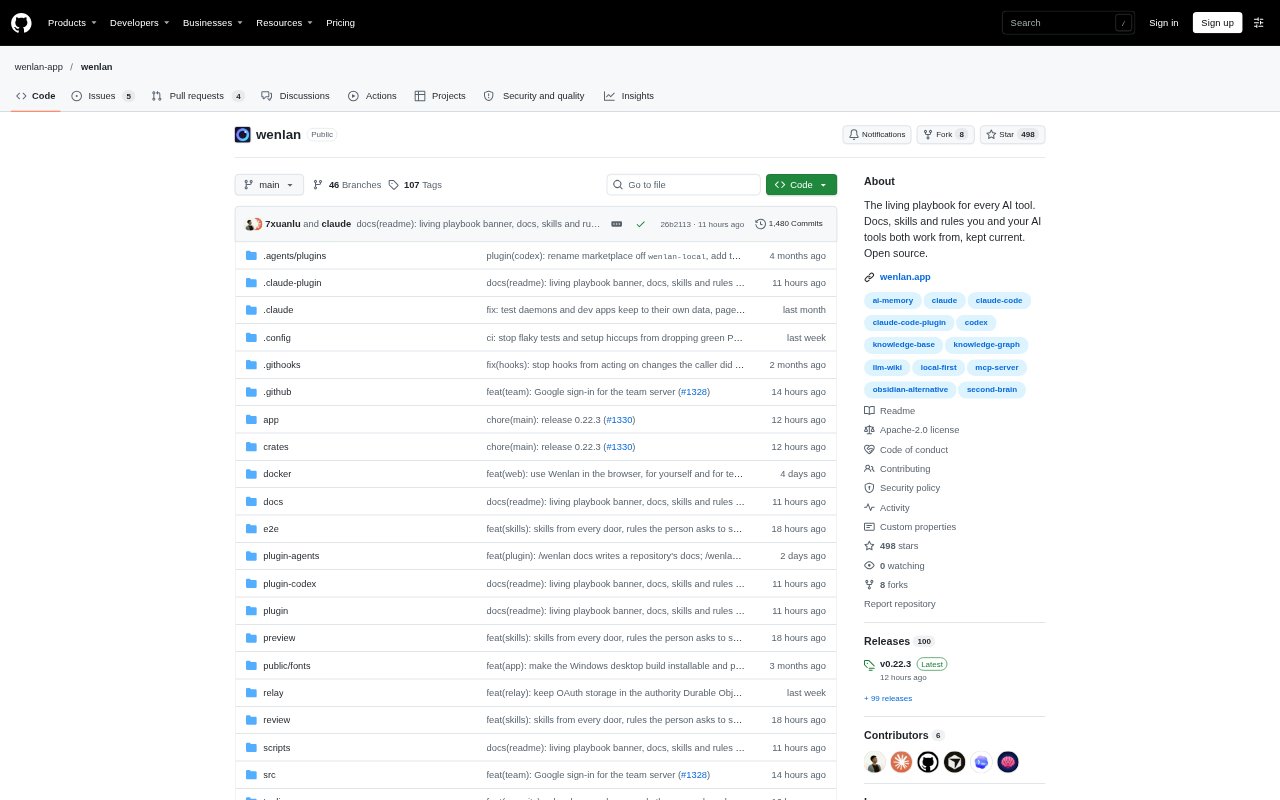
Wenlan is a knowledge workspace that keeps documents, skills, rules, and saved memories available across connected AI tools. Individuals and small teams can bring in notes, files, web links, chats, and code repositories, then work with the resulting knowledge as linked Markdown pages. AI tools can add to and use that knowledge, while people can review pages, sources, and proposed changes in the app.
Wenlan Features:
Cited Knowledge Pages: Wenlan creates linked Markdown pages from saved knowledge, checks whether citations support their sentences, and flags pages when a source changes.
Flexible Sources: Bring in Markdown, text, text-based PDFs, DOCX, Obsidian or Logseq notes, web links, AI chat exports, and code repositories.
AI Tool Connections: Connect tools including Claude Code, Codex, Cursor, GitHub Copilot, and Gemini CLI, and share knowledge through MCP.
Page Change Controls: Set pages to allow changes or ask for approval first, review edits, and restore an earlier version when needed.
Repository Documentation: Generate an overview and component docs tied to code lines, then submit new or updated pages as a pull request.
Team Spaces: Run a shared server where members connect with individual keys and receive view-only or edit access to each Space.
Local Markdown Files: Keep pages as portable Markdown files, with a local database used for indexing and search.
Wenlan Benefits:
Less Repeated Setup: Keep a shared set of rules and skills instead of copying and maintaining separate versions for each AI tool.
Knowledge Stays Current: Changes to a source can flag dependent pages, helping teams spot guidance that may no longer match its evidence.
Clearer Review: Citation checks and approval controls make it easier to inspect AI-written material before relying on it.
Easier Handoffs: A shared knowledge base lets teammates and their connected AI tools work from the same settled decisions.
Portable Notes: Markdown pages remain readable and editable outside Wenlan, so the knowledge is not confined to an app-only format.
Use Cases:
Team Decisions: Save a release policy or project decision once, then ask a different connected AI tool to recall it later.
Existing Notes: Import an Obsidian or Logseq vault and keep its notes available as sources for AI-assisted knowledge pages.
Codebase Guides: Create repository overviews and component documentation that points to the code behind key statements.
Documentation Updates: Review a pull request that refreshes project docs when code changes make existing explanations inaccurate.
Shared Team Knowledge: Give a small team a common space for reference material, with access set separately for each member.