

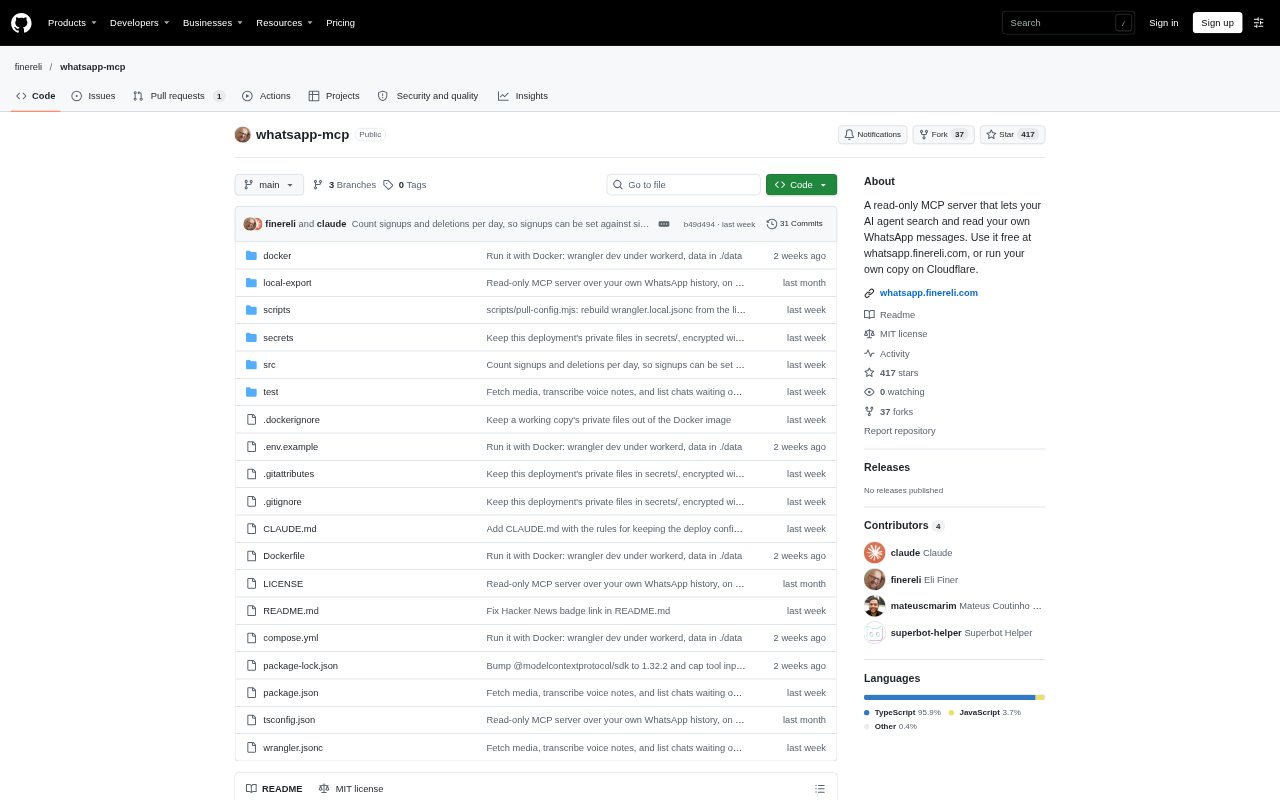
What is WhatsApp MCP?
WhatsApp MCP connects an MCP-compatible AI assistant to your WhatsApp history so it can search and read chats. It is designed for people who want to ask questions about past conversations using ChatGPT, Claude, Grok or another MCP client. The hosted service is a free beta with limited places and an account-size limit; you can also run your own copy. It is read-only, but messages are visible to the server and the assistant provider while being processed.
WhatsApp MCP Features:
Chat Search: Search messages across chats using exact words, quoted phrases, or a trailing asterisk to match the start of a word.
Message Reading: Let an MCP client retrieve and read matching WhatsApp messages, including message details WhatsApp makes available to a linked device.
Contact Names: Save names you give the assistant so it can use them when referring to people in your conversations.
Read Only: The available tools can read and search messages but cannot send, edit, or delete anything in WhatsApp.
Encrypted Storage: Messages stored by the service are encrypted at rest; with a self-hosted copy, the key comes from a password only you know.
Flexible Hosting: Use the hosted service or run a copy on Cloudflare, or locally with Docker and a secure HTTPS connection.
WhatsApp MCP Benefits:
Faster Retrieval: Find a detail from an old conversation by asking a question instead of manually searching through chats and messages.
Useful Summaries: Get an assistant to pull together what you missed in a group chat or what several people said about a topic.
Fewer Accidental Changes: Keep the assistant focused on reference and recall, with no ability to send messages or alter WhatsApp conversations.
Hosting Choice: Choose the hosted beta for a simpler start or self-host if you prefer to control where the service runs and how its key is managed.
Clear Data Removal: Remove the stored copy and unlink WhatsApp from the dashboard when you no longer want the service to retain your data.
Use Cases:
Find a Detail: Ask what someone said about travel plans, an agreement, or another topic discussed in a past chat.
Review Group Chats: Ask for a recap of messages you missed in a family or other WhatsApp group during a particular period.
Track a Topic: Search across conversations for mentions of a lease, project, event, or other exact words and phrases.
Recall Who Said What: Use saved names and message search to connect a person with a detail from earlier conversations.
Personal Message Archive: Ask an AI assistant questions about your own imported WhatsApp history when you need context from older exchanges.