

What is WhatsApp MCP?
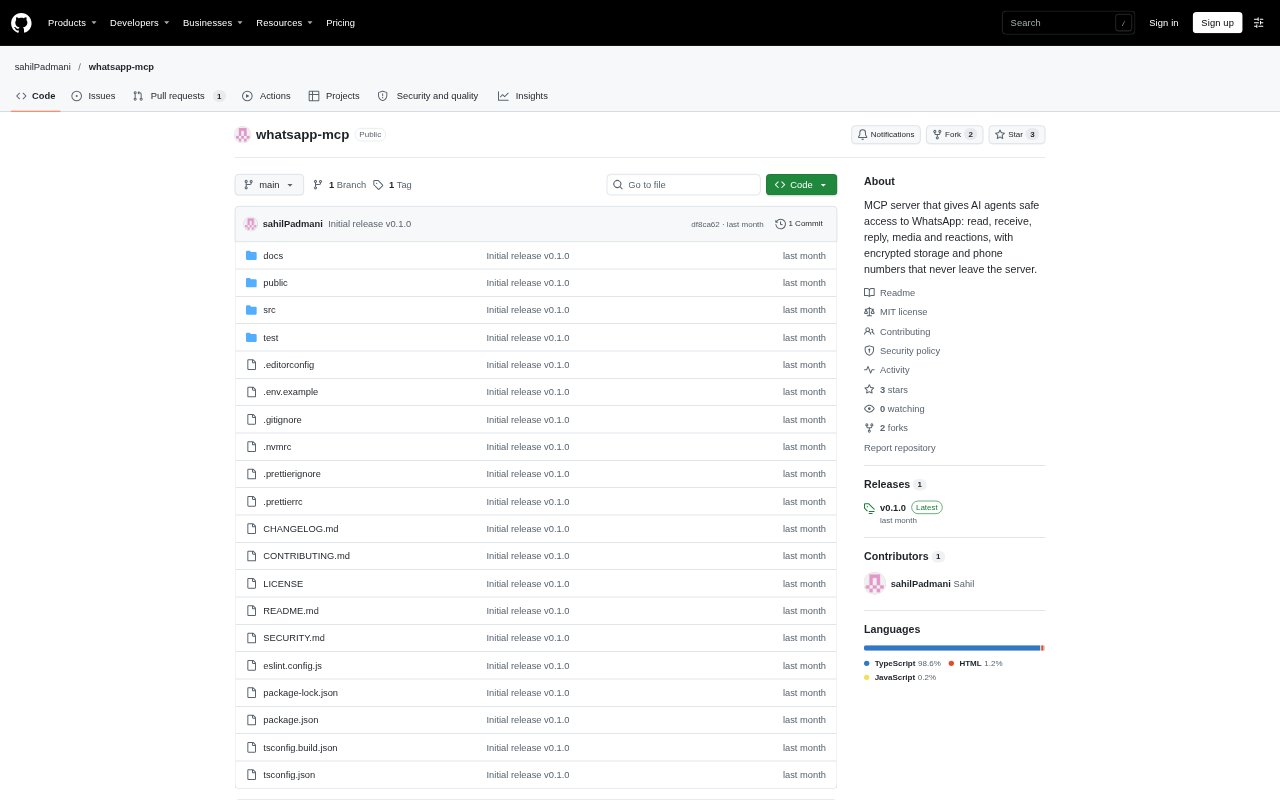
WhatsApp MCP is a self-hosted server that lets AI agents use one linked WhatsApp account through the Model Context Protocol. Connected agents can read chats, receive messages, reply, send media and manage reactions, while phone numbers remain on the server. It is designed for people who want an AI client to work with WhatsApp, but it uses an unofficial client and account automation may carry a risk of restrictions under WhatsApp’s terms.
WhatsApp MCP Features:
Chat Reading: Agents can list chats by recent activity, check unread counts, search contacts by name and retrieve message history with media details and reply links.
Live Messages: Incoming messages are available through cursor-based long polling, live MCP notifications or signed webhooks that include retry behavior.
Message Sending: Agents can send text to a chat by ID, name or phone number, quote a message in a reply and mark messages as read.
Media Handling: The server can receive photos, videos, voice notes, documents and stickers, and send photos, videos, audio, voice notes and documents.
Reactions: Agents can add emoji reactions, remove their own reactions and check who reacted to messages.
Private Storage: The WhatsApp session, messages, contacts, phone numbers and media are encrypted at rest with AES-256-GCM, while phone numbers stay on the server.
WhatsApp MCP Benefits:
Faster Inbox Review: Recent-chat ordering, unread counts and contact search help users and their agents find conversations that need attention without scanning every thread.
Timely Responses: Polling, notifications and webhooks give connected workflows ways to act on incoming messages without relying only on manual inbox checks.
More Natural Replies: Quoted replies and a typing indicator help automated responses retain conversational context and feel less abrupt to recipients.
Reduced Exposure: Keeping phone numbers on the server and encrypting stored account data limits where sensitive WhatsApp details are exposed.
Controlled Automation: Rate limits and a daily cap on starting new chats provide safeguards against excessive sending that could put an account at risk.
Use Cases:
Unread Chat Triage: Ask a connected agent to find unread conversations, inspect recent messages and identify which chats may need a response.
Message Follow-Up: Use an agent to reply to a particular message with a quote, such as confirming an appointment or continuing an existing conversation.
Incoming Message Routing: Connect message events to a workflow that receives new WhatsApp messages through polling, MCP notifications or a signed webhook.
Media Exchange: Have an agent retrieve an attachment for review or send a photo, document, audio clip or video in a WhatsApp chat.
Conversation Monitoring: Check recent chats, search for a person or group, and review message history when following up on an ongoing discussion.