

What is WhimKid?
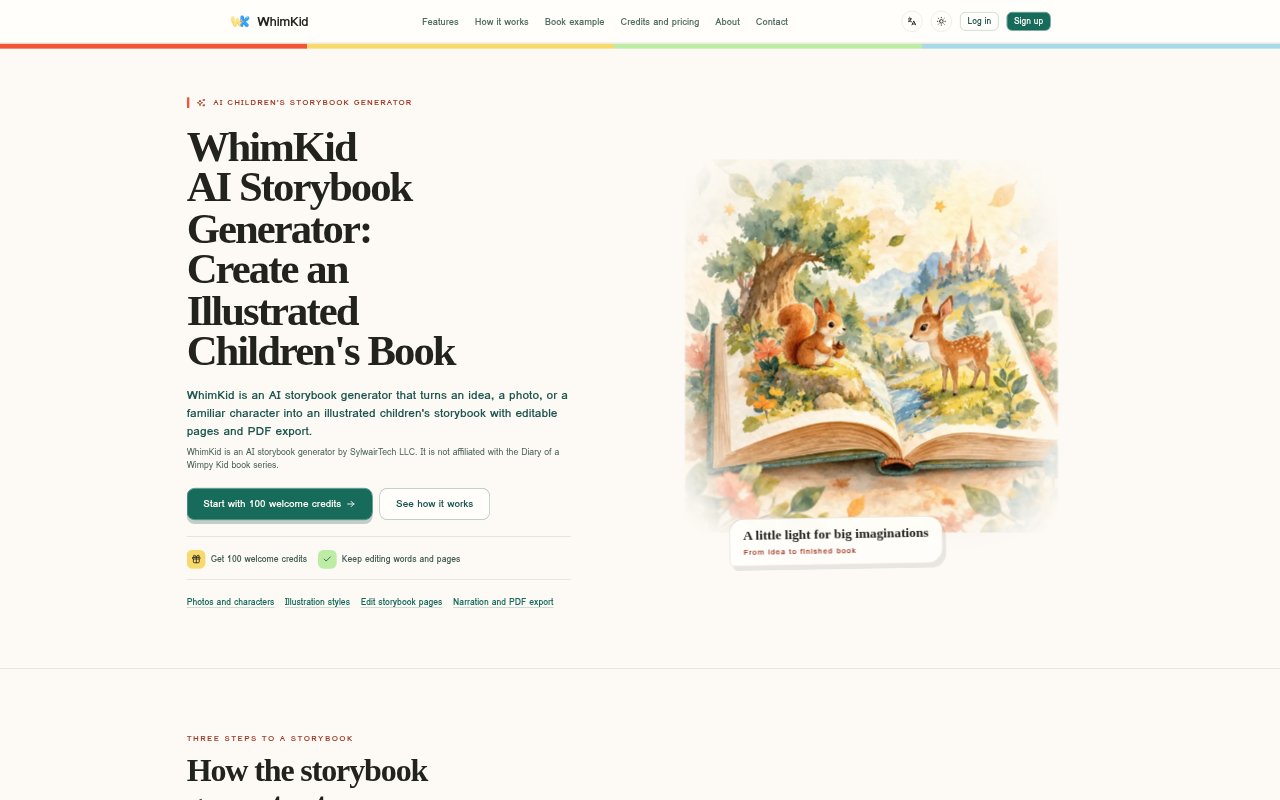
WhimKid turns a story idea, photo, or familiar character into an illustrated children’s storybook. Families and children’s content creators can shape the story for a chosen age range, then edit the words, illustrations, and layout before sharing or exporting it. Books can include narration and music, and new accounts receive 100 credits valid for 30 days to try generation.
WhimKid Features:
Story Generation: Start with an idea, photo, or familiar character, then guide the book with a reader age, theme, characters, and visual references.
Age Guidance: Choose among five age bands from 0 to 12, which guide vocabulary, story complexity, and page pacing.
Character References: Save visual references for children, family members, or original characters, then reuse them in other books and select up to six for one story.
Illustration Styles: Choose from styles such as crayon, pastel, collage, and ink wash to guide the book’s cover, story pages, and back cover.
Page Editing: Edit text and layout, regenerate individual illustrations, reorder pages, add or remove pages, and restore earlier illustration versions.
Reading and Export: Preview books in a page-turn reader, add narration or background music, share with a password or expiry date, and export PDFs, images, audio, or video.
WhimKid Benefits:
More Personal Stories: Using a child’s name, a family photo, or familiar characters helps make a book feel connected to the people and moments it is about.
Age-Fitting Reading: Age guidance gives families and creators a starting point for vocabulary and story complexity that suits the intended reader.
Focused Revisions: Changing one page’s text or illustration lets you address a specific problem without rebuilding the whole book.
Creative Control: Editable words, page order, and layout make it possible to refine the book until its story and presentation feel right.
Flexible Sharing: Several reading and export options make it easier to choose how a finished story is experienced or passed along.
Use Cases:
Bedtime Story: Turn a child’s idea about a favorite person or adventure into an illustrated book to read together at home.
Birthday Gift: Create a story around a birthday, a growing-up moment, or another family memory, then share the finished book.
Family Characters: Use authorized photo references to make a personalized story featuring a child or family member across different scenes.
Children’s Content: Develop a script, characters, and page sequence, then revise each page before sharing or exporting the book.
Reading Practice: Make a story for a particular age band and use its narration or page-turn reader for a read-along experience.