

What is Whimsical?
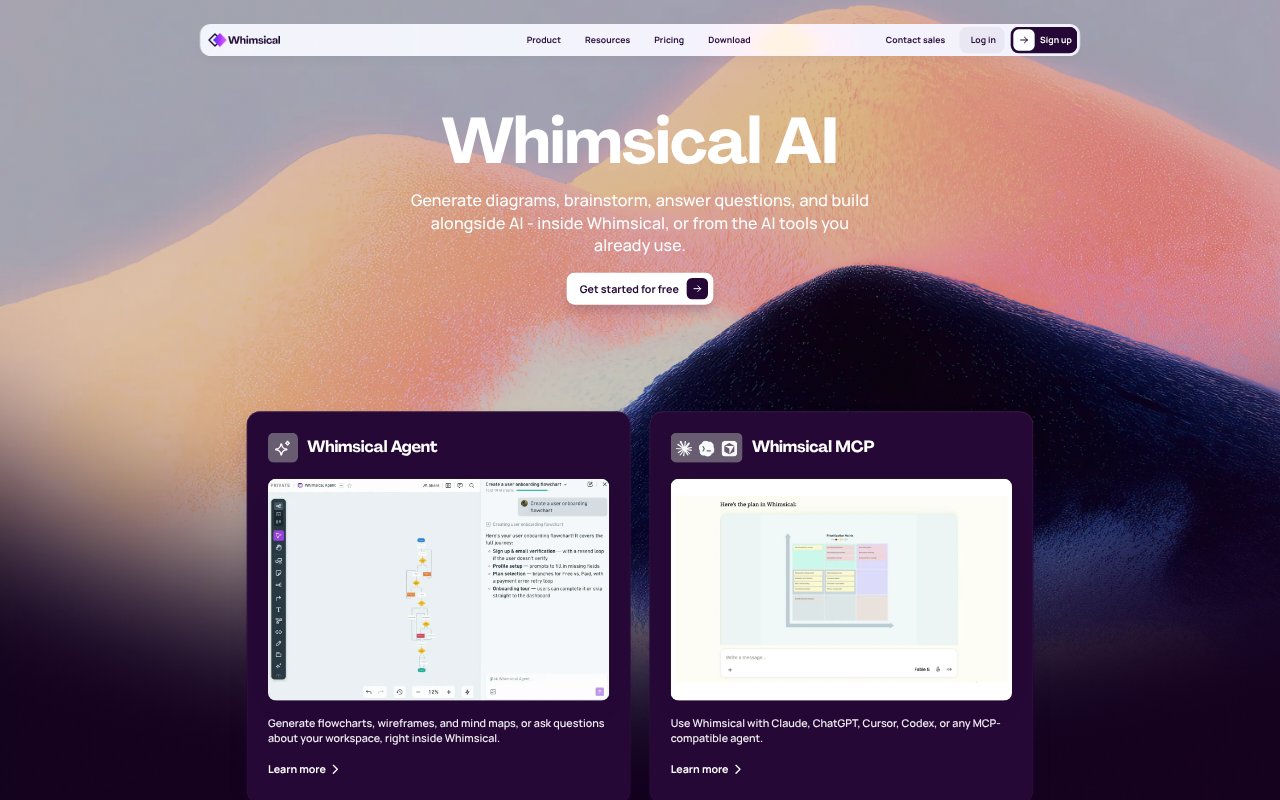
Whimsical is a visual workspace for product builders and teams to plan, design, and document work on an infinite canvas. Its AI features turn text prompts into flowcharts, mind maps, and editable wireframes, and can answer questions about a workspace. Teams can also create diagrams, docs, and wireframes together, or connect Whimsical to AI tools such as Claude, ChatGPT, and Cursor.
Whimsical Features:
AI Flowcharts: Describe a process in a prompt and Whimsical generates a structured flowchart that you can use to map its steps.
AI Mind Maps: Start with an idea and generate a branched mind map to develop and organize related thoughts.
AI Wireframes: Turn a text prompt into editable wireframes and wireflows for web and mobile concepts.
Workspace Questions: Ask questions about your workspace and use Whimsical’s AI agent to generate diagrams, wireframes, and mind maps.
Infinite Canvas: Bring diagrams, wireframes, whiteboards, and other visual materials together on a shared, expandable board.
AI Tool Connections: Connect Whimsical with Claude, ChatGPT, Cursor, Codex, or other MCP-compatible agents to work with diagrams and workspace content.
Team Collaboration: Edit in real time, comment on files, add images or video, and review or restore earlier board versions.
Whimsical Benefits:
Faster First Drafts: Prompt-based starting points reduce the effort of turning an unstructured thought or process into something a team can discuss.
Clearer Team Alignment: Visual explanations give teammates a shared reference when they need to understand a process, product flow, or idea.
Ideas Stay Connected: Keeping diagrams, wireframes, and docs in one workspace makes it easier to move between planning and product design.
Smoother Iteration: Editable visual work lets teams adjust a concept as they explore options, rather than treating an early draft as final.
Work With Context: Comments and version history help teams keep feedback near the work and revisit earlier board states when needed.
Use Cases:
Process Mapping: Create a flowchart from a written description of an onboarding process, approval path, or other sequence of steps.
Product Brainstorming: Expand an early product idea into a mind map before choosing which directions to explore further.
Interface Planning: Generate editable web or mobile wireframes to sketch screens and map how users move between them.
Team Workshops: Use a shared board to gather ideas, diagram a discussion, and add comments where the work is taking shape.
AI-Assisted Design: Work from an AI-compatible tool to generate or refine diagrams, map codebase architecture, or build from wireframes.