

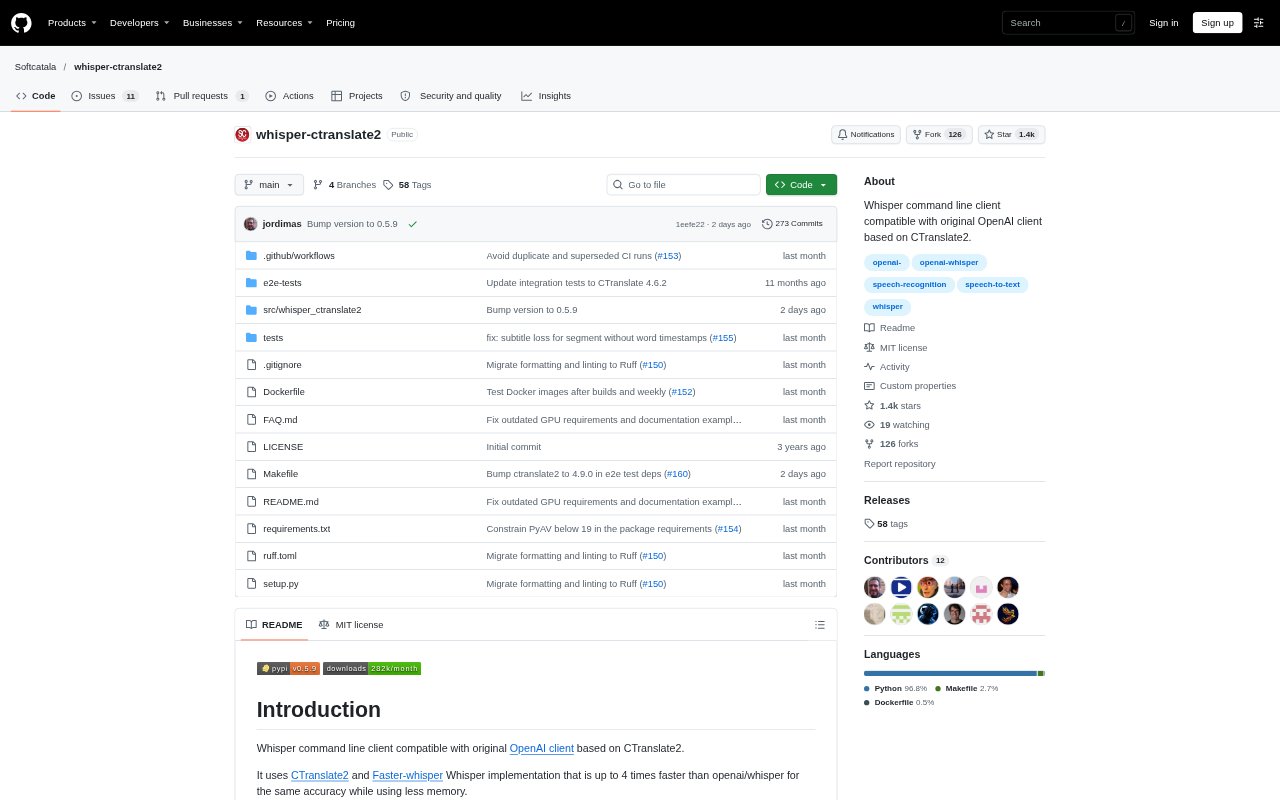
What is whisper-ctranslate2?
whisper-ctranslate2 is a command-line tool for transcribing audio with Whisper models, built on CTranslate2 and Faster-whisper. It is aimed at people who want to run speech recognition from a terminal, including users of the original OpenAI Whisper command line client. It can also translate a transcription into English, transcribe microphone input live, and add speaker labels to supported output files. The project is available under the MIT licence.
whisper-ctranslate2 Features:
Whisper CLI Compatibility: Use a command line interface compatible with OpenAI Whisper, with transcription and translation options plus additional controls for CTranslate2.
Batched Inference: Process audio segments in batches, with a configurable maximum batch size and a voice activity detection filter for this mode.
CPU and GPU Support: Run inference on CPU or supported NVIDIA GPUs, with automatic selection of the best available hardware or manual device controls.
Model Selection: Choose a Whisper model or load a CTranslate2-format model from a directory, including a fine-tuned or quantized model.
Live Microphone Transcription: Transcribe audio from a microphone in live mode, with a language option available when starting the command.
Speaker Diarization: Identify speakers at the segment level and include their labels in JSON, VTT, and SRT output files.
Speech and Confidence Controls: Filter audio without speech using VAD, or print transcription text with colors that indicate higher or lower word confidence.
whisper-ctranslate2 Benefits:
Faster Processing: CTranslate2-based inference can reduce processing time compared with OpenAI Whisper while maintaining the same accuracy, with further speed gains available through batching.
Easier Migration: Compatibility with the original Whisper command line makes it easier to move an existing terminal-based transcription workflow.
Less Manual Cleanup: Filtering sections without speech can help keep transcription output focused on spoken content rather than silent or non-speech audio.
Quicker Transcript Review: Color-coded confidence cues help reviewers spot words that may need closer checking without treating every part of a transcript alike.
Clearer Conversations: Speaker labels make it easier to follow who said what in recordings where multiple people take turns speaking.
Use Cases:
Recorded Interviews: Transcribe interview recordings and use segment-level speaker labels to distinguish the interviewer from the person being interviewed.
Meeting Recordings: Create text output from recorded discussions and review speaker-labelled segments when several participants contribute.
English Translation: Translate a transcription from its source language into English using the command line translation task.
Microphone Dictation: Capture live speech from a microphone as text, with a language specified when launching live transcription.
Audio Batch Jobs: Process a collection of audio files from a terminal and use batched inference when working with multiple segments.