

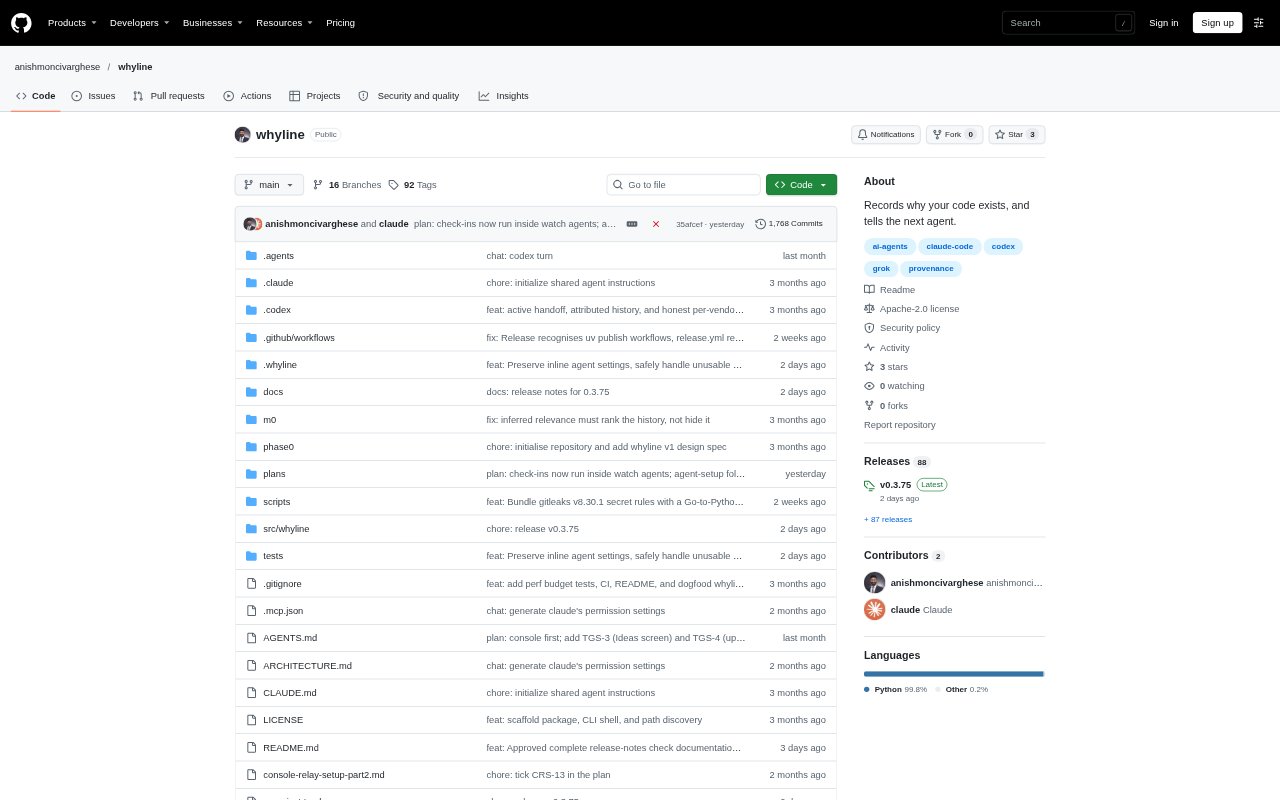
What is Whyline?
Whyline coordinates AI coding assistants through their official command-line tools on your computer, using accounts you are already signed in to. It brings multiple models into shared workflows for research, coding, testing and review, and also supports reusable agents that can run on schedules or respond to incoming work. Developers can use it from a terminal, a console, Telegram or email, with no API keys or separate Whyline account required.
Whyline Features:
Model Panel: Choose several models to research a question independently, combine their drafts, have them critique one another and produce a final synthesis.
Relay Workflow: Run a Markdown plan through agents assigned to implement, test, review and verify work, with pauses for questions, risky recovery steps, manual checks or release.
Backup Chains: Set an ordered backup for each role so another available agent can take over when a model reaches its usage limit.
Scheduled Agents: Create reusable read-only jobs that run on a schedule, when files arrive in a folder or when a mail rule matches, then deliver results by email or Telegram.
Phone Idea Inbox: Send ideas through a private Telegram bot or authenticated email, then request a brainstorm, quick score or spec and plan for an allowed repository.
Decision Records: Keep committed notes about decisions, rejected options, tests and risks, then sync a short summary for the next agent or explain a code line.
Release Checks: Run checks for secrets in commits, vulnerable dependencies and files included in a package, alongside release workflows for configured targets.
Whyline Benefits:
Broader Perspectives: Compare independent model responses and critiques before settling on an approach to a technical or business question.
Fewer Hand-Offs: Keep implementation, testing and review in one coordinated run instead of manually moving output between separate terminals.
More Resilient Runs: Reduce interruptions from usage limits by preparing alternative agents for roles in a workflow.
Work Away From Desk: Receive results and manage incoming ideas without needing to stay at the computer throughout every run.
Retained Context: Help future agents understand past decisions and avoid revisiting rejected options without their rationale.
Use Cases:
Architecture Decisions: Ask multiple models to assess a proposed database migration or compare options for a service design.
PRD Review: Have a model panel review a product requirements document and identify gaps before planning implementation.
Reviewed Code: Turn a project request into planned tasks, then assign agents to write code, run tests and review the changes.
Repository Monitoring: Schedule recurring dependency, security or repository-change reviews and receive the results by email or Telegram.
Mobile Idea Capture: Submit a product idea from a phone, request a score or brainstorm, and ask for a spec and plan for an allowed project.