

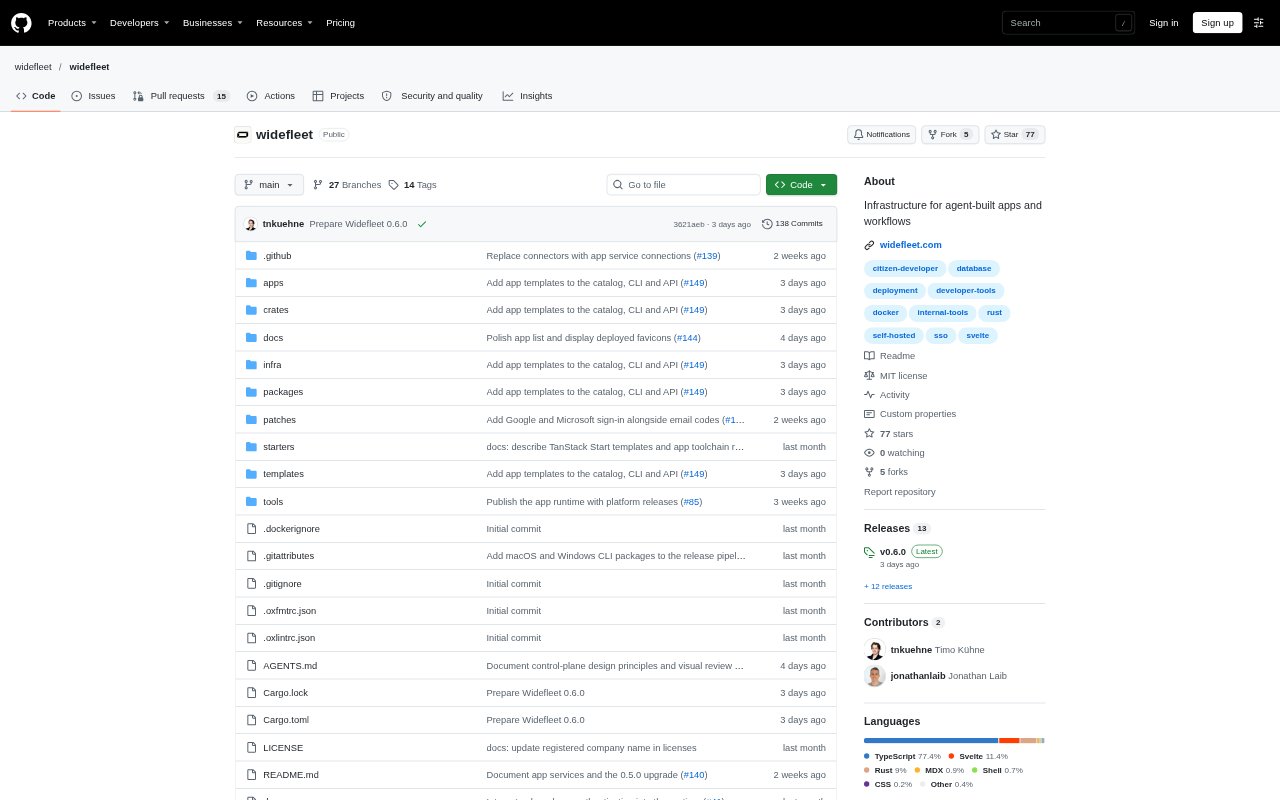
What is Widefleet?
Widefleet is an open-source platform for building, deploying and operating apps and workflows created with coding agents. It is aimed at teams that want to make internal tools with their preferred editor while keeping app code in independent projects. Widefleet provides company login, app data storage and managed deployment, with options to run the platform in a company environment or use its managed cloud service.
Widefleet Features:
Agent-Based Development: Build apps in a preferred editor with a coding agent, starting with a SvelteKit project or choosing TanStack Start for React.
CLI Deployment: Use the Widefleet CLI to build and deploy an app, then update that app with later deployments.
Company Login: Connect company identity and assign access groups so colleagues can sign in with existing accounts and find apps in a shared catalog.
App Data Storage: Give each app databases, private file storage and key-value bindings for records, documents, attachments and other app data.
System Permissions: Set network permissions for external destinations and expose IT-managed services to the apps that are allowed to use them.
Background Workflows: Run scheduled tasks and queued jobs, or create durable workflows with retries and waits for events.
Previews and Logs: Publish isolated previews, inspect deployment history and app logs, and roll back to an earlier code version.
Widefleet Benefits:
Faster Internal Tools: Teams can turn agent-written app code into deployable tools without building a separate login, data-storage and deployment setup for each app.
Familiar Team Access: Colleagues can use company accounts to reach approved apps, avoiding a separate sign-in process for every internal tool.
Safer System Connections: Restricting which apps can reach destinations and managed services helps teams keep access to company systems deliberate.
Persistent App Data: Keeping app storage separate from code deployments helps teams update an app without losing its stored records and files.
More Controlled Releases: Isolated previews and rollback options give teams a way to check changes and recover from a problematic code update.
Use Cases:
Internal Team Tools: Build an app for a team to record notes, manage operational information or handle a focused company task.
Document Workflows: Create an internal app that stores records alongside documents, photos or other attachments in private file storage.
Scheduled Processes: Use scheduled jobs or queued work for recurring tasks that should continue when nobody has the app open.
Company System Apps: Build an app that connects to approved company destinations or IT-managed services under defined access permissions.
Agent-Built Prototypes: Deploy an isolated preview of an agent-built app for review before publishing the updated version to the team.