
What is Wispr Flow?
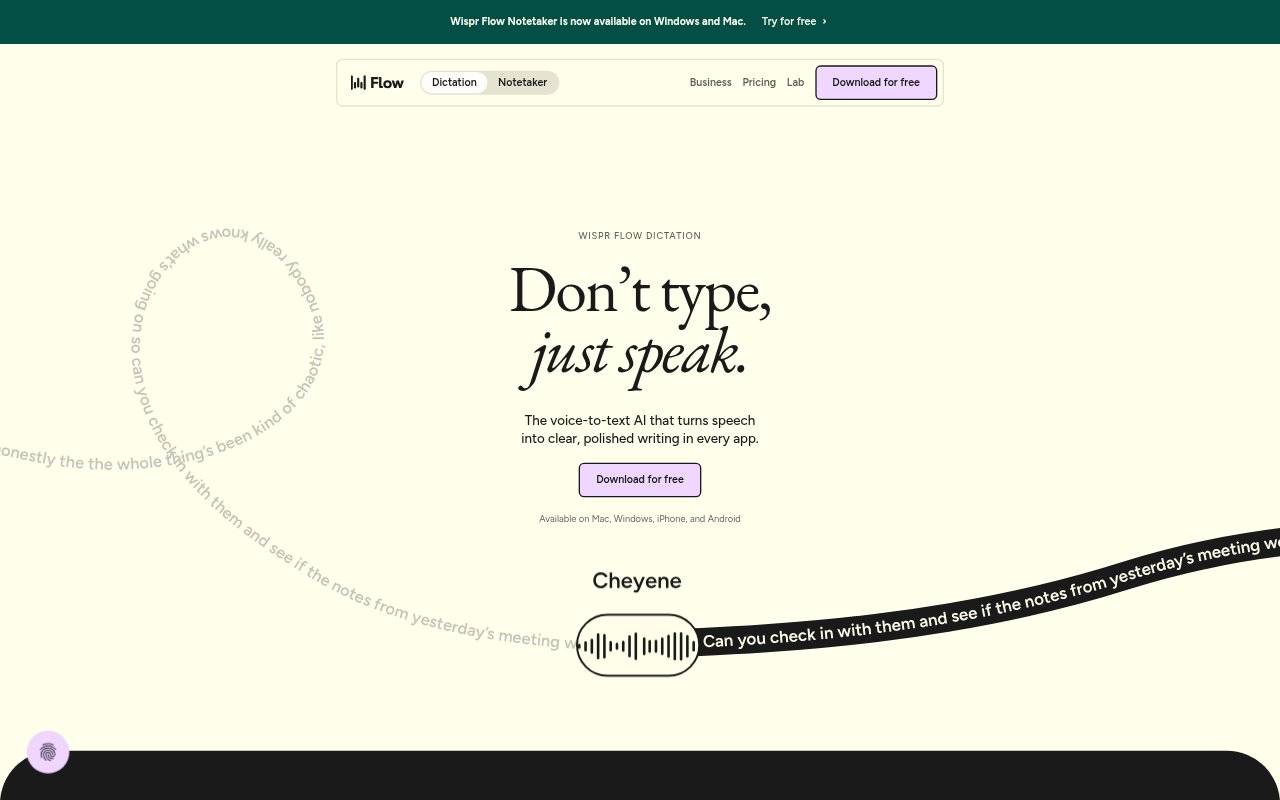
Wispr Flow combines voice dictation with an AI meeting notetaker for people who want to write and capture conversations by speaking. Dictation turns speech into polished text in apps on Mac, Windows, iOS, and Android, while Notetaker records meetings on Mac or Windows and produces transcripts, summaries, and next steps. It is designed for individuals and teams, with free access and paid options for higher usage and additional controls.
Wispr Flow Features:
Cross-App Dictation: Dictate wherever you can type, including email, messaging, notes, terminals, code editors, and AI tools, without setting up individual integrations.
Speech Cleanup: Flow removes false starts and applies spoken corrections, then formats speech into structures such as paragraphs, numbered lists, and emails.
Language Support: Dictation supports more than 100 languages, and a language picker lets you switch between them.
Personal Dictionary: Flow uses a personal dictionary and context to recognize names, acronyms, and specialized terminology.
Meeting Notes: Notetaker records meetings on Mac or Windows without a bot joining the call, then creates a transcript with speaker names, a topic-organized summary, and next steps.
Team Controls: Team plans include shared dictionaries and snippets, centralized billing, admin controls, and usage dashboards, with additional organization policies available on Enterprise.
Wispr Flow Benefits:
Less Editing: Cleaned-up text means less time spent removing filler words, fixing corrections, and arranging rough dictation before it is ready to use.
Faster Capture: Speaking thoughts directly into the app in use helps keep ideas moving without stopping to type or transfer text between tools.
Clearer Messages: Formatted output makes spoken drafts easier to read and share as emails, lists, or paragraphs.
Useful Meeting Records: Topic summaries and next steps make it easier to find decisions and follow up after a conversation.
Consistent Team Language: Shared dictionaries and snippets help teams keep terminology and common wording consistent across their work.
Use Cases:
Email Drafting: Dictate a long reply in Gmail or another email app, correct yourself as you speak, and get a formatted draft to review.
Quick Idea Capture: Record a thought in the moment by speaking into a notes app or message instead of waiting to type it later.
Code And Technical Notes: Dictate in a terminal or code editor and use the personal dictionary to help capture acronyms and specialized terms.
Meeting Follow-Up: Record a Zoom, Google Meet, Microsoft Teams, Slack huddle, or in-person meeting and use the transcript, summary, and next steps to prepare follow-up.
Multilingual Work: Switch the dictation language when moving between conversations or writing tasks in different languages.