
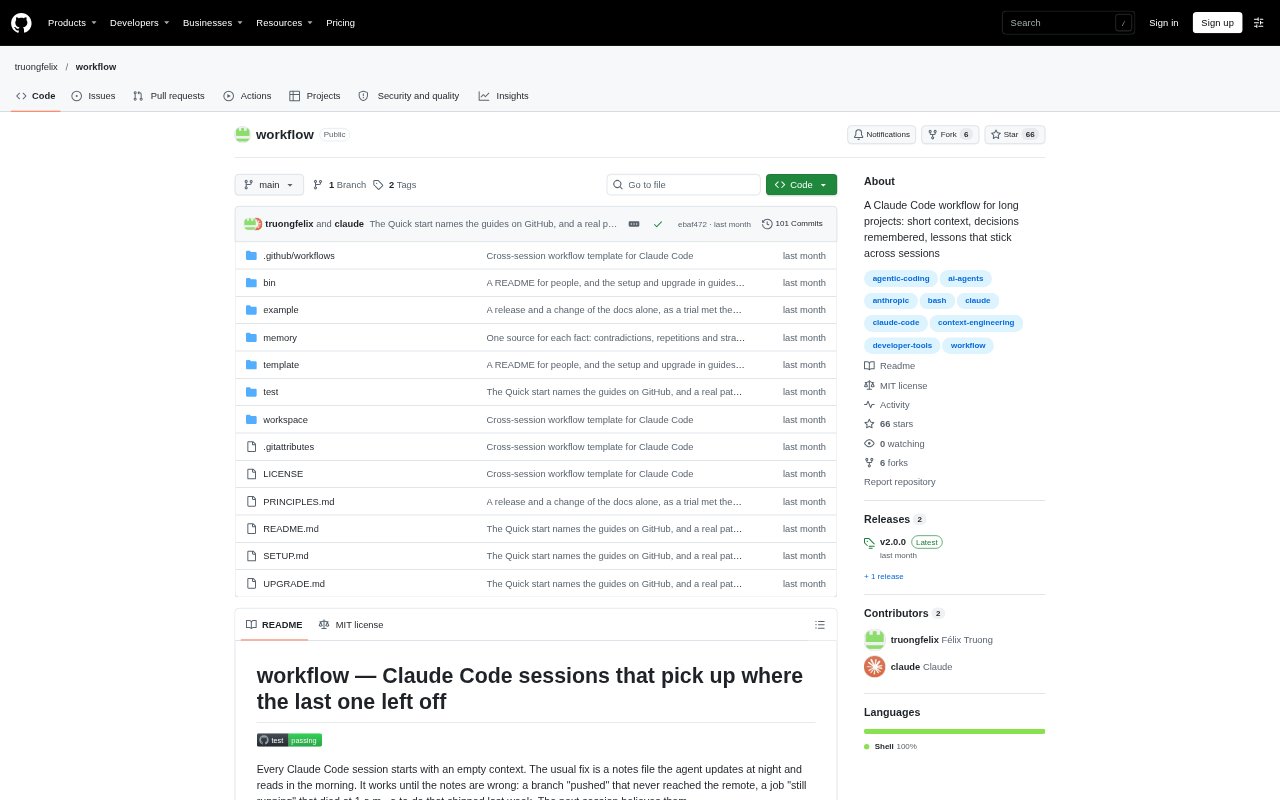
What is workflow?
workflow is a project template for carrying work across Claude Code sessions without relying on unchecked notes. It gives Claude commands and scripts for reviewing project status, recording handoffs, tracking decisions and backlog items, and following rules you set for autonomous work and code checks. It is aimed at people using Claude Code on long-running projects, whether their notes live with the code or in a separate repository. It runs on Linux, macOS, and Windows through Git Bash or WSL.
workflow Features:
Session Start: The /session-start command checks project status, compares it with the last handoff, proposes a task for the day, and waits for your input.
Verified Handoffs: The /handoff command records current project state after checking it against git, GitHub, and machine information available to its scripts.
Status Checks: Ground-truth scripts compare repository branches with remotes, inspect open pull requests and CI when GitHub CLI is available, and check background jobs when systemd is available.
Project Board: The /board command brings the backlog, decisions, lessons, and session handoffs together on one page that updates itself.
Autonomy Settings: The /autonomy command sets which actions Claude may take without asking, including committing, pushing, opening or merging a pull request, and releasing.
Project Maintenance: The /checks command configures code checks and project rules, while /trim proposes what to keep, shorten, or remove as rulings and lessons accumulate.
workflow Benefits:
Fewer Stale Assumptions: Checking handoff claims against current project state helps prevent sessions from treating failed jobs, unpushed commits, or red CI as completed work.
Less Repeated Discovery: A new session can see what changed since the previous one instead of spending its opening time reconstructing project status from scratch.
Consistent Decisions: Keeping past rulings and lessons available across sessions reduces the chance that Claude revisits settled questions or repeats known mistakes.
Clearer Oversight: You can set boundaries for independent actions and retain decisions that require your judgment, making Claude's role more predictable.
Traceable Project History: Keeping handoffs and project notes in git preserves earlier records, so you can review how work and decisions changed over time.
Use Cases:
Resuming Project Work: Start a Claude Code session after a day or weekend away and review what changed before choosing the next task.
Managing Long Jobs: Check whether a background task completed or failed before planning follow-up work based on its expected finish time.
Reviewing Pull Requests: Use the session brief to notice a pull request with failing CI or commits that have not reached the remote before deciding what to do next.
Coordinating Repositories: Track work across a project with multiple code repositories, and attach an additional code repository as the project grows.
Setting Claude Boundaries: Configure which development actions Claude can perform alone and whether checks use project tests, GitHub CI, or both.