

What is YouTube AI Video Editing System?
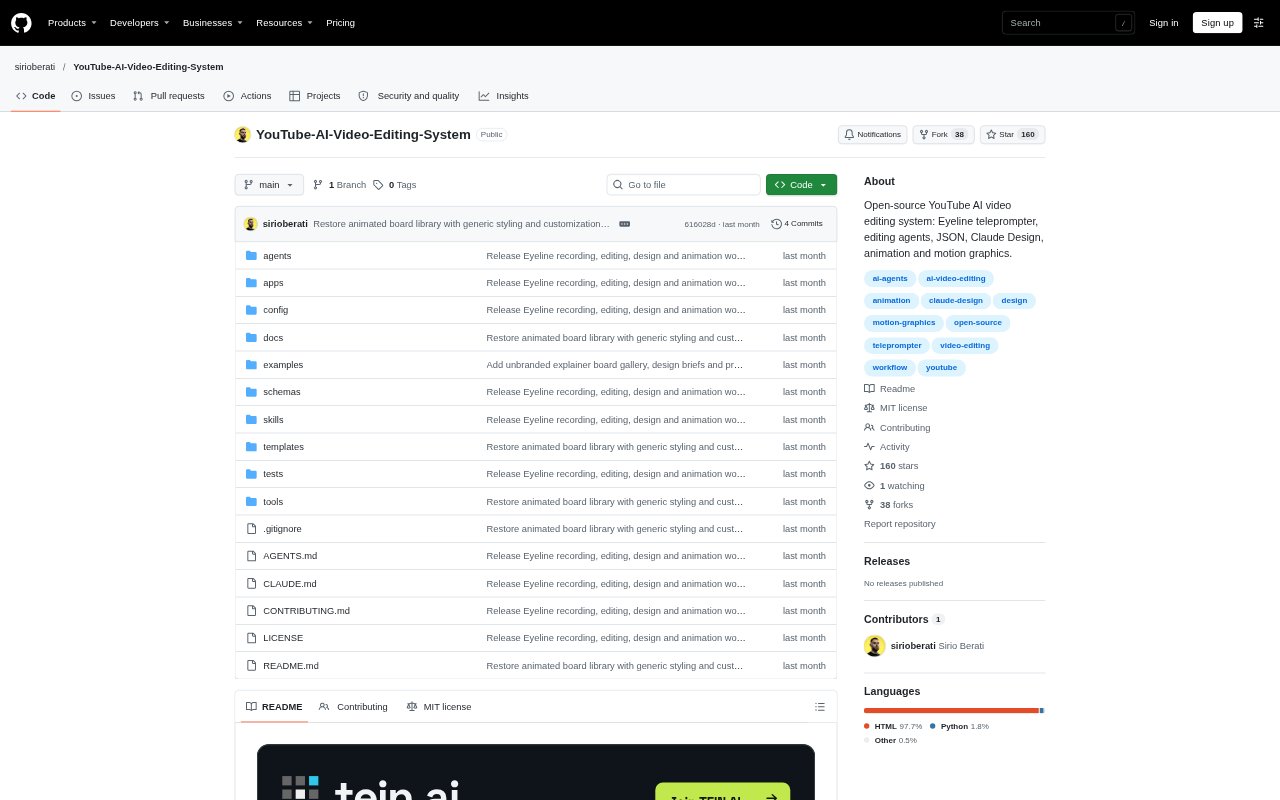
YouTube AI Video Editing System is an open-source workflow for recording, editing, designing, and animating YouTube videos. It combines a browser-based teleprompter and editing app with AI-assisted cutting tools, design templates, motion graphics workflows, and files for a final editor handoff. It is aimed at video creators who want to shape the workflow to their own voice and visual style, and who are comfortable running local apps and reviewing AI-generated edits themselves.
YouTube AI Video Editing System Features:
Voice-Following Recording: The Eyeline teleprompter follows the script as you speak, records microphone audio, tracks attempts, and lets you mark flubs.
AI Cut Proposals: Tools transcribe takes, estimate camera sync and drift, create full-take playback proxies, and propose a candidate cut for review.
Source-Linked Editing: Eyeline Edit displays clips with waveforms and word timings, supports adjusting cut edges, and can relink camera originals.
Design Board Library: The design pack includes animated and static HTML reference boards, starter layouts, example briefs, and prompts for planning and reviewing designs.
Motion Graphics: Boards can use JSON timelines and a local frame renderer to align graphic changes with narration and preview or export deterministic states.
Editor Handoff: The workflow organizes approved audio, transcripts, source mappings, design assets, board renders, and timing manifests for a non-linear editor.
YouTube AI Video Editing System Benefits:
Human Control: Candidate edits stay proposals rather than replacing the active edit plan, leaving creators in charge of final cutting decisions.
Adaptable Process: Readable Markdown and JSON decisions make it possible to change workflow rules, use a preferred AI agent, and continue editing by hand.
Consistent Handoff: A predictable project structure keeps production materials together, making it easier to pass an approved cut and its supporting assets into finishing.
Local App Workflow: Both apps run locally, so creators can work with their project files on their own machine, while accounting for browser and external AI service data policies.
Use Cases:
Scripted Videos: Record a presenter reading a prepared script, keep track of alternate takes, and review the resulting recording materials in one project.
Drafting a Cut: Use transcription and a candidate cut to get a starting point from several takes, then inspect the proposed edits and listen before approval.
Narrated Explainers: Build a design brief from an approved transcript, adapt a reference board, and time motion graphics to the narration.
Editor Delivery: Prepare approved audio, captions, source mappings, and rendered visual assets for final assembly in Resolve, Premiere, or another editor.