

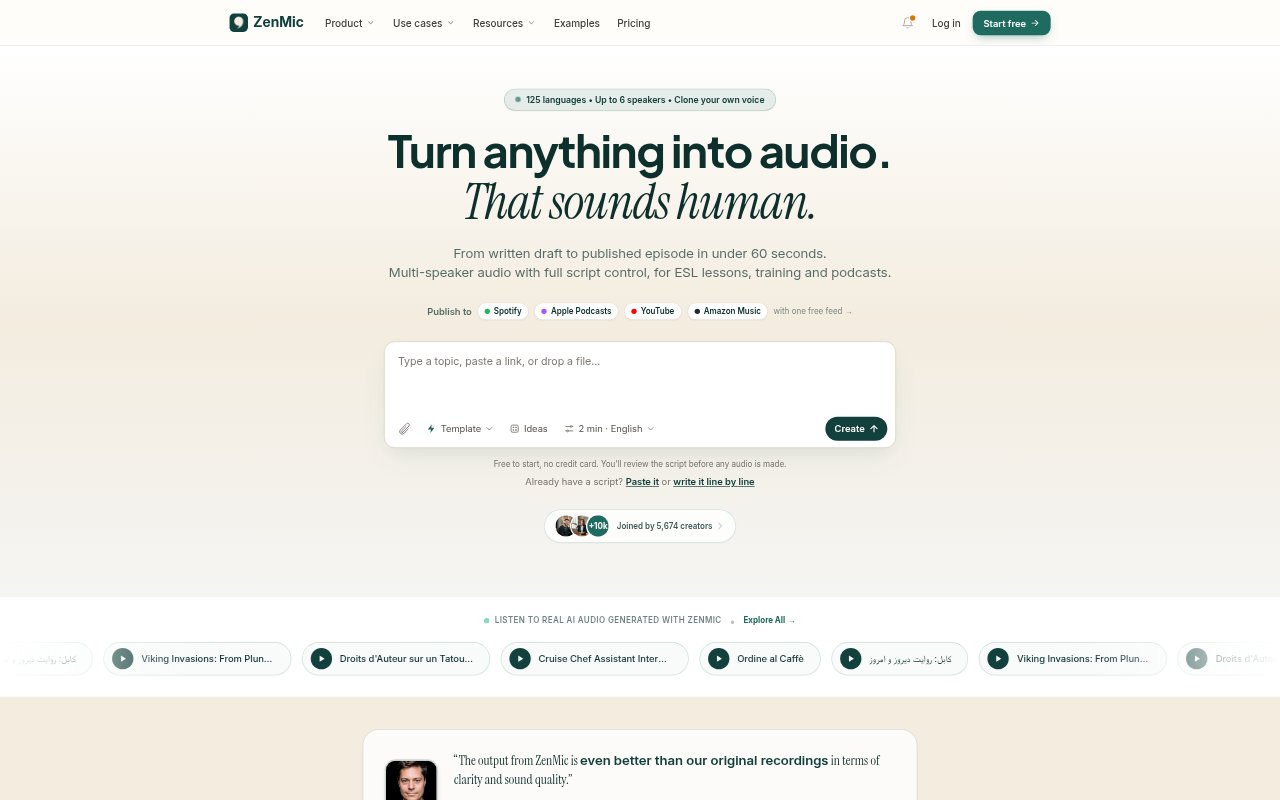
What is ZenMic?
ZenMic turns topics, links, notes, documents, and scripts into multi-speaker audio, with tools to write, edit, voice, and publish episodes. It is aimed at ESL teachers, learning and development teams, podcast creators, and other people making spoken content. You can shape the script before generating audio, choose voices and language, then download an MP3 or publish through an RSS feed.
ZenMic Features:
Content to Audio: Start with a topic, URL, document, notes, or pasted script, and have ZenMic draft dialogue and assign a voice to each speaker.
Script Editing: Edit dialogue line by line or in a full-text view, change which speaker says a line, and revise the script before generating audio.
Cast and Direction: Set a cast of one to six speakers, describe their roles and the scene, and direct delivery with styles, pauses, laughs, or sighs.
Voice Options: Preview 30 voices, design a voice from a description, or clone your own from a 10–30 second sample with a consent recording.
Language and Length: Generate scripts in more than 100 languages and choose an approximate episode length of two, five, eight, or ten minutes.
Export and Publishing: Download MP3 audio, embed a web player, or publish through an RSS feed that can be submitted to podcast platforms.
ZenMic Benefits:
Faster Production: Generating audio from a written idea or source material avoids the need to record every speaker and can produce audio in about a minute.
Editorial Control: Reviewing and revising the script before generation gives creators a chance to correct details and shape the finished dialogue.
Consistent Delivery: Reusable AI voices and the option to use a cloned voice help keep a recognizable speaker identity across lessons, stories, or episodes.
Easier Localization: Producing scripts in many languages lets educators and creators prepare audio for audiences who use different languages.
More Ways to Share: MP3 downloads, embeddable players, and podcast feeds give teams several ways to distribute audio without rebuilding it for each channel.
Use Cases:
ESL Listening Lessons: Create conversational practice between speakers, such as a native English speaker and a learner navigating a real-world situation.
Corporate Training: Turn training material into roleplay audio for staff learning about situations such as sales conversations or customer service.
Podcast Episodes: Convert an idea, article, or set of notes into an editable episode, then publish new audio through a project RSS feed.
Online Course Audio: Make spoken versions of course material for learners who want to listen to lessons rather than read them.
Audio Stories: Build dialogue-driven stories with several characters, distinct voices, and directed delivery such as excitement or a pause.