

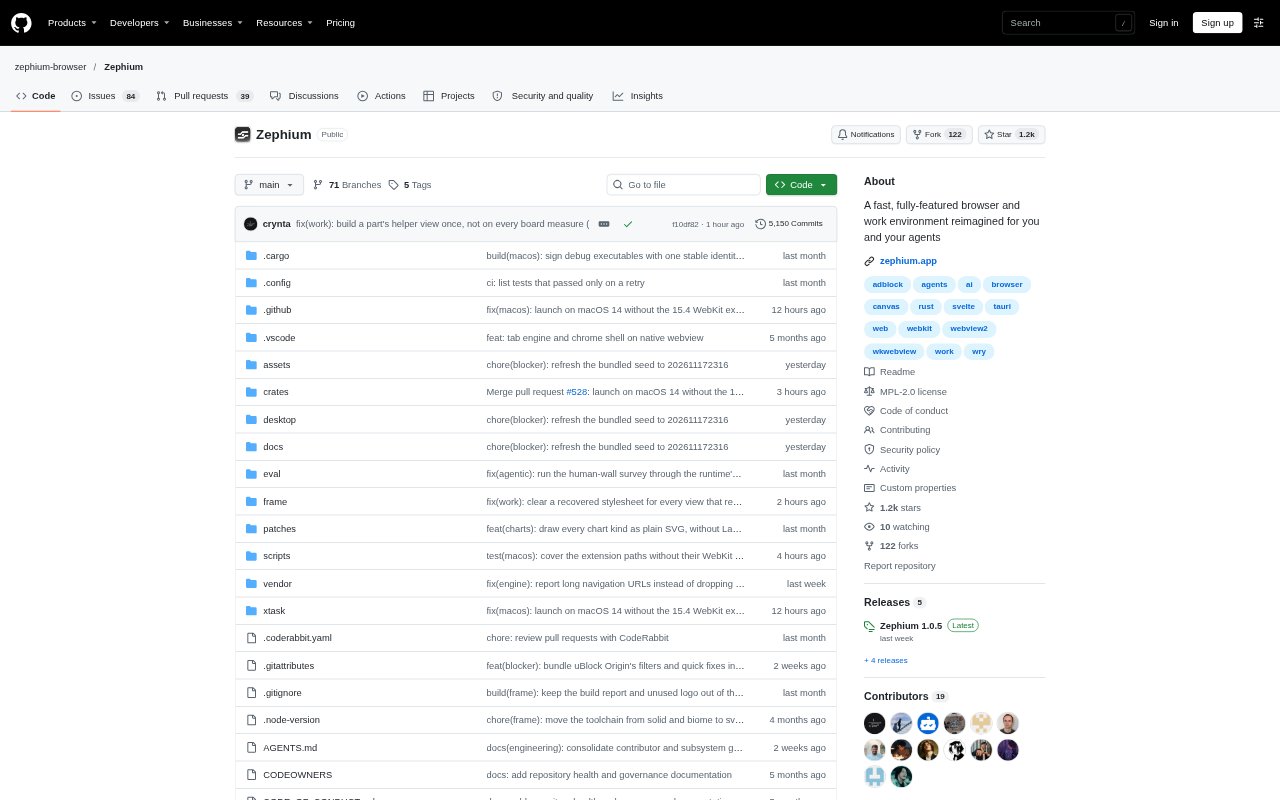
What is Zephium?
Zephium is an open-source browser for macOS and Windows that combines everyday browsing with a workspace where AI agents can research, compare options and turn plans into work. Its Work canvas lets users watch agents browse live pages, while a browser sidebar keeps tasks, notes and activity close at hand. It can be used as a browser without AI; when agents are enabled, users can choose Zephium AI, connect their own model keys or use a local model.
Zephium Features:
Work Canvas: Describe an outcome and Work lays out research, comparisons, plans, code and other results on a canvas that stays available after the run.
Visible Agents: Agents browse live websites in view, can work in parallel on separate parts of a goal, and can be stopped during a run.
Model Choice: Use Zephium AI, provide keys for models from OpenAI, Anthropic or Gemini, or connect a local model.
Browser Protection: A built-in network-level blocker stops ads and trackers, and Chrome extensions can be installed from the Chrome Web Store.
Tasks and Notes: The sidebar includes tasks and Markdown notes, while the launcher can bring up tabs, history, notes and commands from the desktop.
Files and Tools: Agents can read and edit folders users grant access to, run commands, and connect to MCP servers and command-line tools.
Zephium Benefits:
Keep Research Together: Comparisons and plans remain organized beside their source pages, so users can return to the useful work without searching through a chat transcript.
Review as It Works: Seeing agents browse and checking which pages inform a result makes it easier to follow their progress and intervene when needed.
Use Existing Setup: A choice of hosted, user-provided or local models lets people fit agent work to their preferred model setup.
Reduce Browser Clutter: Built-in blocking and familiar extensions help users browse with fewer unwanted page elements without giving up common browser add-ons.
Carry Plans Forward: Tasks and notes beside the page make it easier to keep next steps and reference material connected to ongoing browser work.
Use Cases:
Compare Vendors: Ask agents to review several providers on their live sites, gather findings side by side and leave a comparison to support a selection.
Plan a Trip: Use parallel helpers to check flights, places to stay and visa details, then keep the itinerary and next steps on the canvas.
Research a Topic: Browse source pages with agents, collect relevant findings and organize them into a plan, table or other saved canvas result.
Organize the Day: Keep browser-related tasks, deadlines and notes in the sidebar, then use the launcher to find them alongside tabs and history.
Work on Code: Give agents access to selected folders so they can inspect files, run commands and help investigate a bug or map a system.