

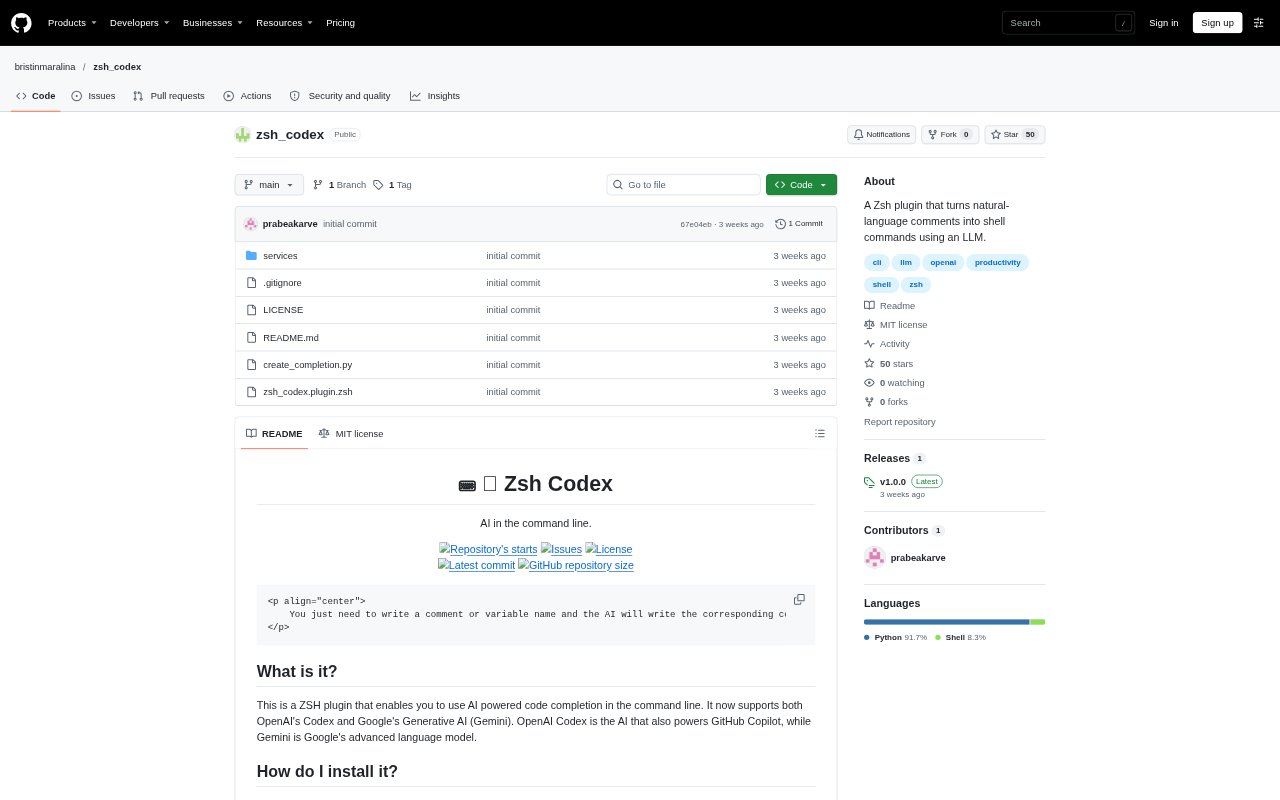
What is zsh_codex?
zsh_codex is a Zsh plugin that uses an AI model to complete code or create shell commands from natural-language comments and prompts. It is for people who work in a Zsh command line and want to draft commands without leaving the terminal. The plugin can be configured to use services including OpenAI, Gemini, Groq, Mistral, or a self-hosted Ollama setup, with the selected service defined in a configuration file.
zsh_codex Features:
Prompt-Based Completion: Write a comment or describe a command in the terminal, then trigger the plugin to generate a completion.
Zsh Keybinding: Bind the completion action to a keyboard shortcut, with the setup guide using Control-X as its example.
Service Selection: Define more than one AI service configuration and choose which one the plugin uses in its service settings.
Model Providers: Configure connections for OpenAI, Gemini, Groq, Mistral, or a self-hosted Ollama service.
Prompt Context: Provide relevant context in the prompt, or enable a pre-execution option to run the prompt through Zsh before requesting completion.
Python Environment: Set a Python executable path when the required OpenAI or Google Generative AI package is installed in a virtual environment.
zsh_codex Benefits:
Faster Command Drafting: Turning a plain-language request into a command can cut down the time spent recalling shell syntax and composing it by hand.
Terminal Focus: Getting command suggestions in the Zsh prompt lets users work through command-line tasks without moving to a separate AI interface.
Provider Choice: The range of configurable services lets teams and individuals choose among the listed hosted models or a self-hosted option.
Reusable Setup: Keeping service details in a configuration file makes it easier to switch the active service without rebuilding the shell workflow.
Contextual Commands: Adding relevant context to a request can help shape a completion around the task instead of relying on a bare command fragment.
Use Cases:
Git Changes: Ask for a command to stage files, create a descriptive commit based on a diff, and push the changes.
Unfamiliar Syntax: Describe a shell task in ordinary language when the exact command or combination of flags is not known.
Command-Line Coding: Use a comment or variable name as a starting point for generating code while working in the command line.
Context-Aware Tasks: Collect details needed for a more specific request by enabling the option that runs the prompt through Zsh before completion.
Personal AI Setup: Configure the plugin to use a preferred service, such as an OpenAI-compatible endpoint or a local Ollama instance.