

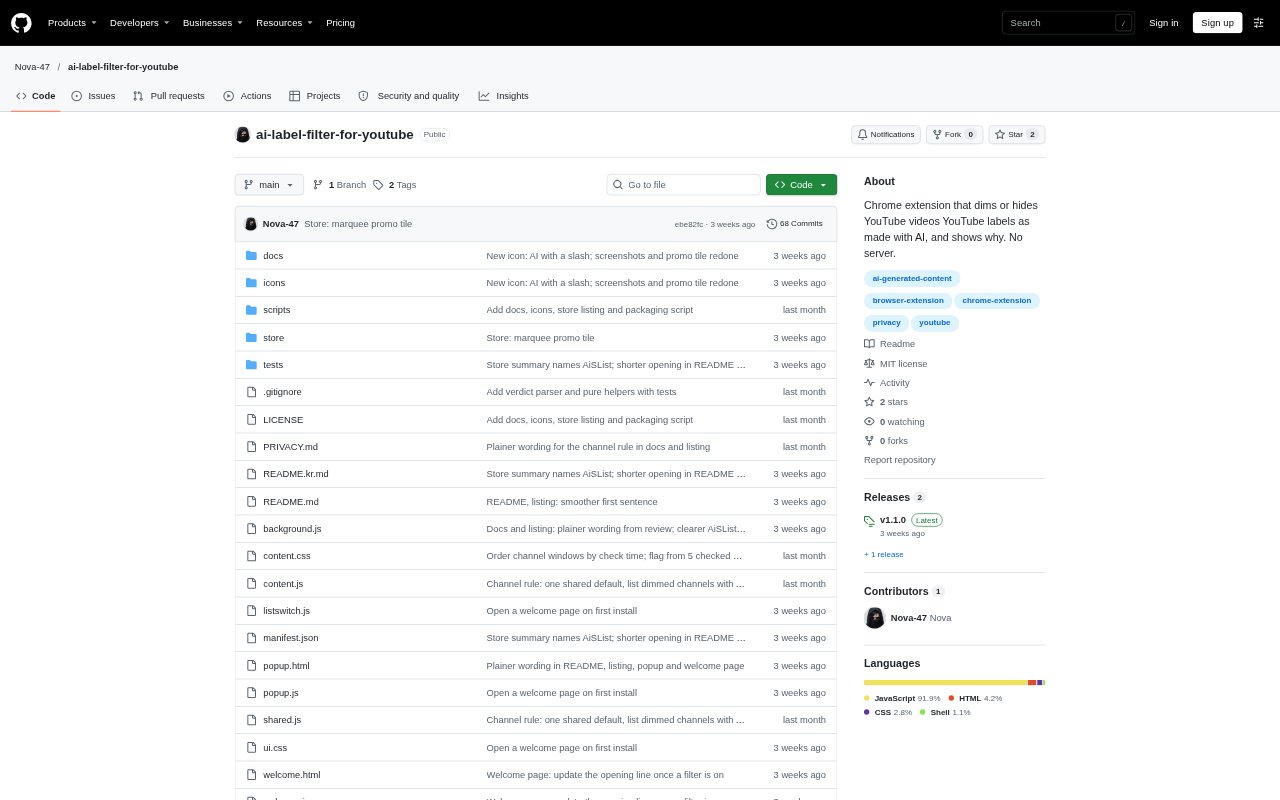
What is AI Label Filter for YouTube?
AI Label Filter for YouTube is a Chrome extension for people who want to see which videos YouTube has marked as made with AI and decide how those videos appear in their feeds. It identifies videos using YouTube’s AI badge, rather than judging titles or thumbnails, and can dim or hide matching cards while explaining the reason. It also supports channel lists and an optional community list, with controls for allowing or blocking channels. The extension requires Chrome 110 or later and has no account or developer-operated server.
AI Label Filter for YouTube Features:
YouTube Label Detection: The extension treats a video as AI-labelled only when YouTube’s watch-page data contains its AI badge, without using a model or guessing from the title or thumbnail.
Feed Coverage: It recognizes video cards on home, subscriptions, search, channel pages, playlists, watch-page sidebars and Shorts shelves, using saved results unless visible-video checking is enabled.
Card Display Controls: Filtered cards are dimmed by default with a reason chip, a Show option and, when a channel link is available, an Allow channel option; Hide removes eligible cards.
Channel Lists: You can add channels to Hidden channels or Always shown channels, and use the watch-page banner to hide the channel of a labelled video.
Recent Channel Rule: An optional rule dims a channel when at least five of its last 20 checked videos meet the configured threshold of AI labels, and the popup lets you allow those channels.
Community List: An optional setting filters channels listed in AiSList, a community list of more than 30,000 channels, and is off until you turn it on.
Local Operation: Results and settings are saved on your device, requests go to YouTube without your cookies, and the extension does not send information to its developer.
AI Label Filter for YouTube Benefits:
Clear Decisions: Seeing the reason beside a filtered card helps you distinguish a YouTube-labelled video from one filtered because of a channel rule or list.
Fewer Distractions: Dimming or removing selected cards can make searches and other feeds with many AI-labelled uploads easier to scan.
Control Over Feeds: The separate show, hide, allow and block controls let you adjust filtering without treating every channel or video the same way.
Measured Filtering: Because the extension relies on YouTube’s badge and identifies inferred channel filtering separately, you can see what the filter knows versus what it infers.
Privacy Awareness: No developer account or server is involved, and requests omit your YouTube cookies, limiting what the extension shares beyond the video checks sent to YouTube.
Use Cases:
AI Heavy Searches: Use it while searching topics such as lofi, jazz or history, where the project notes that results can include many AI uploads.
Reviewing Home Feeds: Turn on visible-video checks when you want the extension to check unsaved cards as they appear, rather than relying only on results already stored on your device.
Managing Channels: Block a channel after opening one of its labelled videos, or allow a channel whose cards you want to keep visible despite filtering rules.
Checking Subscriptions: Apply saved label results and channel rules while browsing subscription feeds, and choose whether matching cards should be dimmed or hidden.
Filtering Playlists: Use the same card controls on playlist pages to review videos against saved YouTube label results, channel lists and any enabled community list.