

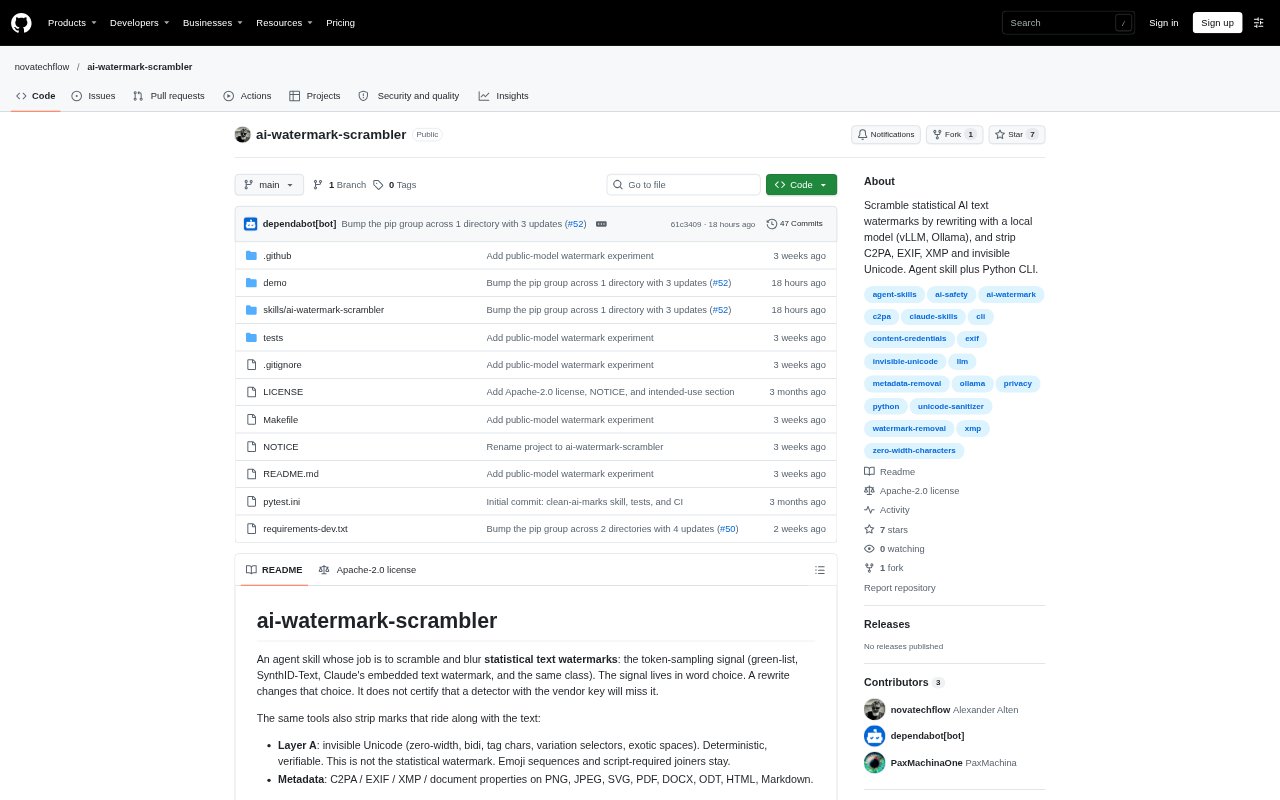
What is AI Watermark Scrambler?
AI Watermark Scrambler is a Python command-line tool and agent skill for inspecting and cleaning text and document files, and rewriting prose to try to weaken statistical text-watermark signals. It is intended for people working with AI-generated text who need to check for invisible Unicode characters or file metadata, or explore how rewriting affects a watermark. Its workflows address separate mark types, and a rewrite does not certify that a detector using a vendor key will fail.
AI Watermark Scrambler Features:
Watermark Rewriting: Choose among content-word simplification, paraphrasing, backtranslation, and structural rewriting that changes wording and sentence order.
Unicode Cleanup: Remove invisible Unicode marks such as zero-width characters, bidirectional controls, tag characters, variation selectors, and unusual spaces while preserving emoji sequences and script-required joiners.
Metadata Removal: Clean C2PA, EXIF, XMP, and document properties from PNG, JPEG, SVG, PDF, DOCX, ODT, HTML, and Markdown files.
File Inspection: Use command-line inspectors to check files for metadata and text sources for invisible Unicode characters before or after cleaning.
Agent Skill: Load the skill from supported discovery directories for Grok, Claude Code, or Cursor, or direct another agent that can run Python to follow its workflow.
Local Model Support: Run rewriting through a local model using Ollama or vLLM, and use a model other than the one that likely generated the original text.
AI Watermark Scrambler Benefits:
Separate Mark Types: Treating statistical text signals, invisible characters, and file metadata as different channels helps avoid assuming that one cleanup step addresses every kind of mark.
Know What Changed: Inspection before and after cleanup gives users a way to check which supported marks were found and what the cleanup workflow addressed.
Choose Rewrite Scope: Several rewrite strengths let users weigh a lighter edit against more substantial changes to wording and sentence order.
Set Clear Expectations: The distinction between deterministic cleanup and an unverified statistical rewrite helps users describe what was checked without claiming a detector result.
Repeatable Checks: Command-line scripts and an agent workflow provide a consistent sequence for inspection, cleanup, rewriting, and a follow-up check.
Use Cases:
Review a Draft: Inspect a text draft for invisible Unicode characters before sharing it, then check the text again after making edits.
Clean a Document: Remove supported metadata from a PDF, office document, image, or web file before passing it to another person or workflow.
Revise AI Prose: Apply a light simplification or a broader paraphrase to prose when exploring how wording changes affect a statistical watermark signal.
Agent-Based Cleanup: Add the skill to an agent environment so an agent can inspect a file, create a cleaned copy, and report which steps it performed.
Watermark Research: Use the included research harness to generate a document with a known key, run cleanup and rewriting, and examine the resulting green-list z-score.