

What is AiSniff?
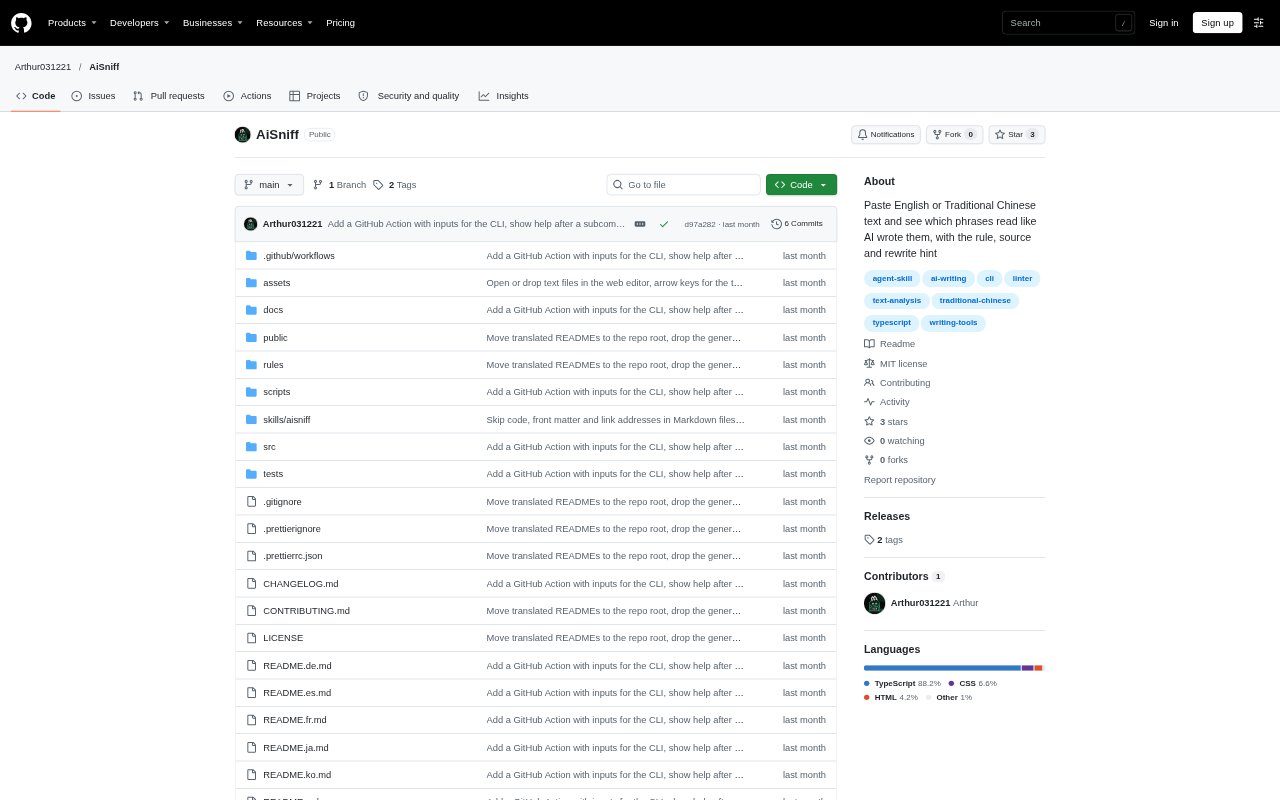
AiSniff scans English and Chinese text for phrases that match documented patterns associated with AI-style writing. It highlights each match with its rule, a public source and a plain rewrite hint, and is available as a browser editor, command-line tool and agent skill. Its rules run locally without a server or model call. AiSniff reports wording patterns, not authorship: a match does not show that AI wrote a passage, and no match does not establish that a person did.
AiSniff Features:
Pattern Highlighting: The browser editor marks phrases that match its documented rules, then groups the results by type and displays a count relative to words or characters.
Rule Explanations: Each match can show its rule, confidence, source and rewrite hint, while the CLI can display passing and failing examples for a selected rule.
Rewrite Options: Some marked phrases offer a one-click rewrite in the editor, with an undo option available after the change.
CLI Checks: The command-line tool scans files, folders or standard input, and can output text, JSON or GitHub Actions annotations.
Review Controls: Set a minimum confidence, disable individual rules or rule groups, and apply density thresholds through command flags or a project configuration file.
Text Handling: The editor accepts pasted text and files up to 2 MB, while the CLI can skip code blocks, inline code, front matter, comments and link addresses in Markdown.
AiSniff Benefits:
Focused Editing: Writers can spend review time on specific flagged wording instead of making broad changes to a draft without knowing what prompted them.
Clearer Revisions: A rule and rewrite hint give editors a concrete starting point for revising a phrase while keeping the intended meaning in view.
Private Browser Review: Text entered in the web editor stays in the browser, making it possible to inspect a draft without sending its contents to a server.
Repeatable Checks: Shared configuration and threshold-based checks help teams apply the same review criteria across project files and automated workflows.
Measured Expectations: The distinction between pattern matching and authorship helps users treat results as editing signals rather than proof about who wrote a passage.
Use Cases:
Draft Cleanup: An editor preparing a blog post or report can scan the draft, inspect flagged phrases and consider the suggested wording before publication.
Documentation Review: A documentation maintainer can check Markdown files or folders for recurring phrases while excluding code and other Markdown sections from CLI scans.
Writing Feedback: A writing coach can use marked examples and rule explanations to discuss particular wording choices with a student or client.
CI Quality Checks: A team can run scans on documentation in GitHub Actions and receive annotations or a failed check when configured density limits are exceeded.
Chinese Copy Review: A writer reviewing English, Traditional Chinese or Simplified Chinese copy can check for listed patterns, with Simplified Chinese converted for rule matching.