

What is Frink?
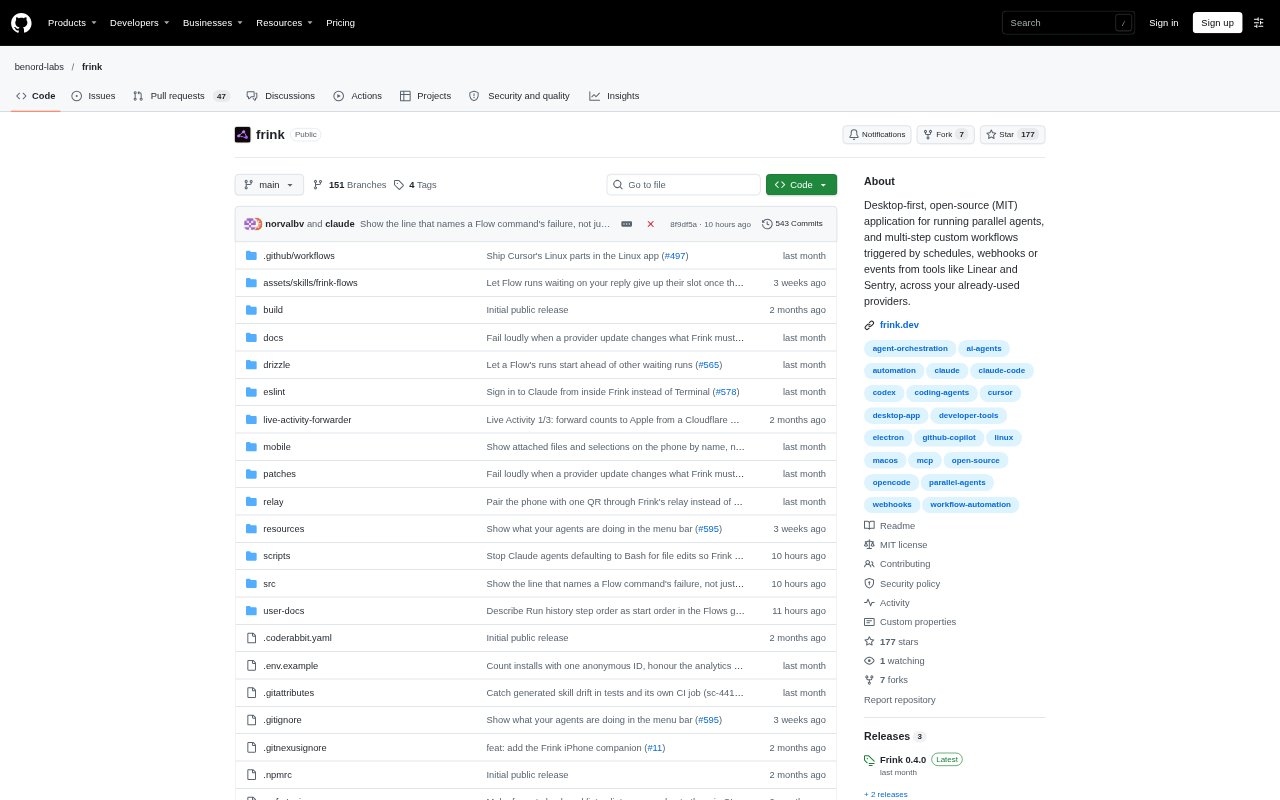
Frink is a desktop app for developers who want to run coding agents in parallel and automate repeatable engineering workflows. It brings agent sessions, custom multi-step Flows, and human review into one local workspace, using coding tools and accounts they already have. Flows can start on a schedule, through a webhook, or from events in supported project and monitoring tools. Frink runs on macOS 13 or later and Linux, and does not require a Frink account.
Frink Features:
Parallel Agents: Run up to four agents at once in separate panes, each with its own model and diff, and assign each a different job.
Git Worktrees: Place agents in separate git worktrees so they can work on different files without changing the same project files.
Custom Flows: Describe a routine in a sentence, review the resulting steps, and combine agent, command, approval, and custom code steps.
Workflow Triggers: Start Flows on a schedule, from a webhook, or in response to events from Linear, Shortcut, ClickUp, Sentry, PostHog, or Vercel.
Work Queue: See runs across projects by status, review finished work, respond to agent questions, and approve steps that are waiting for your decision.
Code Review Tools: Inspect file diffs, edit and save changes in the built-in editor, run terminal commands, or roll a chat and its code back.
Existing Agent Accounts: Use Claude Code, Codex, OpenCode, GitHub Copilot, or Cursor with your existing sign-in or an Anthropic API key.
Frink Benefits:
Less Context Switching: Keeping agent work, workflow runs, and review in one desktop workspace makes it easier to track engineering tasks without hopping between separate views.
Safer Parallel Work: Separate panes, diffs, and worktrees make it easier to see what each agent changed and reduce the chance of overlapping file edits.
Human Oversight: Approval steps and a shared queue let you check agent output and make decisions before a workflow proceeds.
Reusable Routines: Saving a multi-step process as a Flow means recurring engineering tasks can follow a consistent sequence instead of being rebuilt each time.
Local Control: Chats, Flows, and tasks are stored in SQLite on your computer, while you continue using the AI accounts you already maintain.
Use Cases:
Test And Fix: Schedule a weekday test run, have an agent address failures, and require your approval before the workflow opens a pull request.
Ticket Triage: Start a Flow when a ticket arrives in Linear, Shortcut, or ClickUp, then route the work through agent and approval steps.
Incident Response: Trigger a workflow from a Sentry error or a webhook, and use an agent to investigate or handle a defined follow-up task.
Concurrent Coding: Give several agents separate development tasks in one project, then inspect each agent’s changes in its own diff.
Release Checks: Run a repeatable command-and-review sequence after a deployment or other event from Vercel, with an approval point for human review.