
What is GPTHelp.ai?
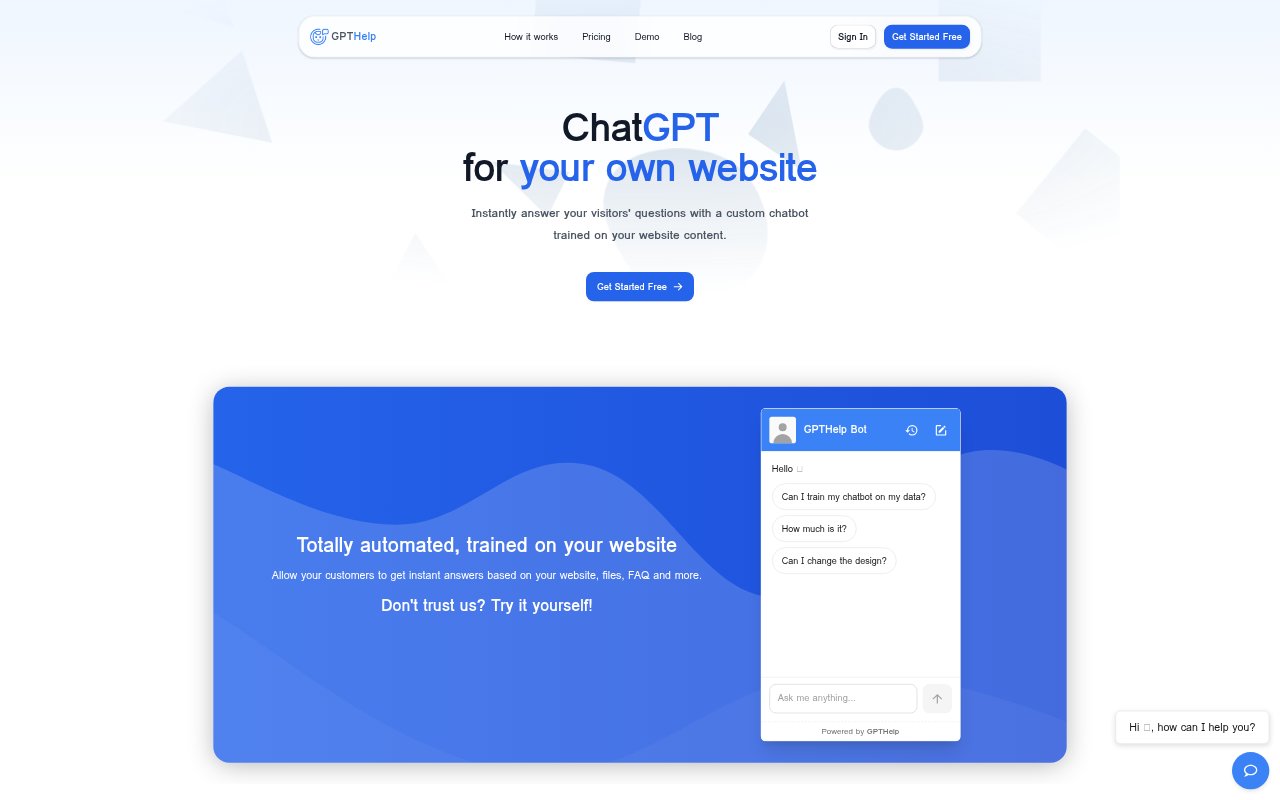
GPTHelp.ai lets businesses add an AI support chatbot to a website and train it on the site’s content, files, FAQs, and added text. Visitors can ask questions about the business and receive answers based on that material. Teams can adjust the bot’s appearance and behavior, review conversations, and step in when a chat needs human support. It is designed for organizations that want a self-service support channel grounded in their own information.
GPTHelp.ai Features:
Website Crawling: Enter a website address and GPTHelp.ai fetches its pages, then trains a chatbot on the collected website content.
Additional Knowledge: Supplement website content with uploaded files, FAQs, or raw text so the chatbot can draw on more business information.
Bot Behavior: Set the chatbot’s name, role, and attitude, choose when to escalate a conversation, and specify what details it should collect.
Visual Customization: Adjust the chatbot’s color, size, and icons to better match the design of the website where it appears.
Conversation Review: View chat history, take over conversations, and modify chatbot answers while monitoring how it responds to visitors.
Multi-Site Embedding: Embed chatbots on unlimited websites, with plan limits on the number of bots, source pages, files, and monthly messages.
GPTHelp.ai Benefits:
Faster Self-Service: Visitors can get answers to questions about a business without having to wait for a support representative to respond.
Consistent Information: Using a shared knowledge base helps keep answers connected to the information the business has provided.
Focused Escalations: Setting handoff conditions and requested details can help human support teams receive conversations with useful context.
Quality Visibility: Reviewing chat history makes it easier to see where responses work well and where the chatbot may need adjustment.
Flexible Coverage: Different plan sizes let teams choose capacity for their chatbot count, content sources, and expected message volume.
Use Cases:
Product Questions: Give website visitors a place to ask about products or services using information already available on the business’s site.
Support FAQs: Handle recurring customer questions by grounding responses in a company FAQ alongside its website content.
Lead Intake: Configure the chatbot to collect selected details from a visitor before escalating the conversation to a person.
Agent Handoffs: Use human takeover when a visitor’s issue needs personal attention rather than an automated answer.
Multiple Websites: Set up chatbots for separate sites or business properties and embed them across unlimited websites.