

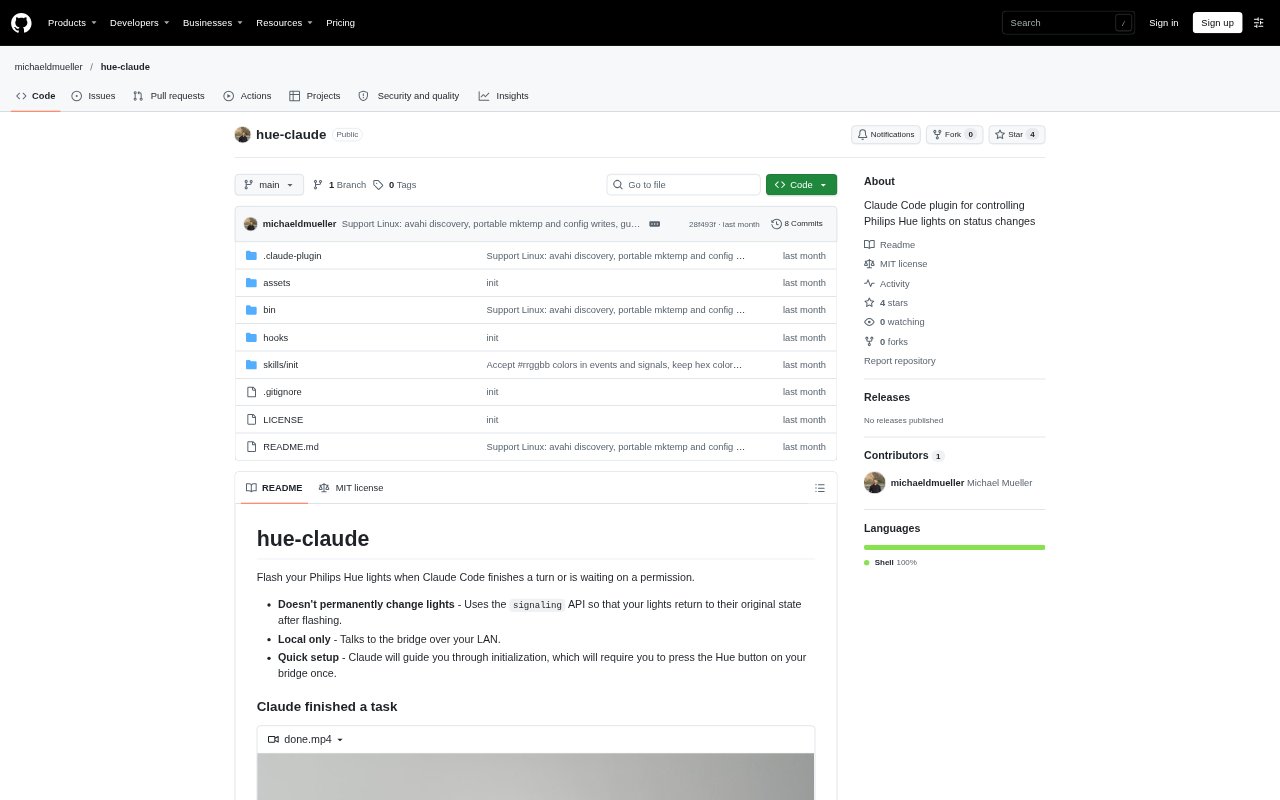
What is hue-claude?
hue-claude is a Claude Code plugin that uses Philips Hue lights to signal when a coding turn is finished or when Claude is waiting for permission or feedback. It connects to a Hue Bridge over the local network and lets users choose which compatible lights respond. Setup searches for the bridge and guides users through pairing, then records the selected lights. It is intended for developers using Claude Code with a supported Hue Bridge and color bulbs.
hue-claude Features:
Status Signals: The plugin flashes lights when Claude Code finishes a turn and uses a separate signal when it needs user feedback or permission.
Temporary Signals: Its signaling API returns lights to their original state after each flash instead of leaving them changed.
Bridge Setup: The /hue:init flow searches for a Hue Bridge and guides users through pairing by asking them to press its link button.
Light Selection: During initialization, users choose which lights to control, and the selection is saved in a local configuration file.
Signal Customization: Users can change the default colors and durations and choose alternating, single-color, on-off, or breathing signals.
Local Connection: The plugin communicates with the Hue Bridge over the local network, with discovery options for macOS and Linux.
hue-claude Benefits:
At-a-Glance Status: Light cues make it easier to notice a completed turn or a request for input without keeping Claude Code in view.
Distinct Prompts: Different signals for completion and waiting help users tell whether to review finished work or respond to a request.
Preserved Lighting: Returning lights to their previous state means status cues do not leave the room with a changed lighting setup.
Personalized Cues: Adjustable colors, patterns, and durations let users choose signals that suit their room and preferences.
LAN Communication: Local bridge communication keeps the plugin's ordinary connection within the home or office network.
Use Cases:
Parallel Coding: While working in another window, a developer can watch for a Hue flash to know when Claude Code has finished a turn.
Permission Requests: A developer can use the waiting signal as a prompt to return to Claude Code and approve or respond to a request.
Desk-Side Monitoring: Someone seated near their Hue lights can follow Claude Code's status while focusing on notes or another task.
Room-Specific Cues: A user can select particular compatible bulbs and set colors or patterns that are easy to distinguish in their workspace.
Personal Lighting: A developer who wants status notifications without persistent changes can use the temporary signals with their Hue setup.