

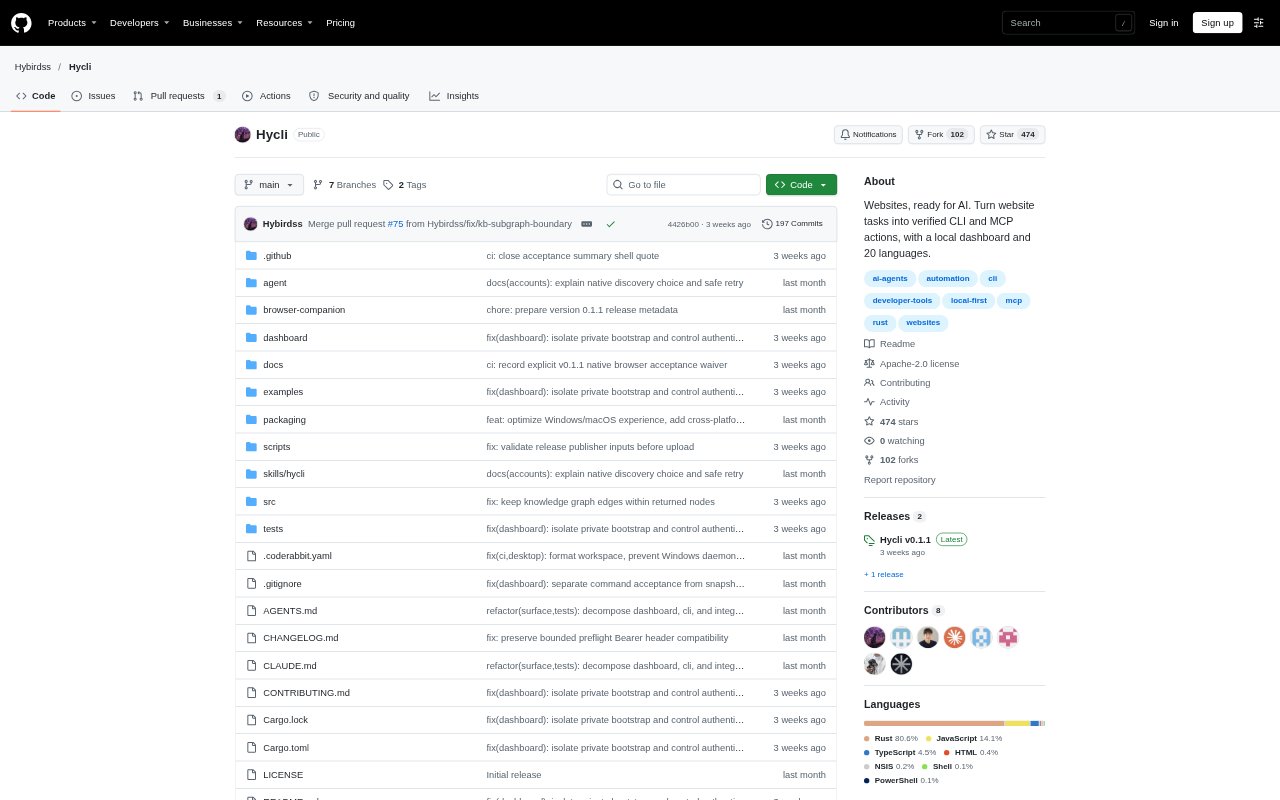
What is Hycli?
Hycli turns a website into a typed command-line interface and Model Context Protocol (MCP) server that an AI agent can use. It prepares read and write actions by inspecting documentation, frontend bundles, and live browser network traffic, then exposes them through commands and tools alongside a local dashboard. It is for people who want AI assistants to work with websites and logged-in accounts using their existing browser sessions.
Hycli Features:
Website Preparation: Hycli examines a site's documentation, frontend code, and browser network traffic to prepare actions without making changes to the account.
Typed Actions: It can prepare actions from REST and OpenAPI, GraphQL, HTML pages, JavaScript-rendered pages, and JSON or URL-encoded forms.
Structured Reads: Safe, evidence-based reads can run immediately, returning structured records, links, and pagination from supported pages.
Write Controls: Create, edit, send, and delete actions are off by default, and require permission to be enabled for each site's CLI.
Local Secret Handling: Browser credentials and API keys stay in a local vault, with secrets added at execution time and removed from outputs and logs.
Adaptive Execution: When a request encounters an authentication challenge or rate limit, Hycli can switch between HTTP, an authenticated browser context, and local Chromium.
Hycli Benefits:
Safer Setup: You can inspect the actions Hycli found before any write operation is allowed to change an account.
Credential Privacy: AI agents can work with authenticated sites without receiving the actual cookies, tokens, or API keys.
Clearer Oversight: The local dashboard and action descriptions make it easier to understand what an agent can do on each site.
Fewer Repeated Failures: Changing execution methods or pausing on a challenge helps avoid repeatedly sending requests that a site is blocking.
Reduced Duplication Risk: Write operations are not automatically retried after failure, helping prevent duplicate changes when an outcome is uncertain.
Use Cases:
Drafting Blog Posts: Prepare a site CLI so an agent can search posts, save a draft, and publish an article when you enable writes.
Searching Website Content: Use an AI agent to find pages or records on a site and return the results as structured data.
Working With APIs: Give an agent typed read and write actions for a website with REST, OpenAPI, or GraphQL interfaces.
Submitting Web Forms: Prepare account-scoped form submissions for tasks that use JSON or URL-encoded forms.
Connecting Coding Agents: Connect an MCP-compatible assistant such as Claude Code, Cursor, Codex, or Windsurf to prepared website actions.