

What is Kitepod?
Kitepod connects Claude, ChatGPT or Cursor to WordPress sites through a plugin and an MCP connector, so an assistant can make changes using the permissions of a WordPress user you select. It supports content, design, commerce, SEO, plugins and other site tasks, with edits staged for review when needed. It is aimed at people managing their own WordPress sites as well as agencies and others who maintain client sites.
Kitepod Features:
Content Management: Ask an assistant to write, edit or schedule pages and posts, and to organise media, menus and terms.
Builder Editing: Kitepod supports builders including Elementor, Divi, Bricks, Beaver Builder and Kadence, saving edits in the builder's own format.
Store Controls: Manage WooCommerce products, prices, stock and coupons, with changes staged for review before they go live.
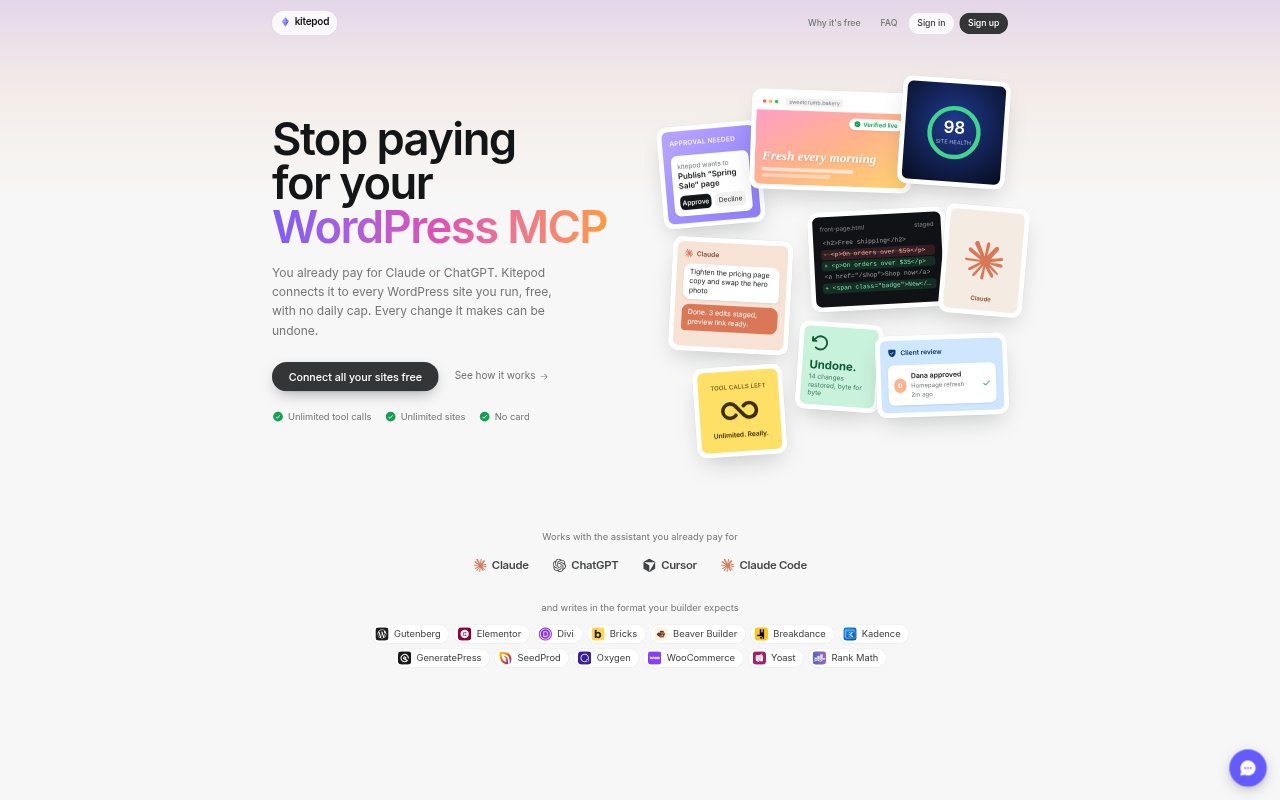
Site Safeguards: Risky edits can go to a preview first, live pages are checked after changes, and each write is snapshotted for up to 90 days.
Approval Controls: Code, user and database changes require a person's approval, and code snippets are created switched off.
Site Connections: Connect multiple WordPress sites to Claude, ChatGPT or Cursor using the Kitepod plugin and a connector URL.
Kitepod Benefits:
Lower Costs: The service is free with unlimited sites and tool calls, so you can connect WordPress without paying for a separate Kitepod plan.
Safer Changes: Previews, approvals and saved snapshots give you a chance to catch problems and recover edits instead of relying on the assistant's changes alone.
Client Visibility: A client can review a preview and approve or decline a change, helping site managers keep clients involved without handing over editing access.
Clear Records: A record of requests, changes and approvals makes it easier to explain what happened on a site and when.
Less Repetition: Putting connected sites in one conversation can reduce repeated work when a task needs to be carried out across several sites.
Use Cases:
Content Updates: Turn meeting notes into a blog post, add a featured image and schedule the post for publication.
Page Redesigns: Ask for a header or button style change, then review the staged design before it reaches the live site.
Online Promotions: Prepare a WooCommerce discount by changing product prices or creating a coupon for a scheduled sale.
SEO Cleanup: Generate missing meta descriptions across posts or update titles, redirects and schema through Yoast or Rank Math.
Client Maintenance: Update plugins across several client sites and invite each client to approve changes that need their decision.